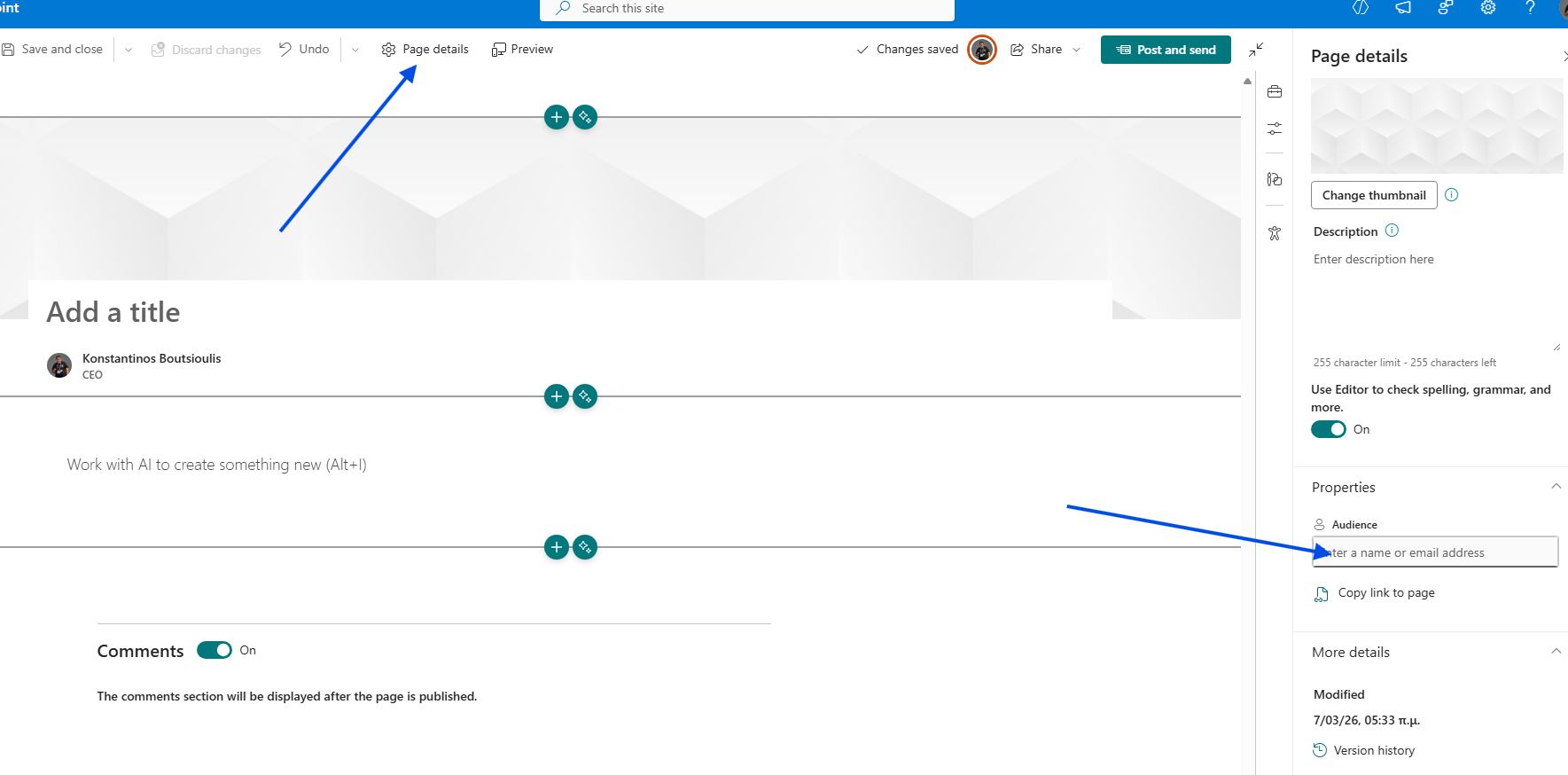
In today's post, we will look at how to enable Audience Targeting for news on a SharePoint Communication site.
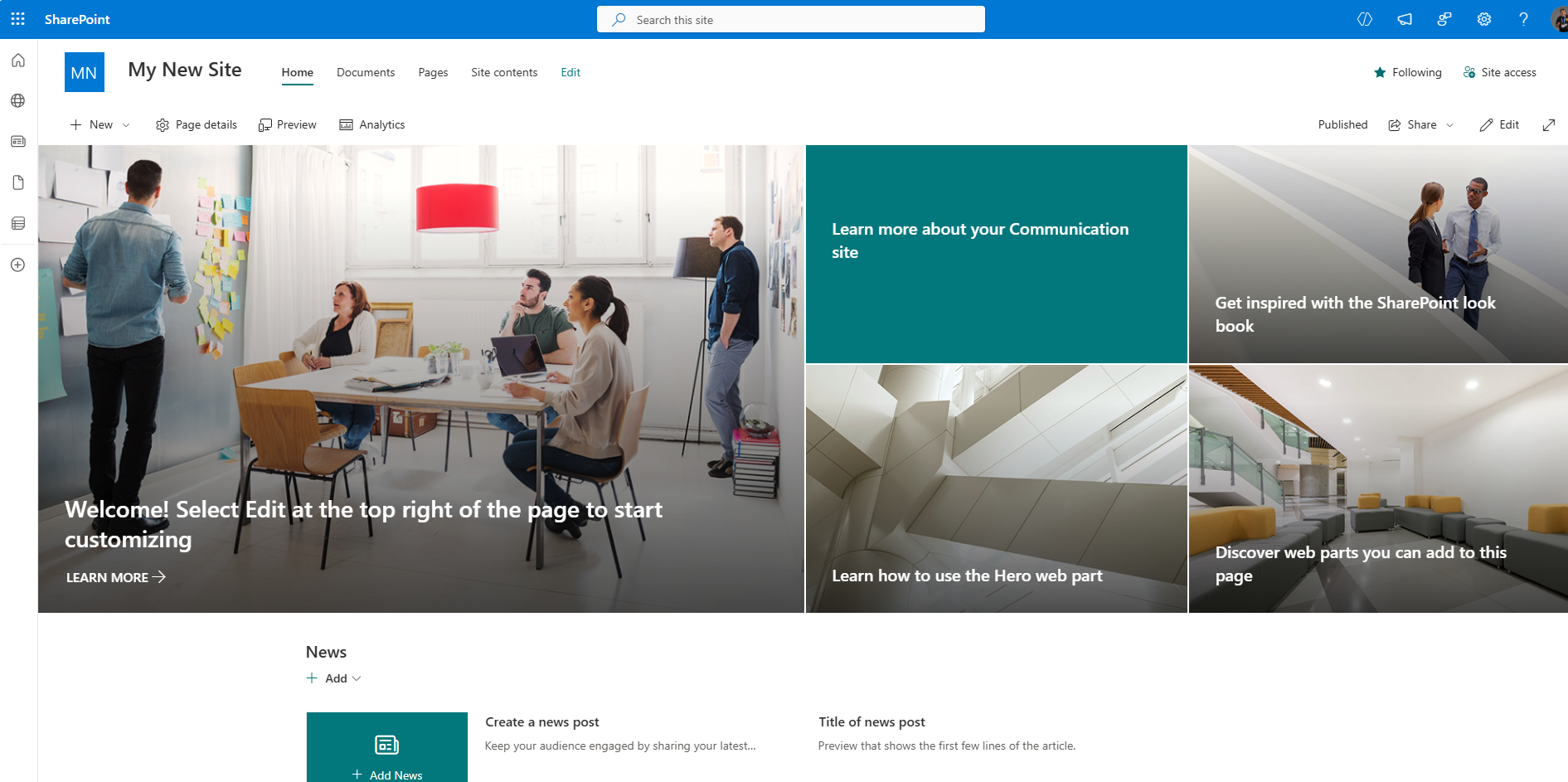
Access Site Contents: From the gear icon in the top right corner, select Site Contents.
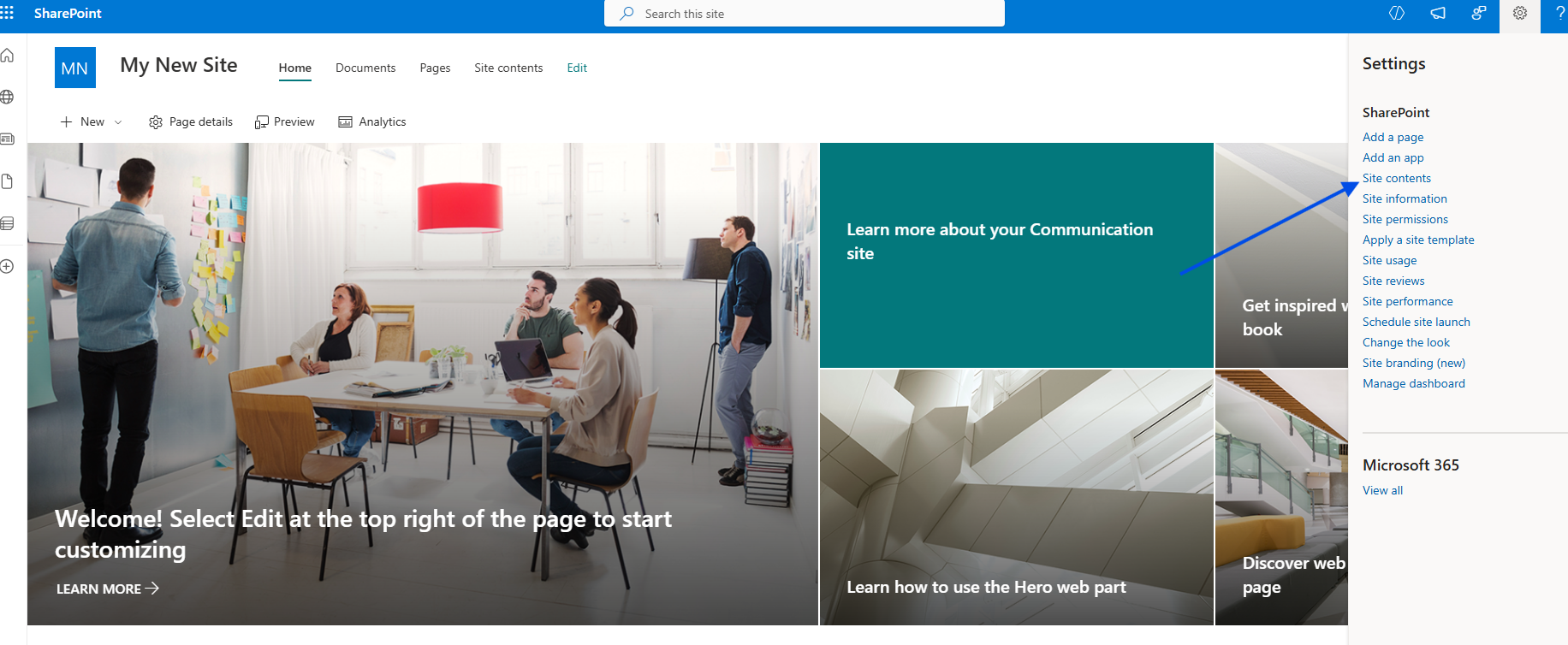
Open Site Pages: In the next step, select the Site Pages library.
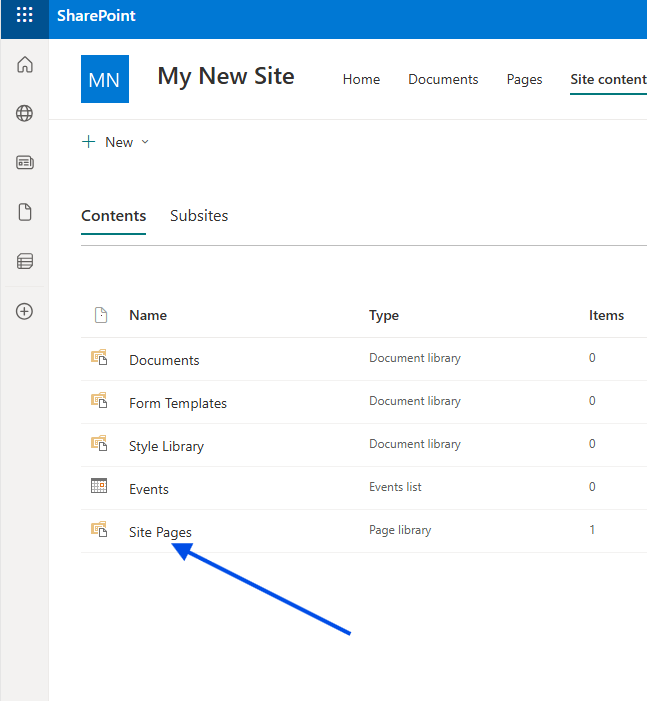
Library Settings: Click the gear icon in the top right again and select Library Settings.
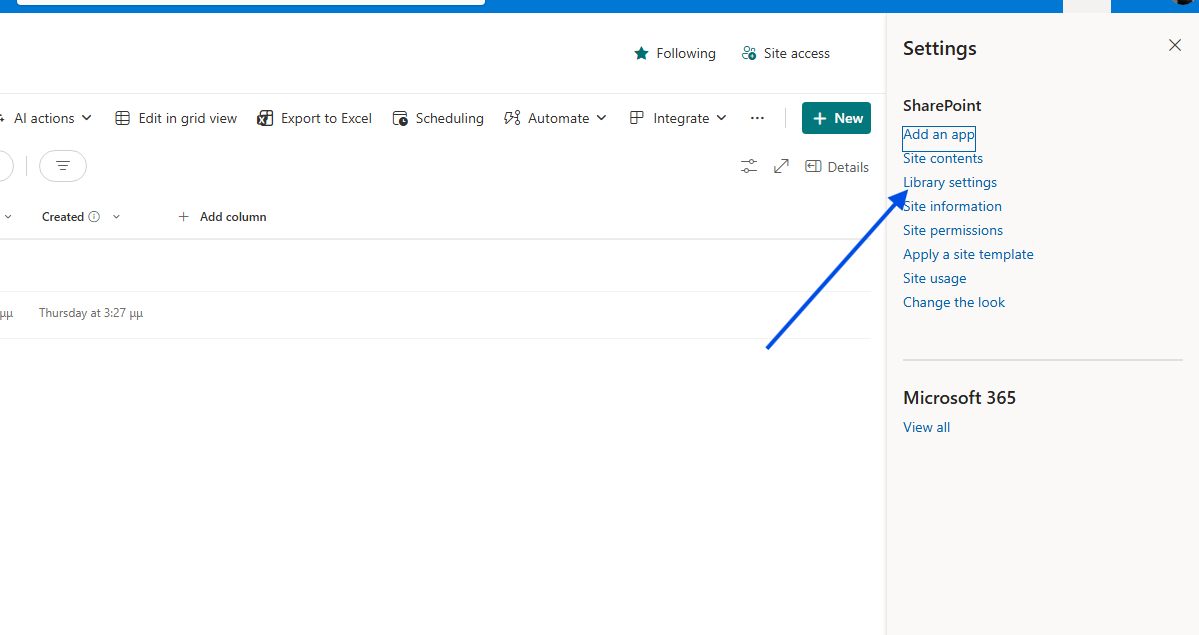
Advanced Settings: Then, select More Library Settings.
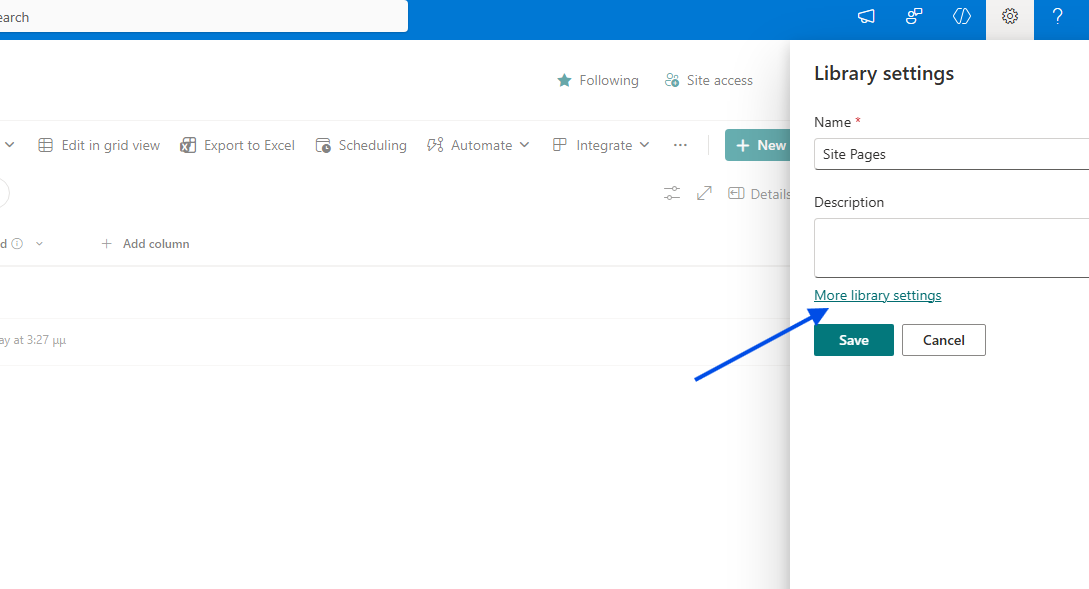
Targeting Settings: Under the library management options, select Audience targeting settings.
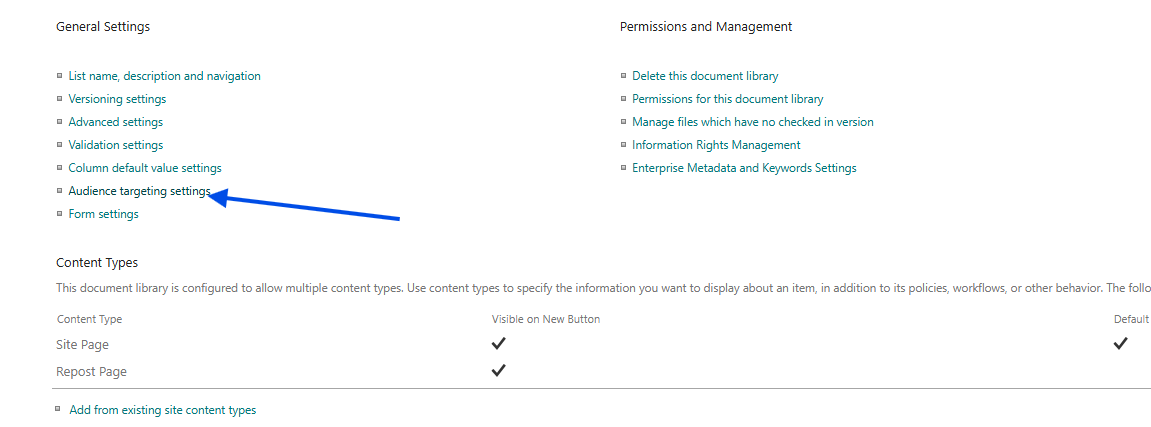
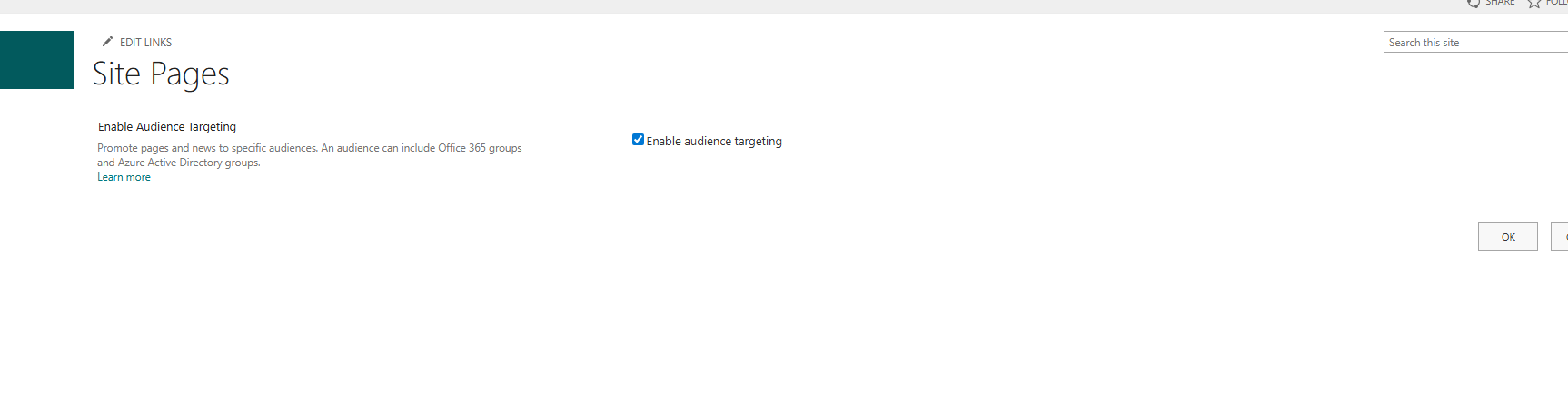
Enable Targeting: On the next page, check the box to Enable audience targeting.
Now, let's create a new page/news post on our site.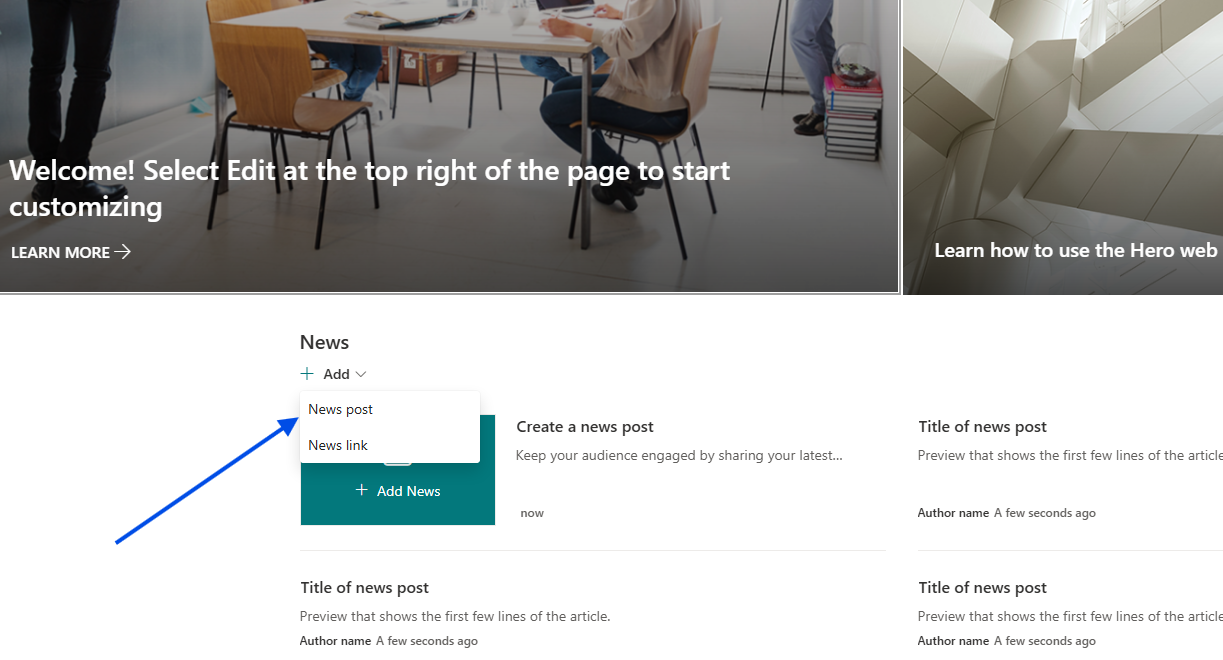
Apply Audience: If you select Page details, you will notice that the Audience property now appears in the right-hand side panel. You can add the group of your choice here, and this specific page will now be visible only to that targeted audience.