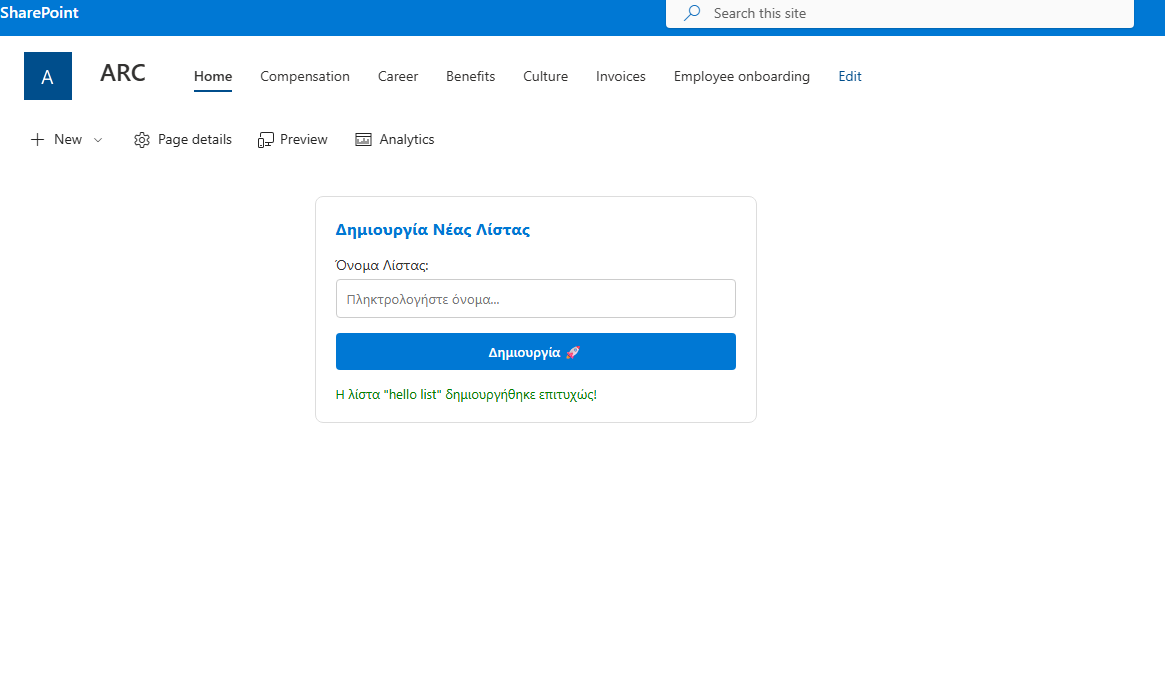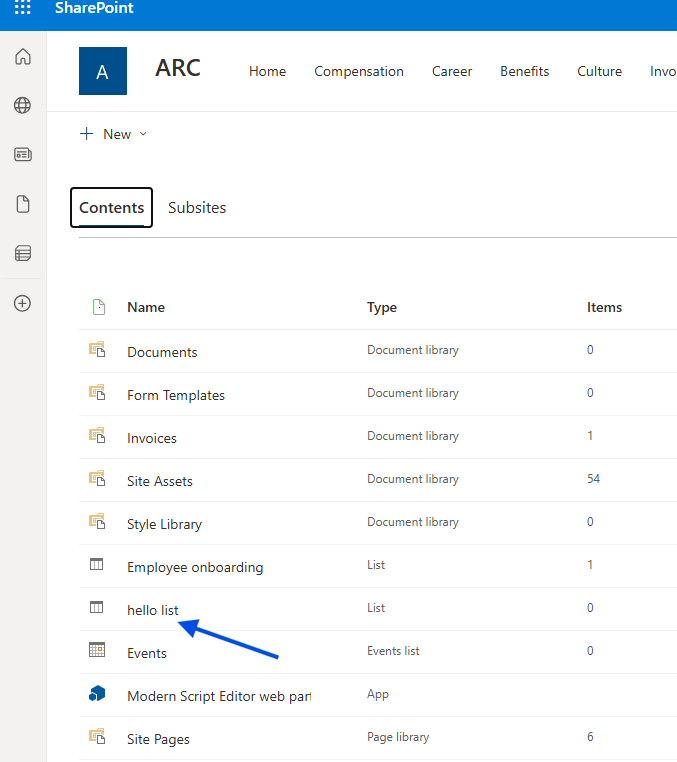
In today's post, we will look at an automated process for SharePoint.
Just like most actions in the platform, the following process can be performed via the standard End-User Environment. This task involves creating a new list; however, today we will explore an alternative method using the SharePoint REST API and JavaScript.
Method 1: The Standard User Interface (UI)
As a quick reminder, to create a list manually:
Navigate to your chosen site and click the gear icon in the top-right corner.
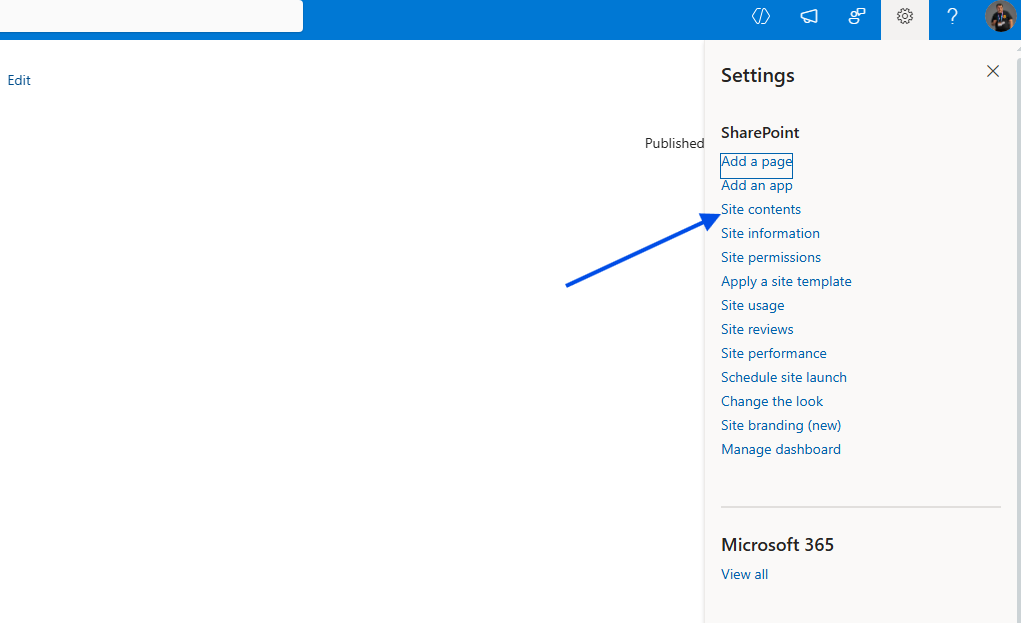
Select Site Contents.
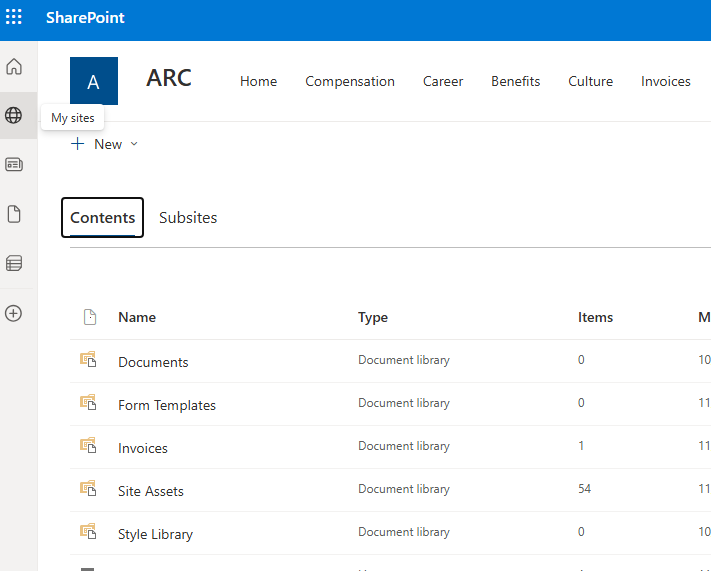
Select New > List from the dropdown menu.
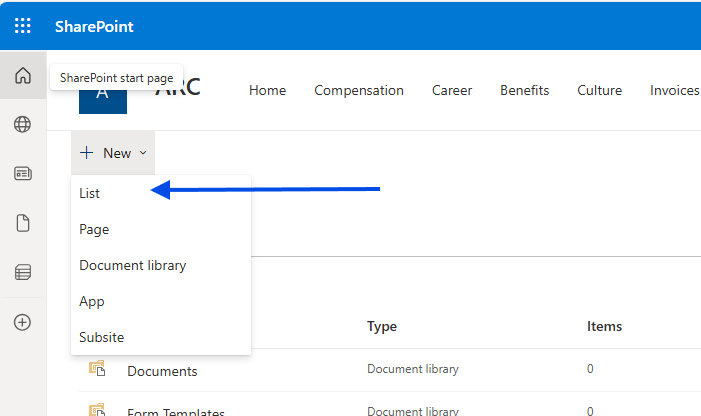
In this example, we would select a Blank List. As you can see, this results in a basic list with only a single default column: Title. This is a very simple, everyday procedure.
Method 2: Automation via REST API
If you want to automate this process, you can simply add a Script Editor web part with a "Create List" button and an input field for the list name. 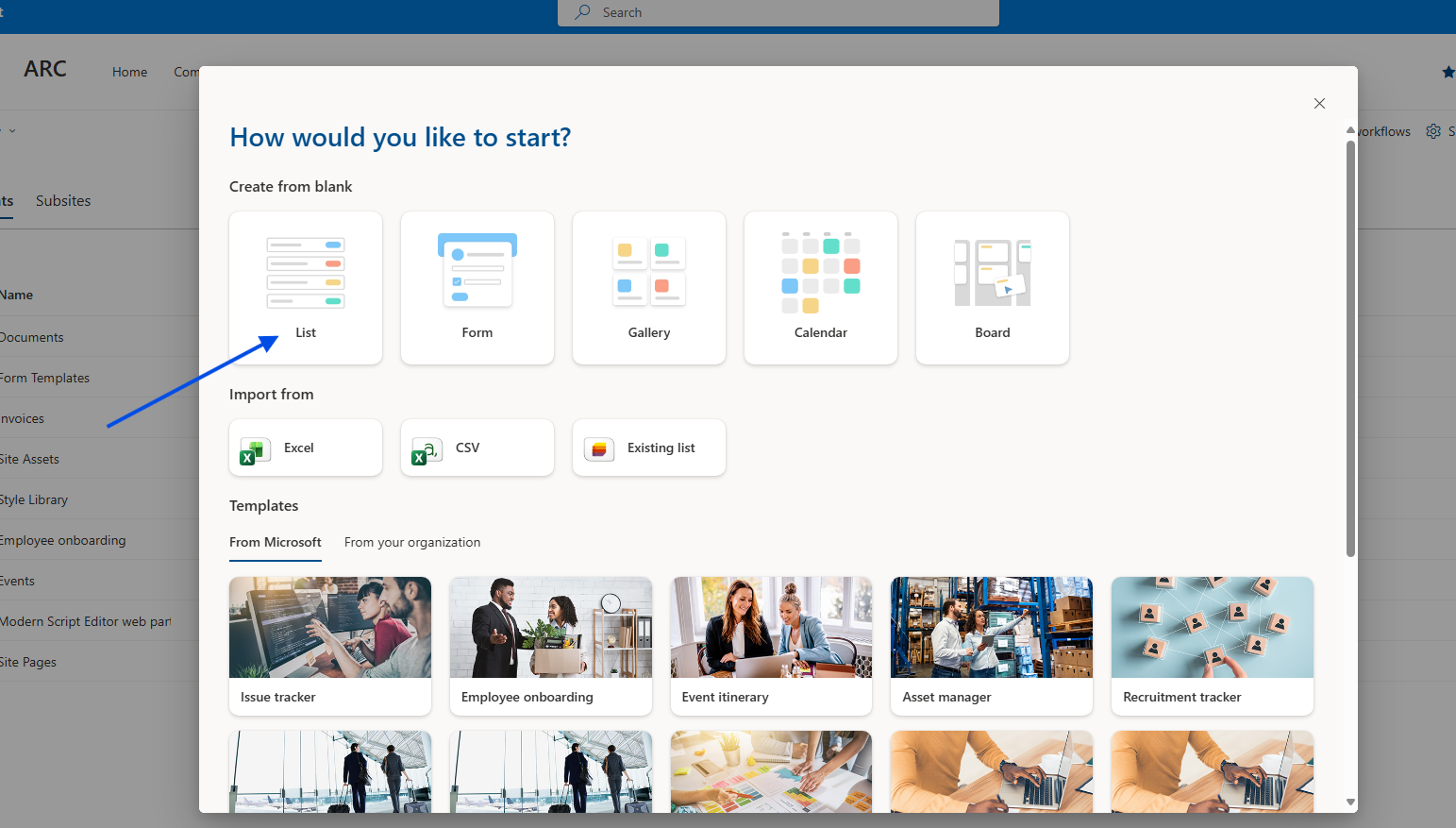
By adding the following Javascript code—which utilizes the SharePoint REST API—you can execute the action directly:
<div id="create-list-container" style="padding: 20px; background: #fff; border-radius: 8px; border: 1px solid #ddd; font-family: 'Segoe UI', sans-serif; max-width: 400px;"> <h3 style="margin-top: 0; color: #0078d4;">Δημιουργία Νέας Λίστας</h3> <div style="margin-bottom: 15px;"> <label for="new-list-name" style="display: block; margin-bottom: 5px; font-size: 14px;">Όνομα Λίστας:</label> <input type="text" id="new-list-name" placeholder="Πληκτρολογήστε όνομα..." style="width: 100%; padding: 10px; border: 1px solid #ccc; border-radius: 4px; box-sizing: border-box;"> </div> <button id="btn-create-list" onclick="handleCreateList()" style="background: #0078d4; color: white; border: none; padding: 10px 20px; border-radius: 4px; cursor: pointer; font-weight: 600; width: 100%;"> Δημιουργία 🚀 </button> <div id="status-message" style="margin-top: 15px; font-size: 13px; display: none;"></div> </div><script> async function handleCreateList() { const input = document.getElementById('new-list-name'); const status = document.getElementById('status-message'); const btn = document.getElementById('btn-create-list'); const listName = input.value.trim();
if (!listName) { showStatus("Παρακαλώ δώστε ένα όνομα!", "red"); return; } // Απενεργοποίηση κουμπιού btn.disabled = true; btn.innerText = "Παρακαλώ περιμένετε..."; showStatus("Δημιουργία λίστας...", "#666"); try { // --- ΑΣΦΑΛΗΣ ΠΡΟΣΔΙΟΡΙΣΜΟΣ URL SITE --- let relativeUrl = ""; if (typeof _spPageContextInfo !== "undefined") { relativeUrl = _spPageContextInfo.webServerRelativeUrl; } else { // Fallback: Προσπάθεια εξαγωγής από το URL του browser const pathParts = window.location.pathname.split('/'); if (pathParts.includes('sites') || pathParts.includes('teams')) { relativeUrl = pathParts.slice(0, 3).join('/'); } } // Καθαρισμός του URL για να μην έχουμε διπλά slashes const siteUrl = window.location.origin + (relativeUrl === "/" ? "" : relativeUrl); // ------------------------------------- // 1. Λήψη Request Digest const contextRes = await fetch(`${siteUrl}/_api/contextinfo`, { method: "POST", headers: { "Accept": "application/json;odata=verbose" } }); if (!contextRes.ok) throw new Error("Δεν ήταν δυνατή η επικοινωνία με το SharePoint (ContextInfo)."); const contextData = await contextRes.json(); const digest = contextData.d.GetContextWebInformation.FormDigestValue; // 2. REST Request για δημιουργία λίστας const response = await fetch(`${siteUrl}/_api/web/lists`, { method: "POST", body: JSON.stringify({ '__metadata': { 'type': 'SP.List' }, 'AllowContentTypes': true, 'BaseTemplate': 100, // Custom List template 'Title': listName }), headers: { "Accept": "application/json;odata=verbose", "Content-Type": "application/json;odata=verbose", "X-RequestDigest": digest } }); if (response.ok) { showStatus(`Η λίστα "${listName}" δημιουργήθηκε επιτυχώς!`, "green"); input.value = ""; } else { const err = await response.json(); const errorMsg = (err.error && err.error.message) ? err.error.message.value : "Άγνωστο σφάλμα"; showStatus("Σφάλμα: " + errorMsg, "red"); } } catch (error) { showStatus("Σφάλμα: " + error.message, "red"); console.error("Full Error:", error); } finally { btn.disabled = false; btn.innerText = "Δημιουργία 🚀"; }}
function showStatus(msg, color) { const status = document.getElementById('status-message'); status.style.display = "block"; status.style.color = color; status.innerText = msg; } </script>
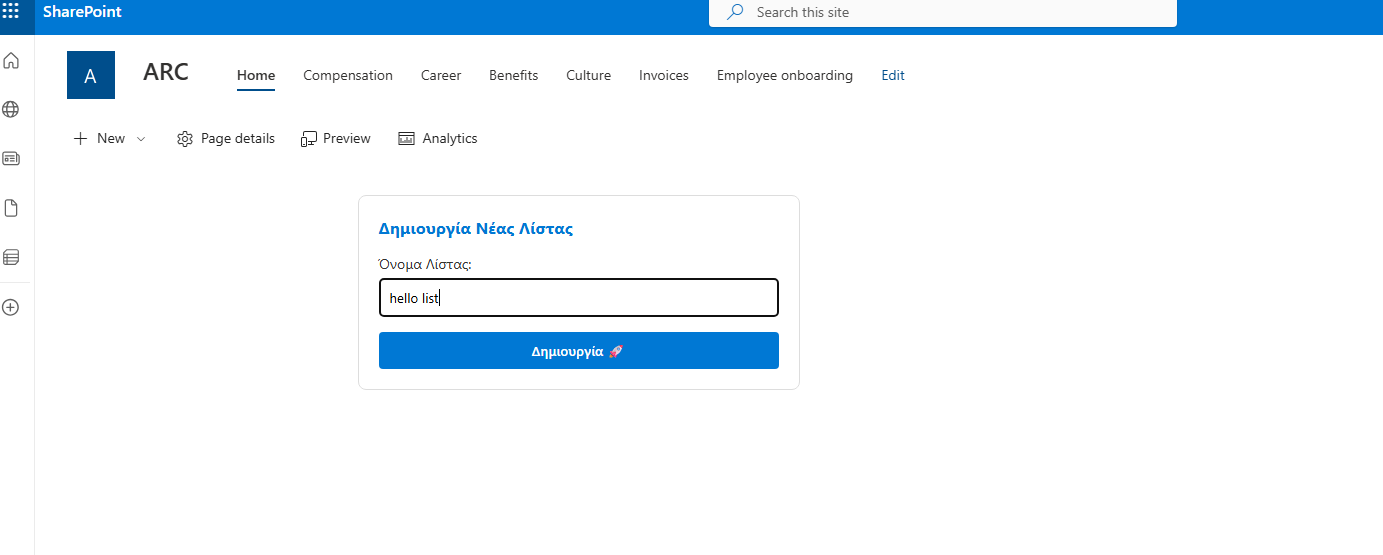
As you can see, the new list is created with just a single click!