In today’s post we will see how we can break inheritance on a SharePoint site using Power Automate.
We should note that this can only be done on subsites and not on site collections, because site collections by default have unique permissions, and if we want to modify them we simply remove permissions from the groups or users we want. This function is used in vertical structures where there is a parent site and many subsites beneath it.
First, we need to navigate to the Power Automate page and select Create.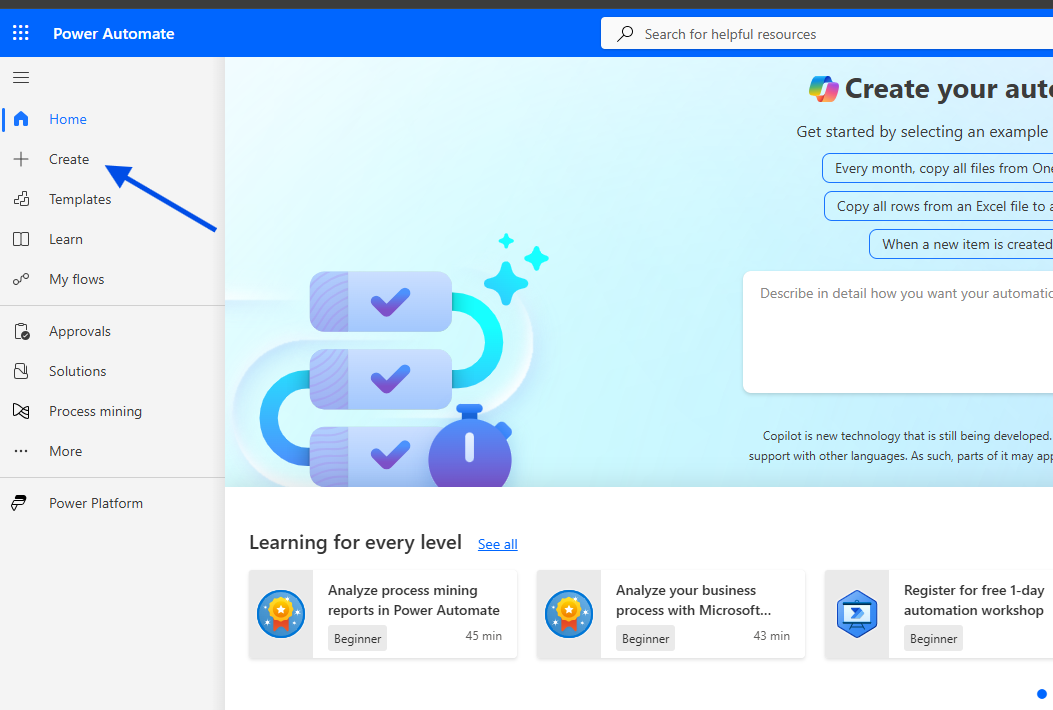
Then we select Instant Cloud Flow.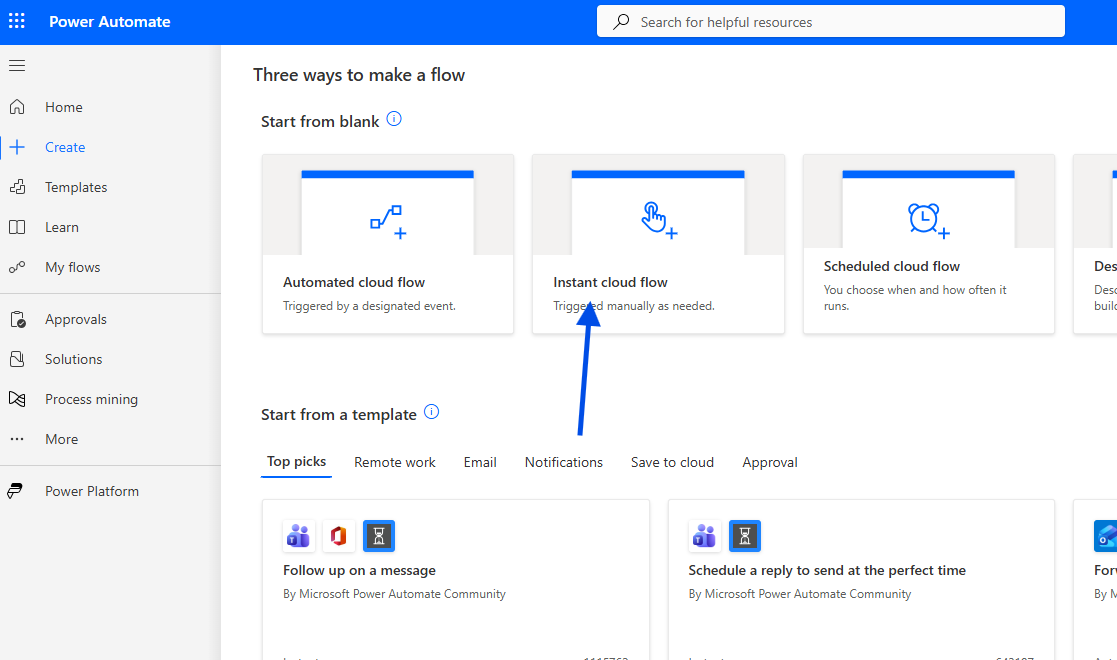
We give a name to our new automate and select manually trigger flow.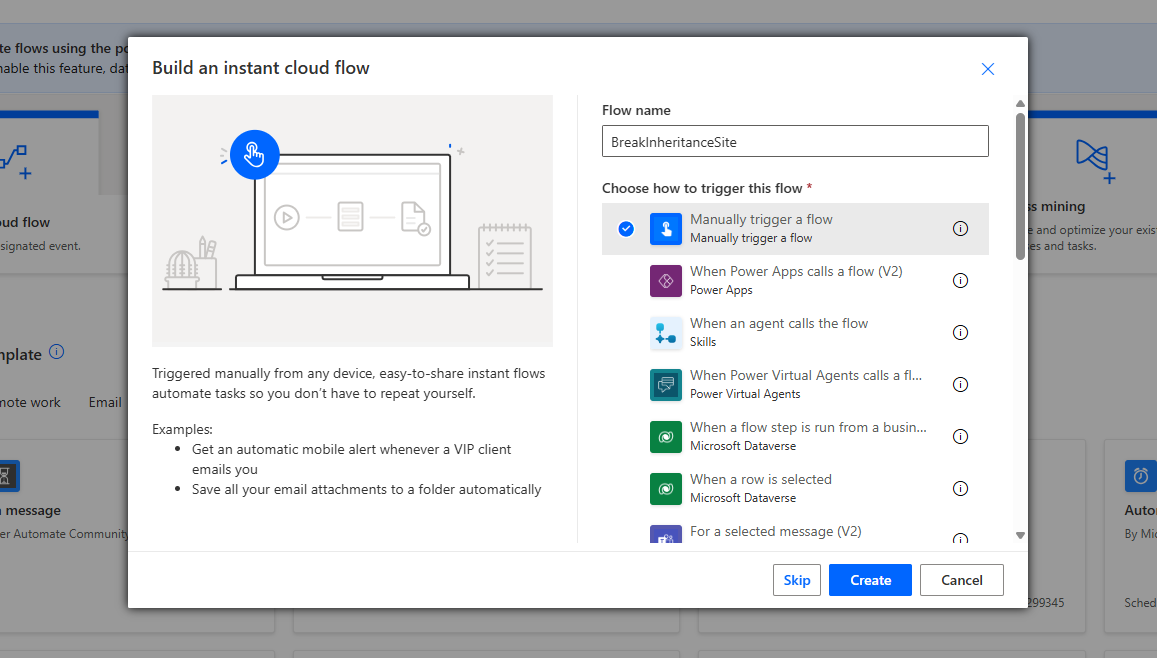
We add a new action of type HTTP Request to SharePoint and fill in the following:
Site Address: Select your SharePoint Site
Method: POST
Uri:_api/web/breakroleinheritance(copyRoleAssignments=true, clearSubscopes=true)
Headers:accept: application/json;odata=verboseContent-Type: application/json;odata=verbose
Body: Leave this empty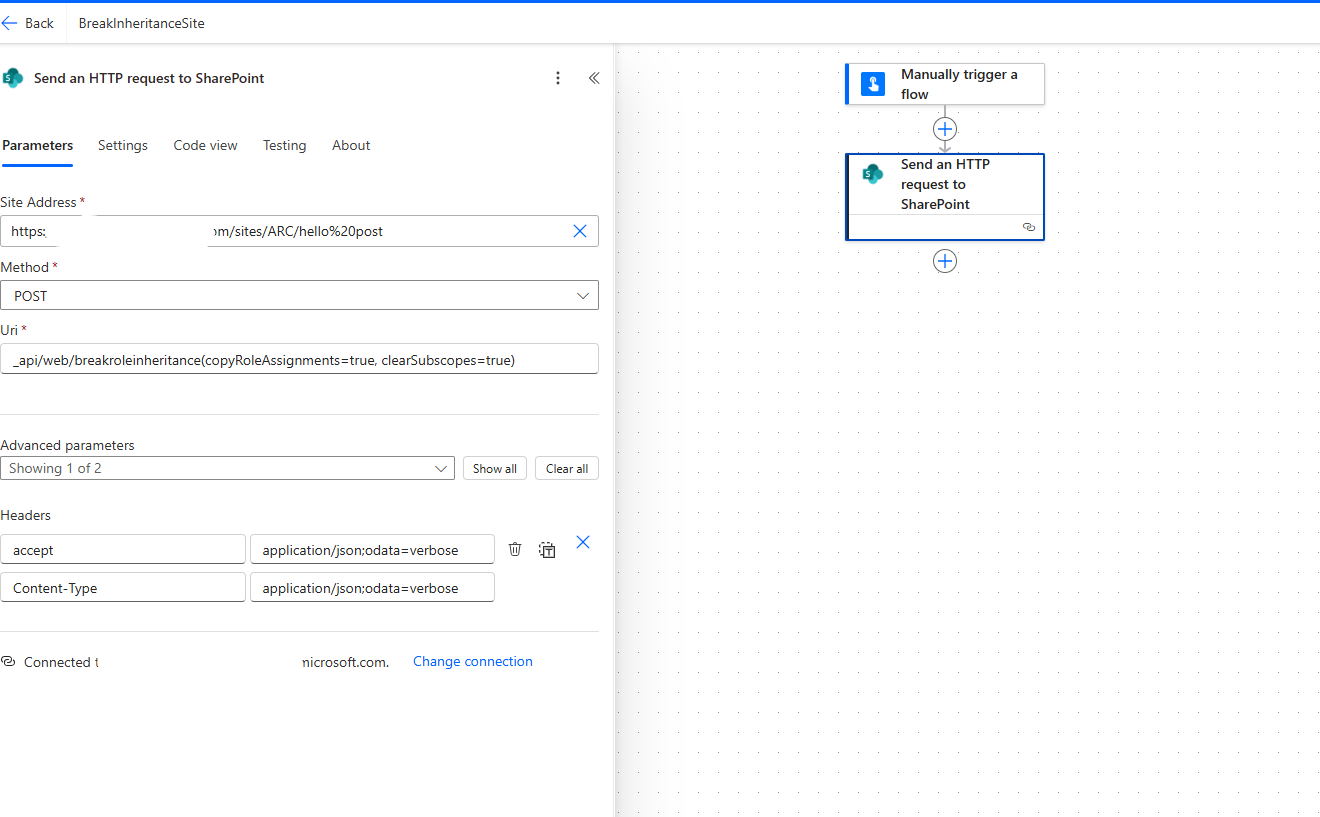
If we want to restore the permissions and make the subsite inherit again from the parent, we use:
Uri: _api/web/resetroleinheritance()
We save our automate.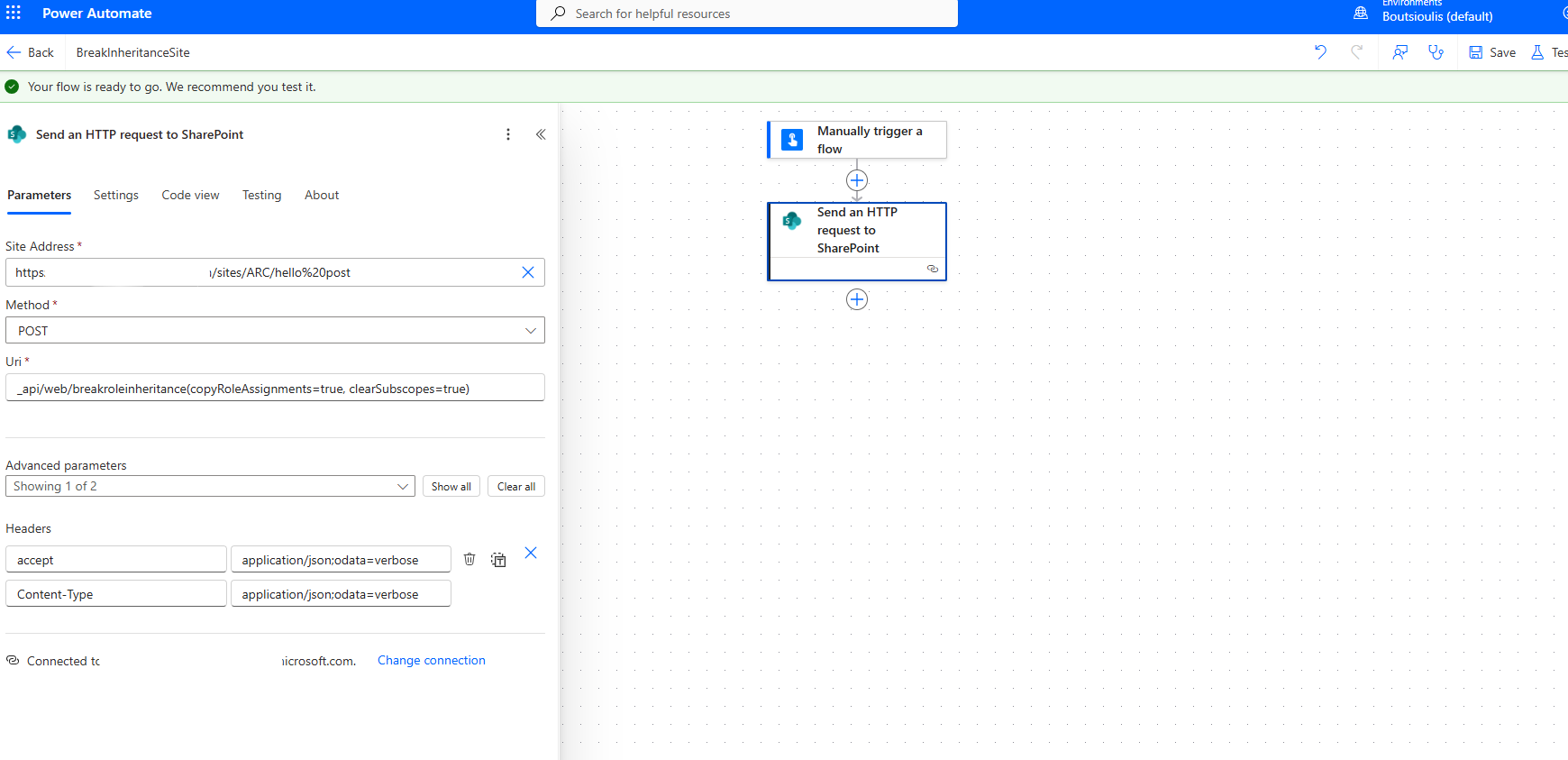
And we run a manual test.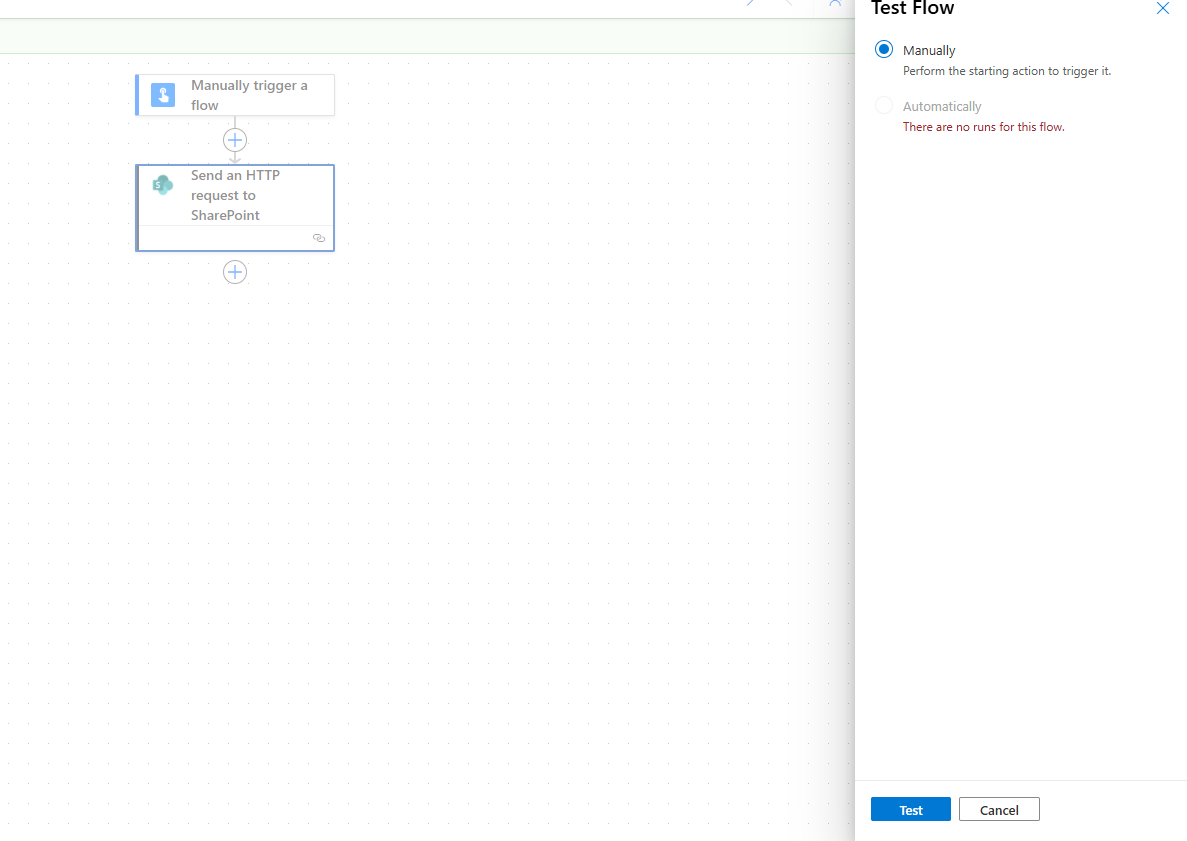
We select Continue to allow the necessary permissions.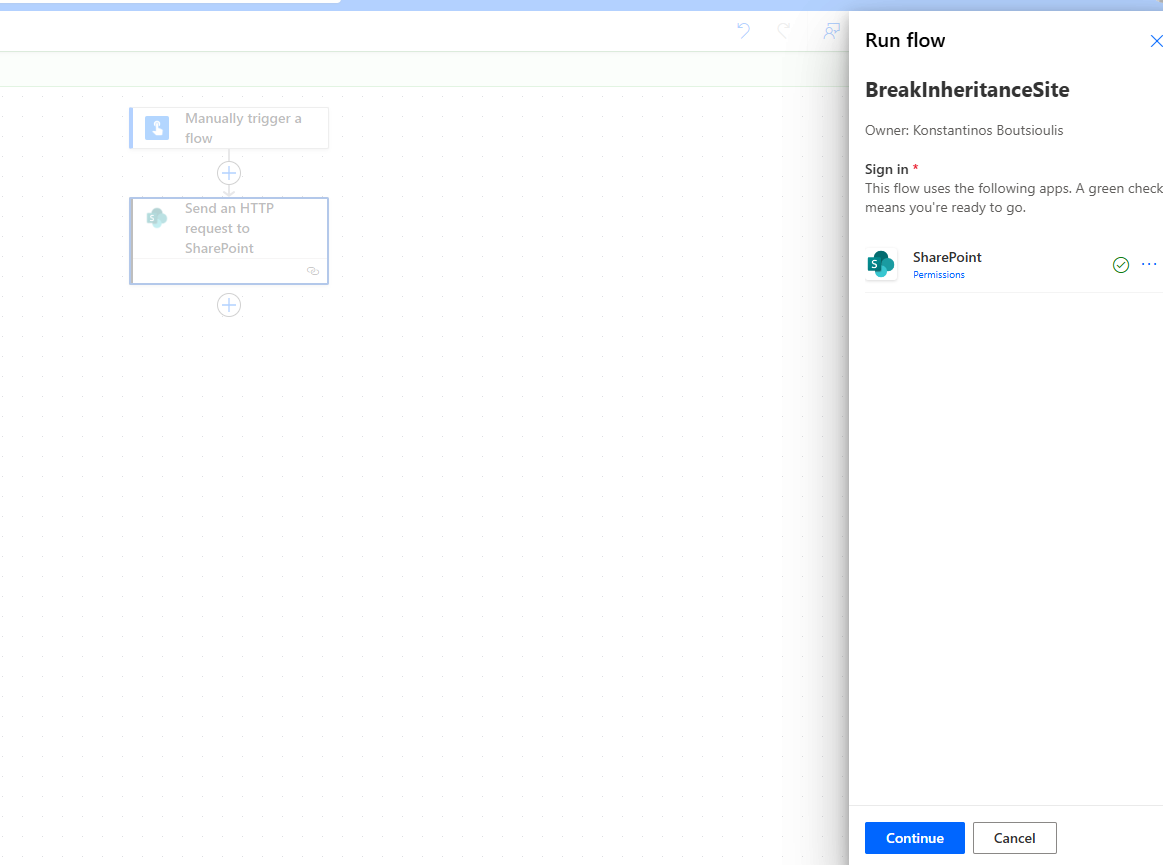
And in the next step we select Run Flow for it to run successfully.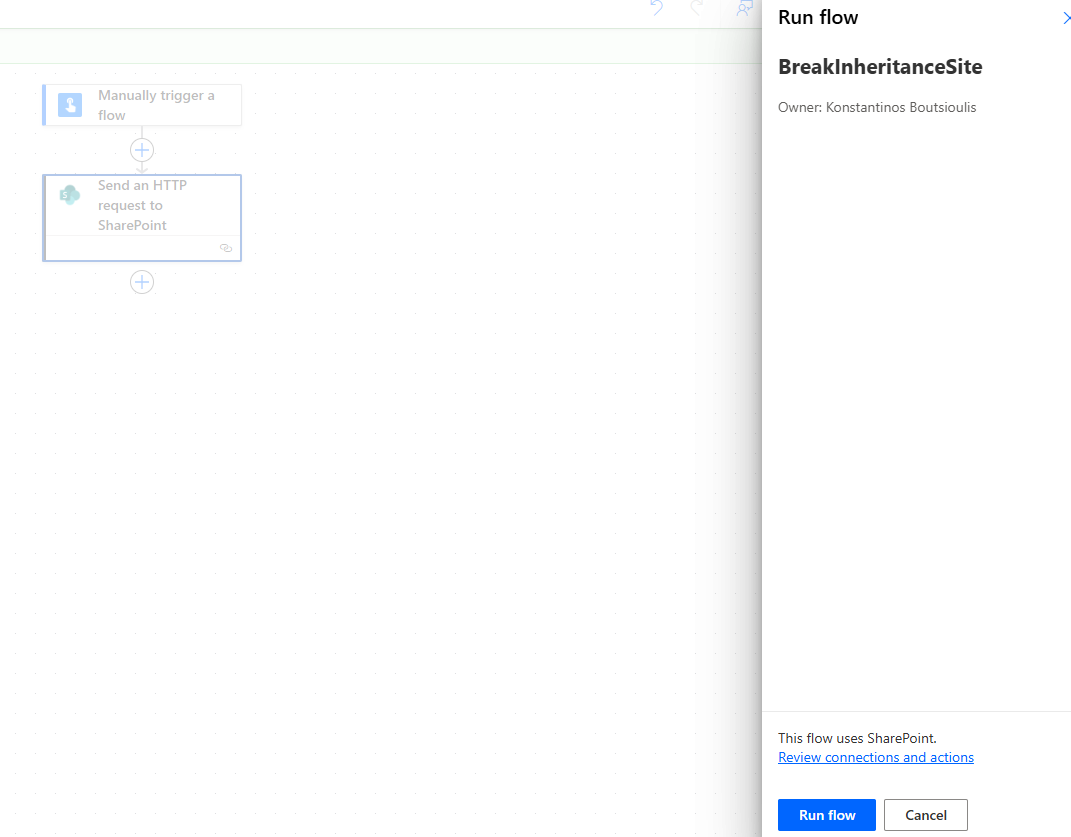
It informs us that it ran successfully.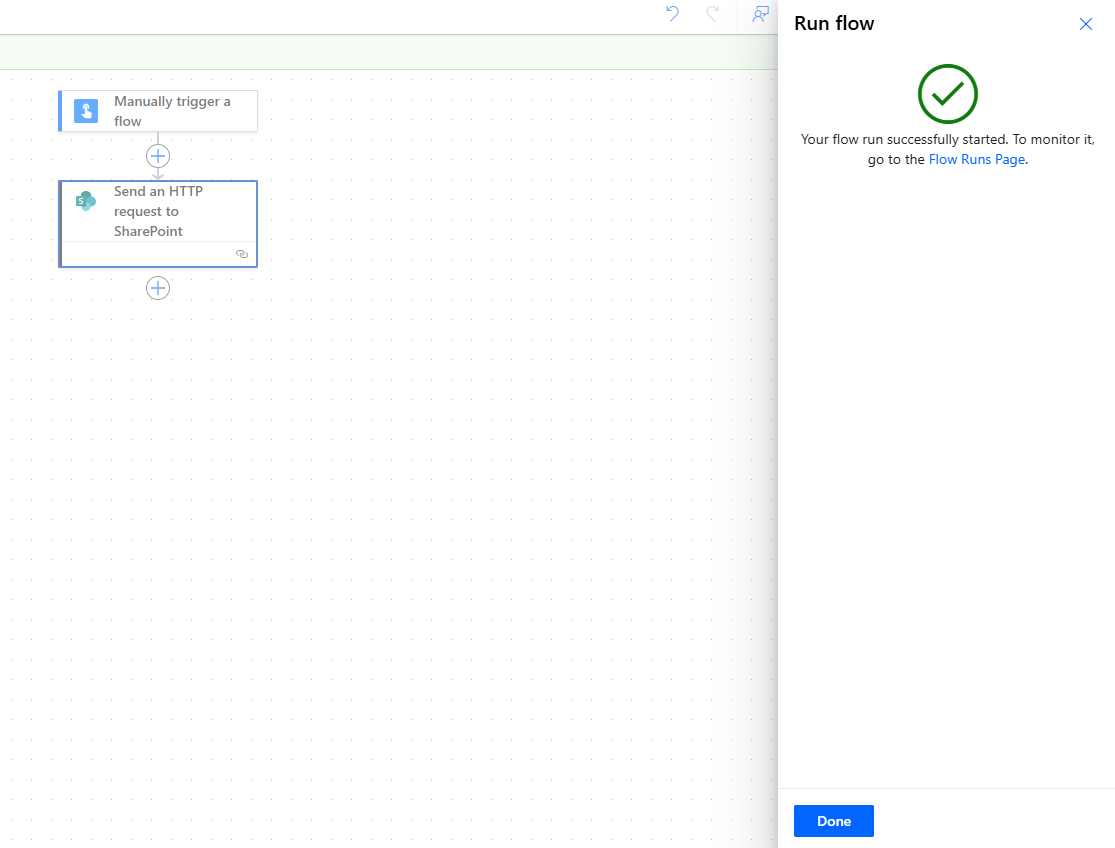
Indeed, no error occurred during the execution of the automate.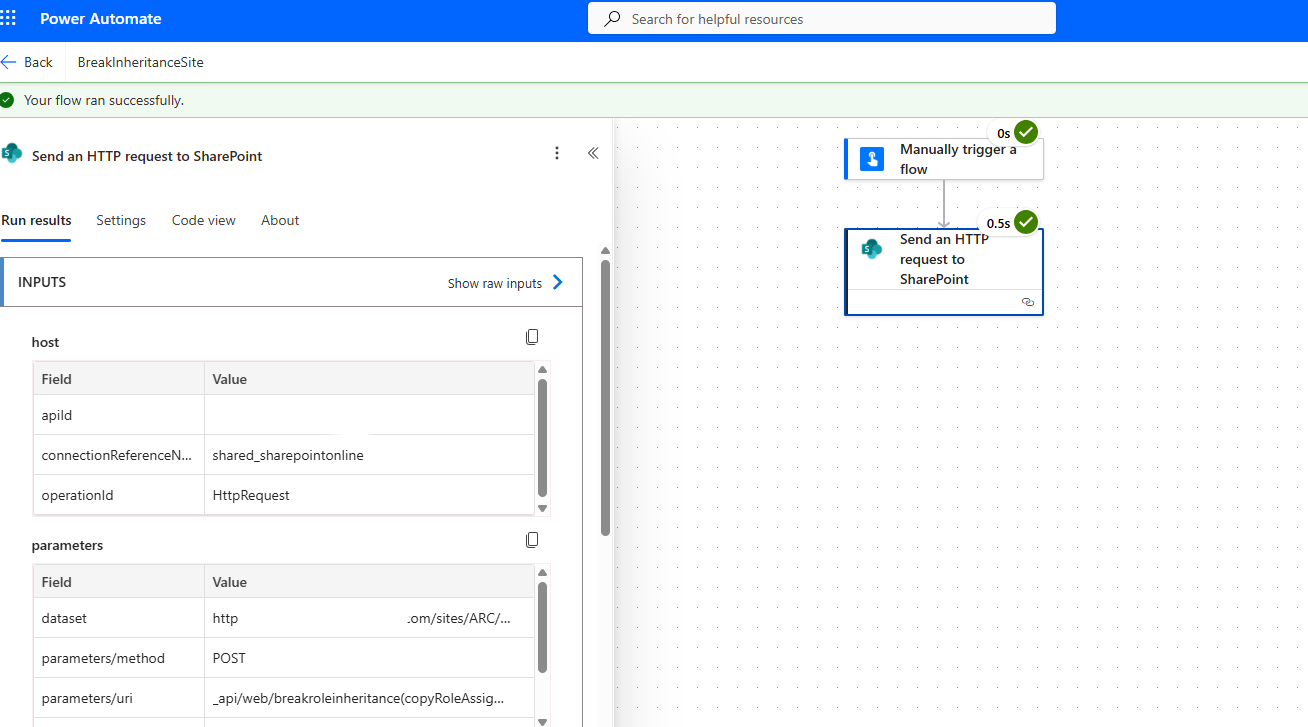
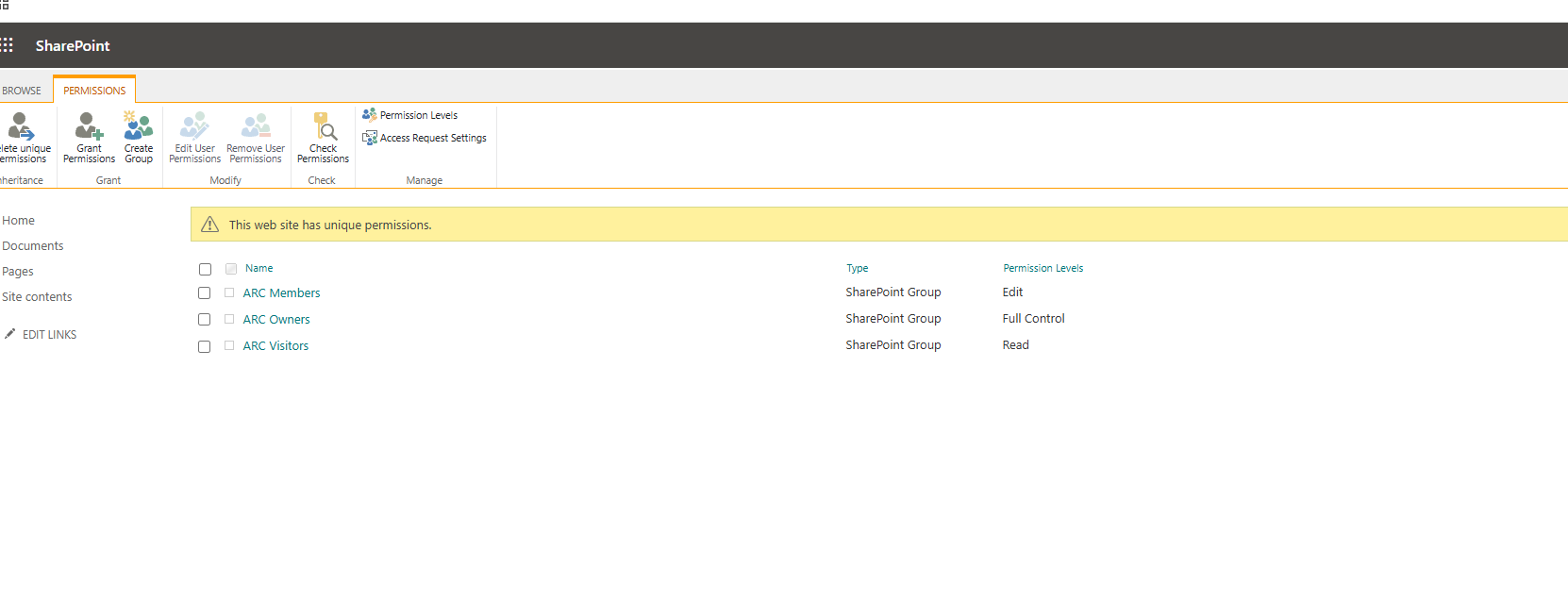
And if we go to the site and select Permissions from the site settings, we will see that inheritance has been broken.