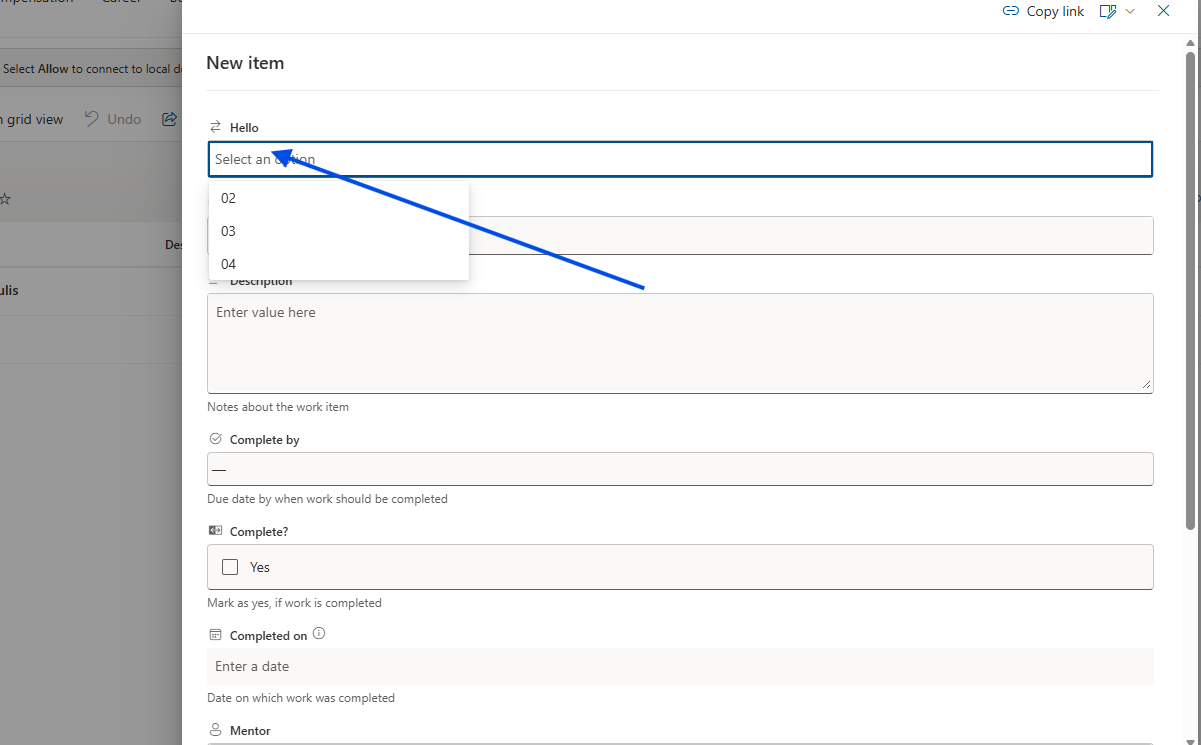
In today’s post we will see how you can change the order in which the columns of a list appear, as well as the order in which they appear in the new item form.
This is a simple process but very important for anyone who wants to rearrange the fields of the form.
First, we select the site that hosts our list and from the gear icon at the top right we choose Site contents.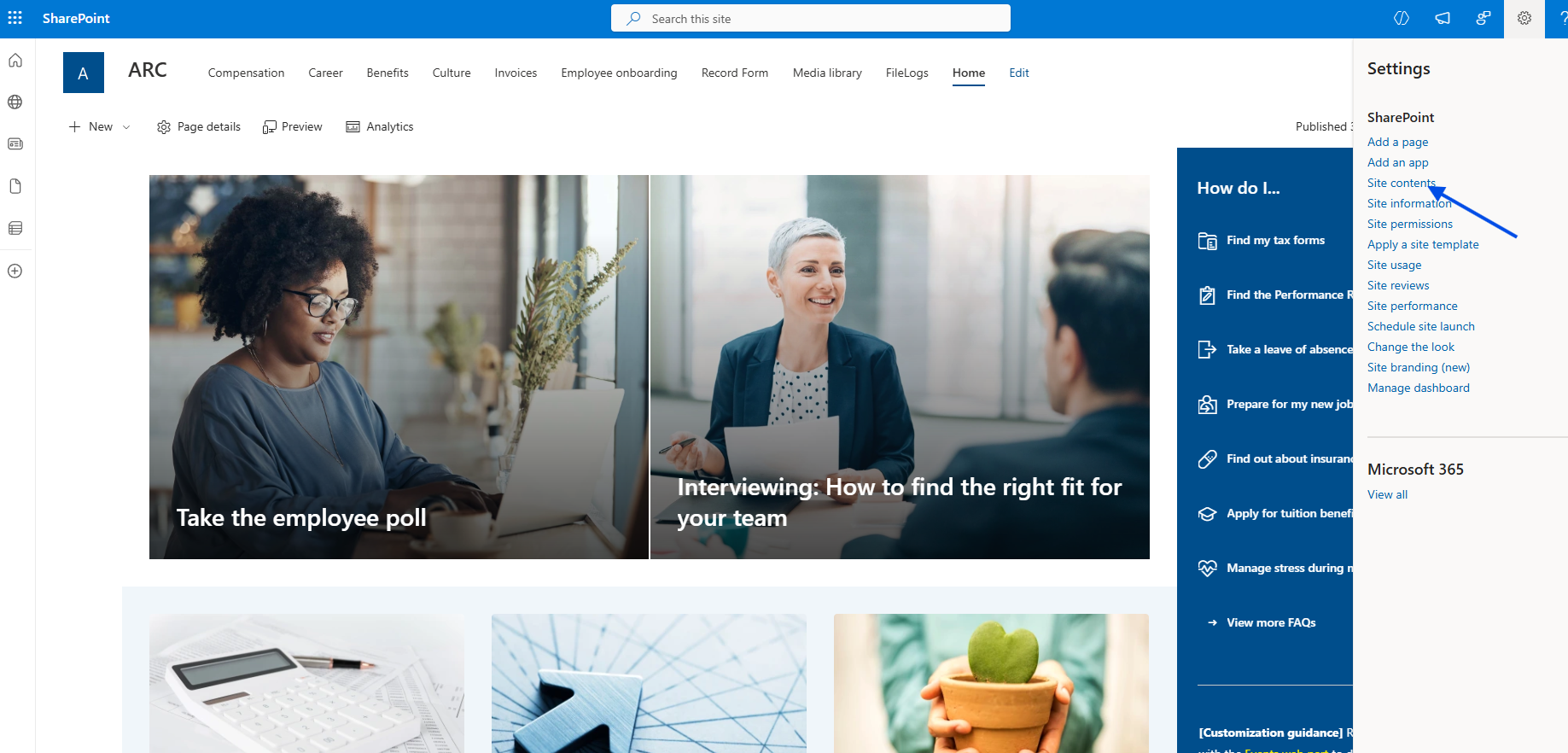
Next, we select the list.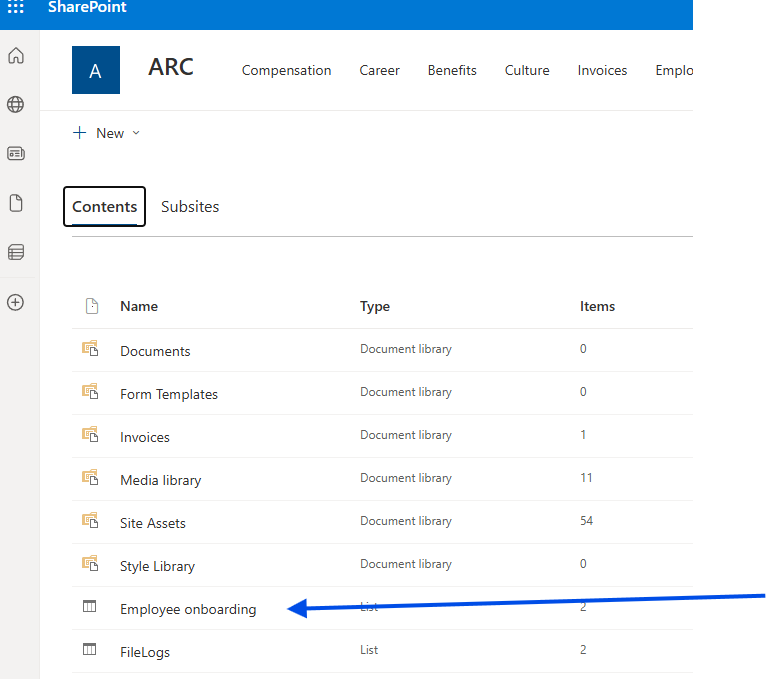
In the next step, from the gear icon at the top right we choose List settings.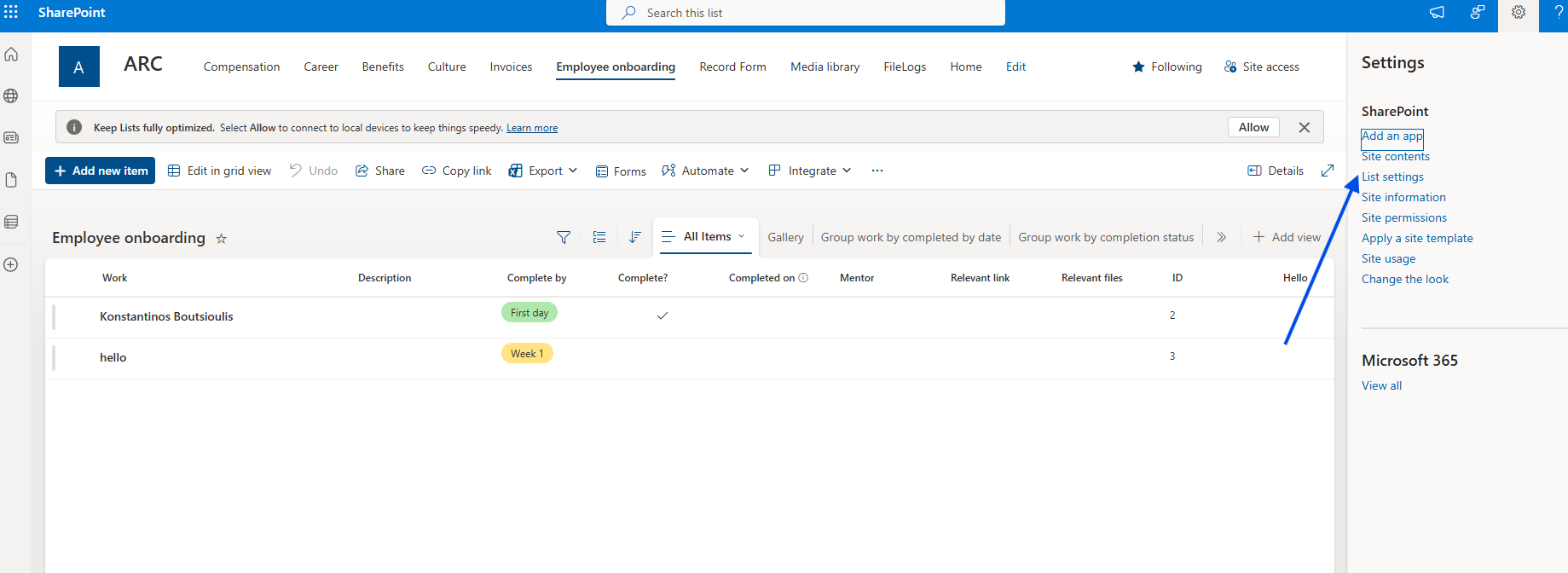
In the following step, we scroll down to the Columns section and select Column ordering.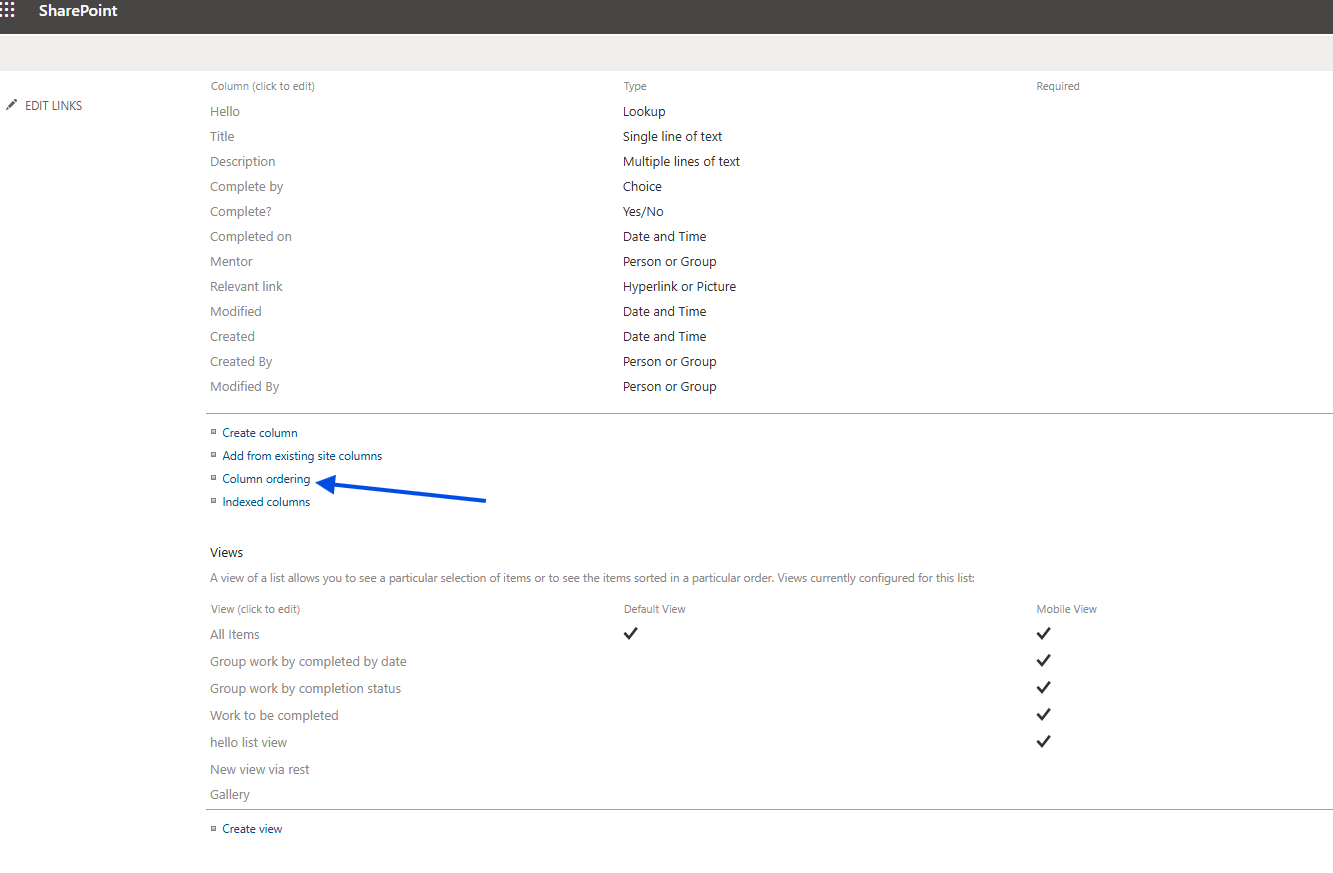
There, we see the columns and their display order. We change the order based on our needs and click OK.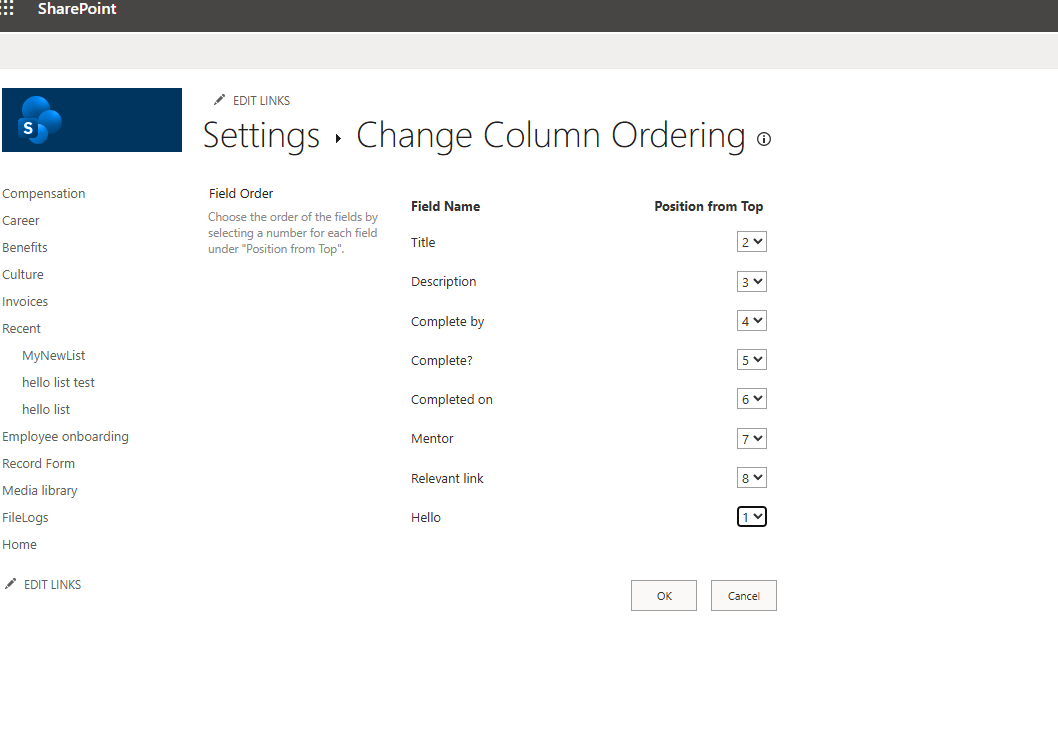
If we now decide to create a new item, we see in the form that the fields have been rearranged according to the order we have already set in Column ordering.