In today’s post I will show you how we can change the versioning settings for a list. Let’s assume that we want a higher number of versions than the default, which is 50.
First, we select the site that hosts our list and from the gear icon at the top right we choose Site contents.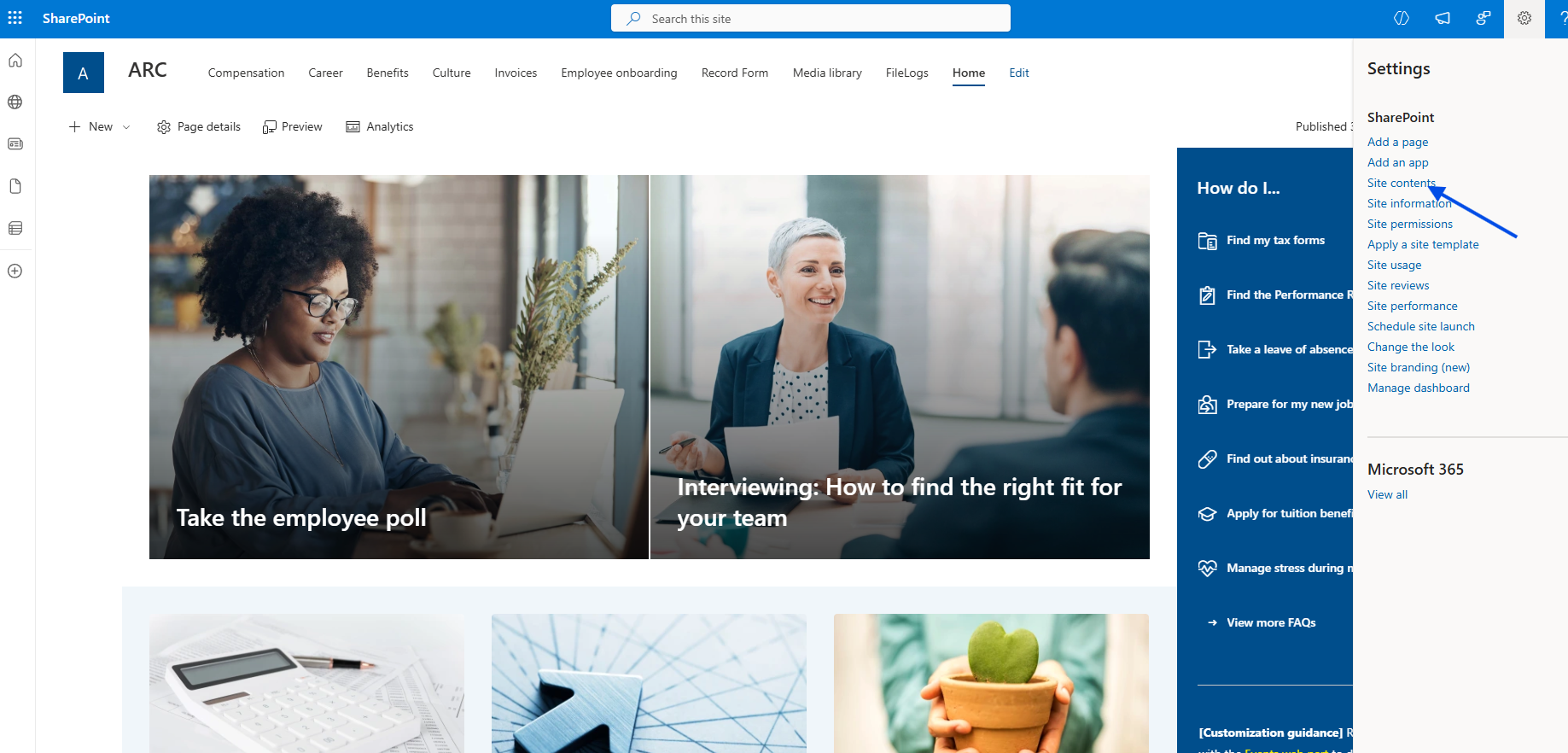
In the next step, we select the list.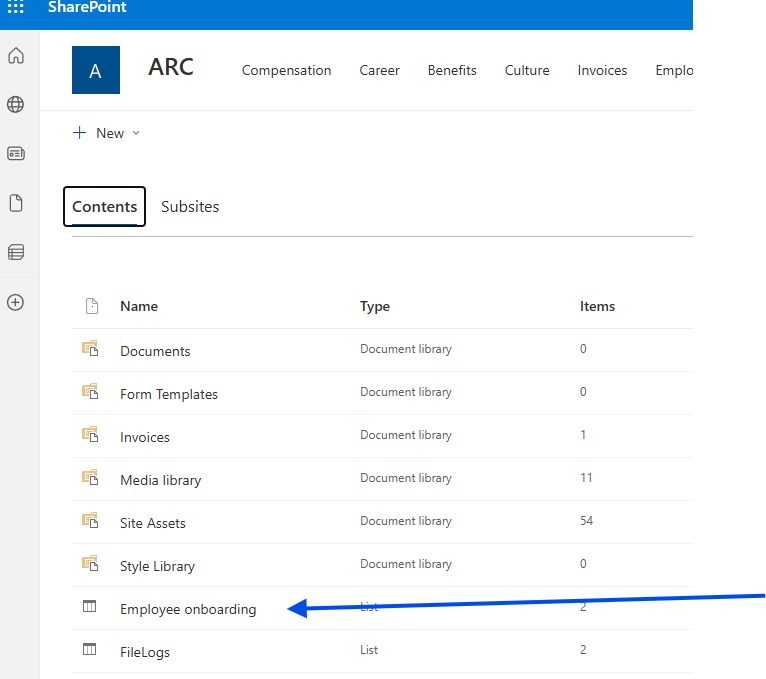
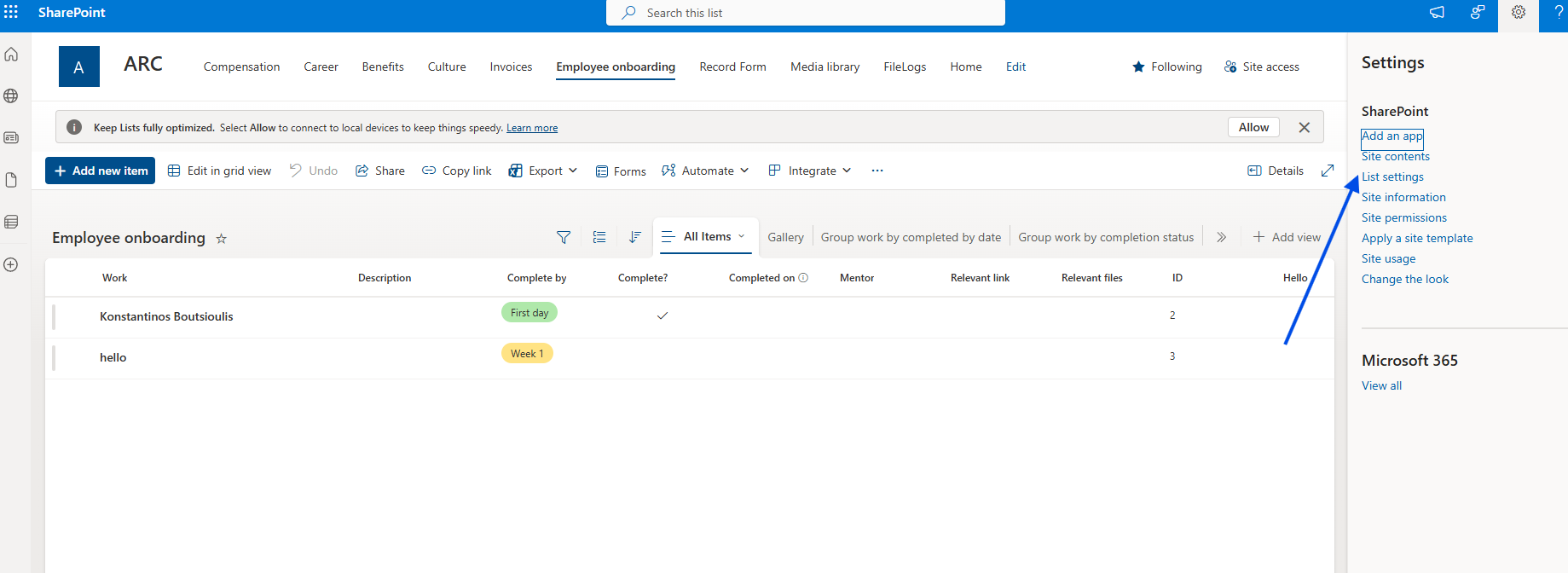
Then, from the gear icon at the top right we choose List settings.
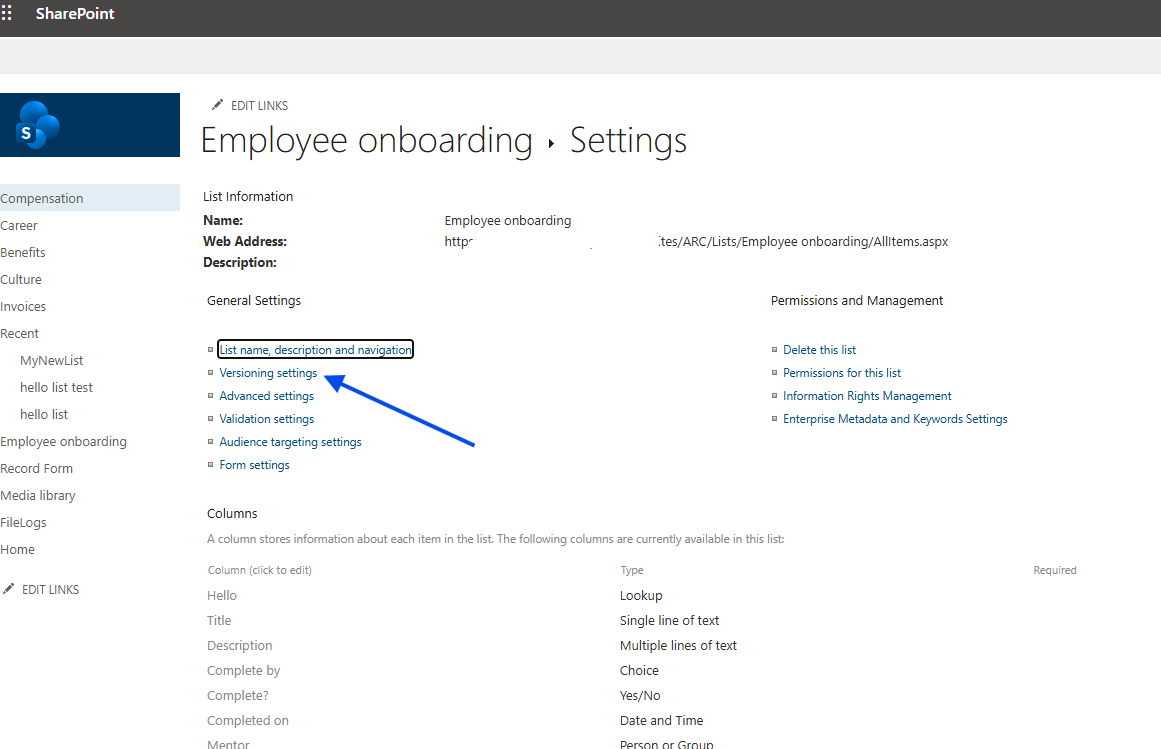
Next, we select Versioning Settings.
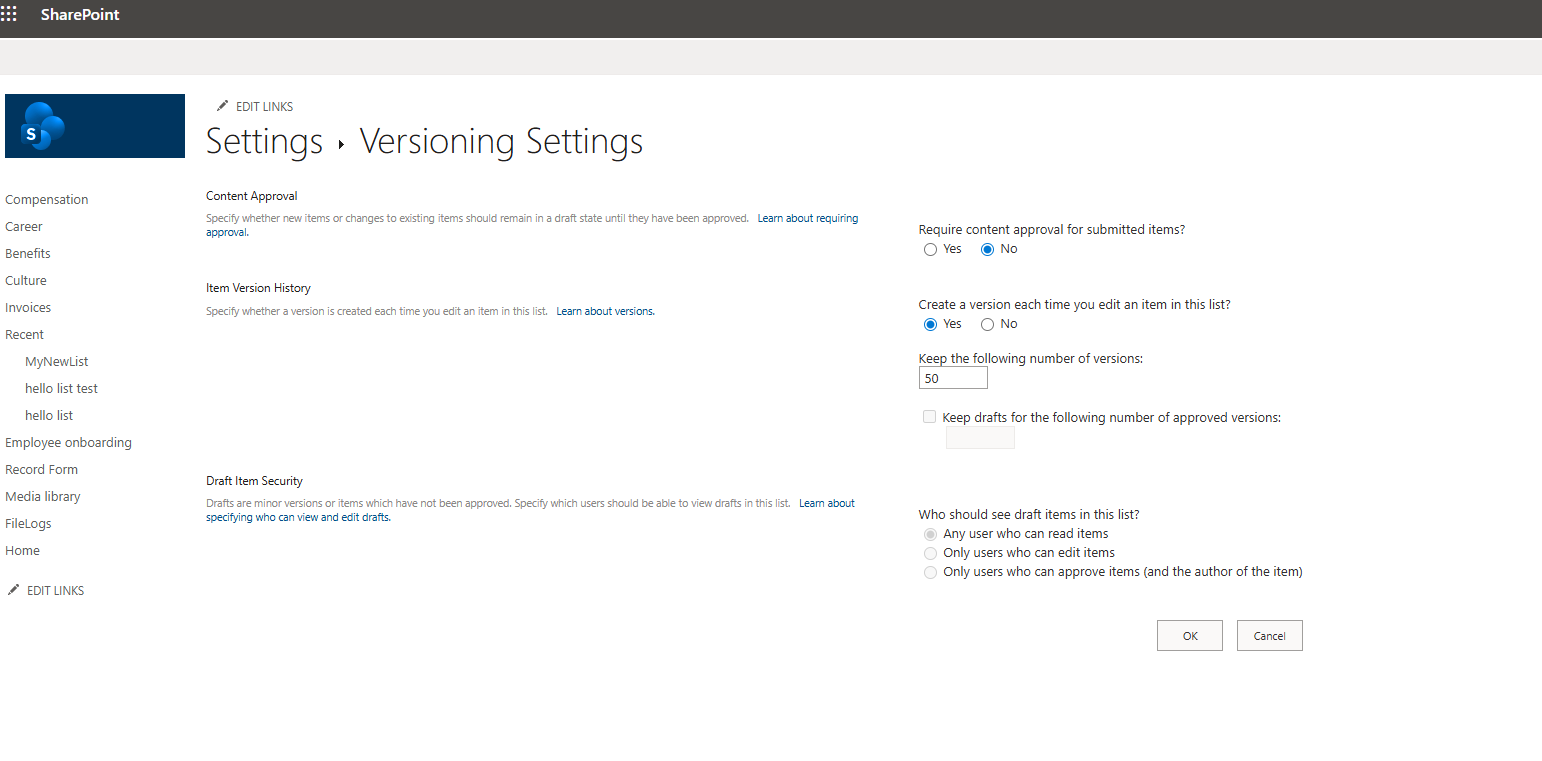
Here, as you can see, it first asks us about content approval as well as the number of versions. In detail, we have the following options.
We make the changes we want and finally click OK.
Require content approval for submitted items?
Yes No
Item Version History
Specify whether a version is created each time you edit an item in this list. Learn about versions.
Create a version each time you edit an item in this list?
Yes No
Keep the following number of versions:
50
Keep drafts for the following number of approved versions:
Draft Item Security
Drafts are minor versions or items which have not been approved. Specify which users should be able to view drafts in this list. Learn about specifying who can view and edit drafts.
Who should see draft items in this list?
Any user who can read items
Only users who can edit items
Only users who can approve items (and the author of the item)