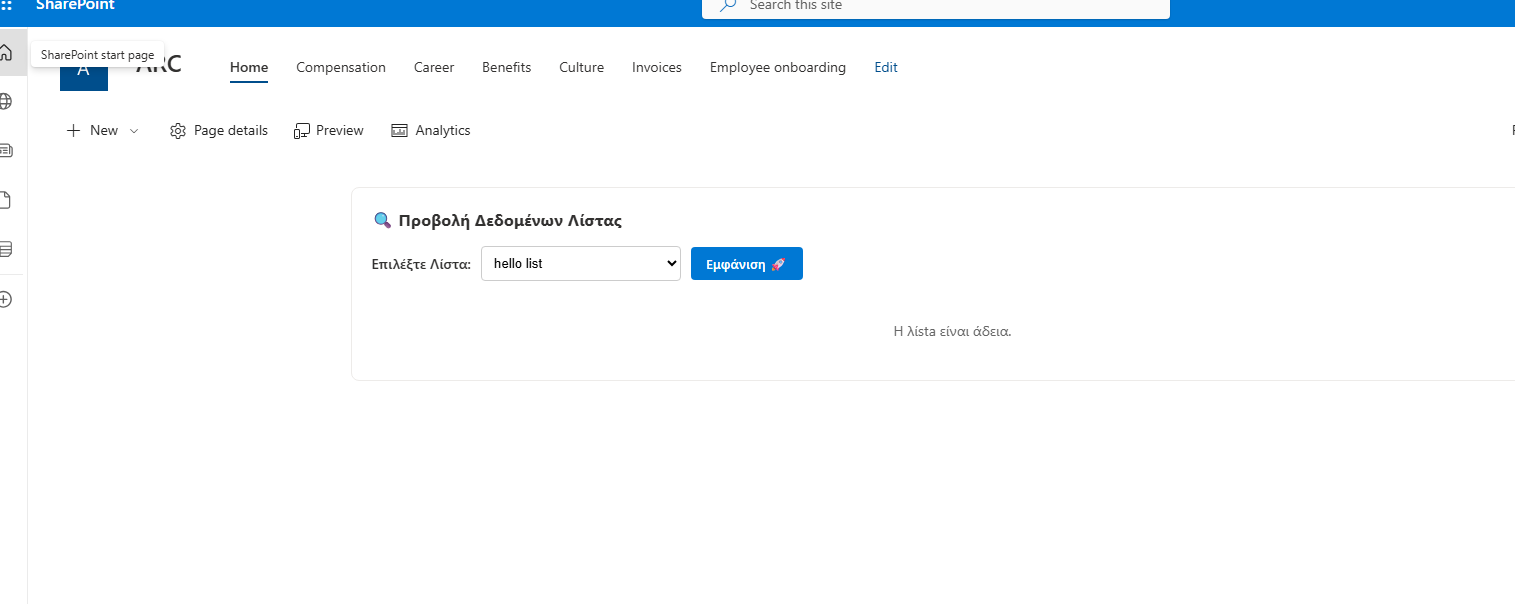
In today’s post, we will see how we can display a list’s items inside a table using the Modern Script Editor.
To begin with, this can also be done with the List web part: if someone inserts this web part, they can simulate the list view.
This is done via Add web part → List.
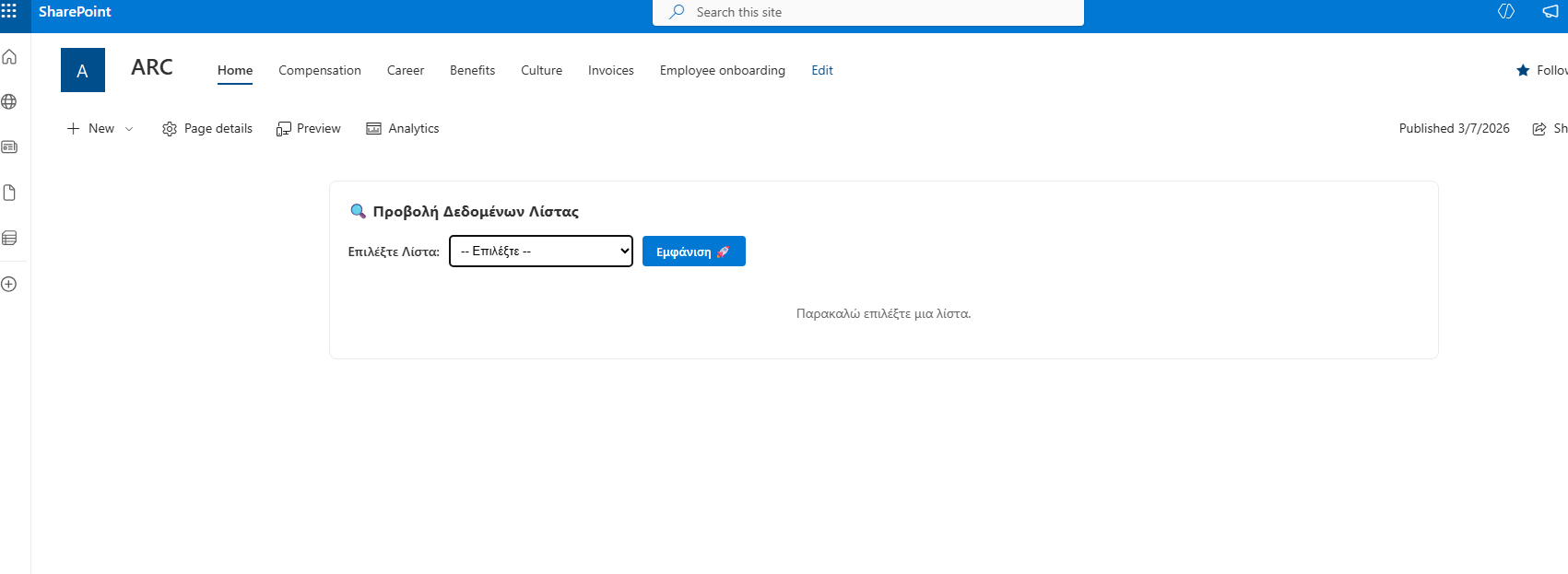
In the next step, you need to select the list you want to display.
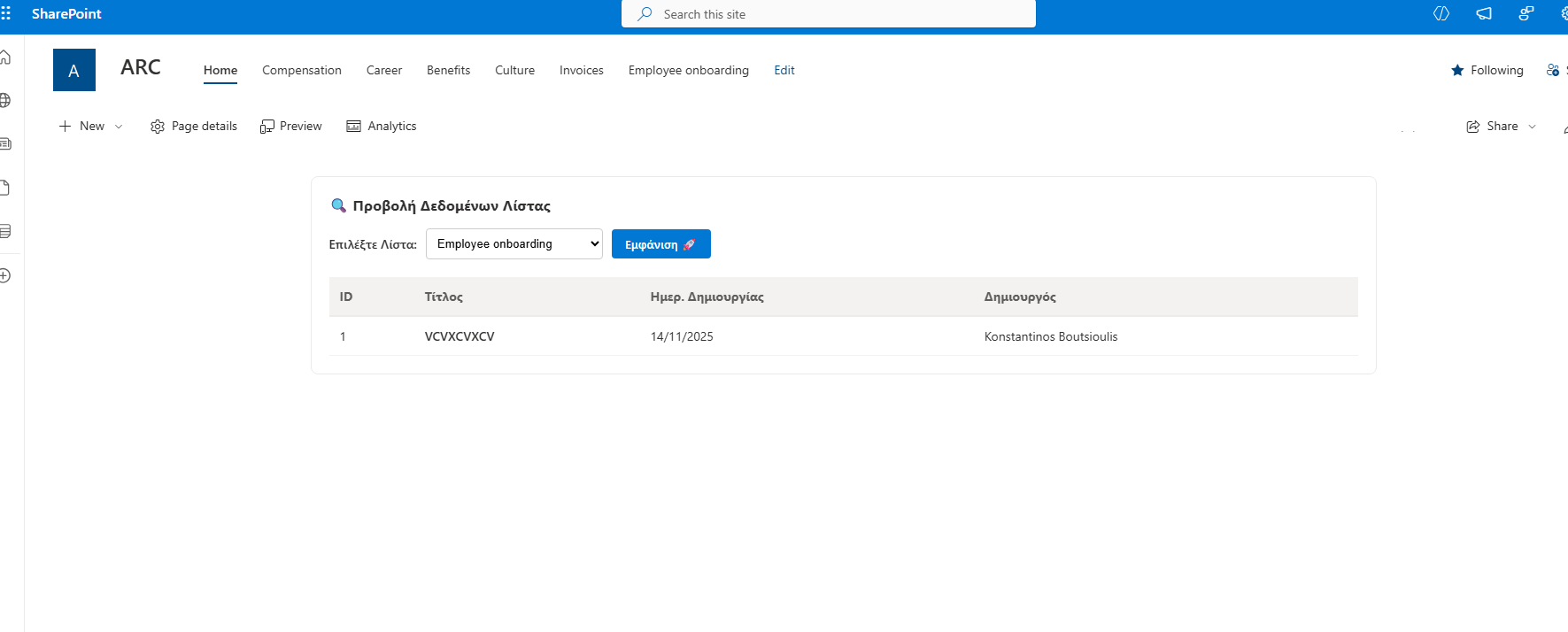
You can indeed see that the list is now visible in a table-like format.
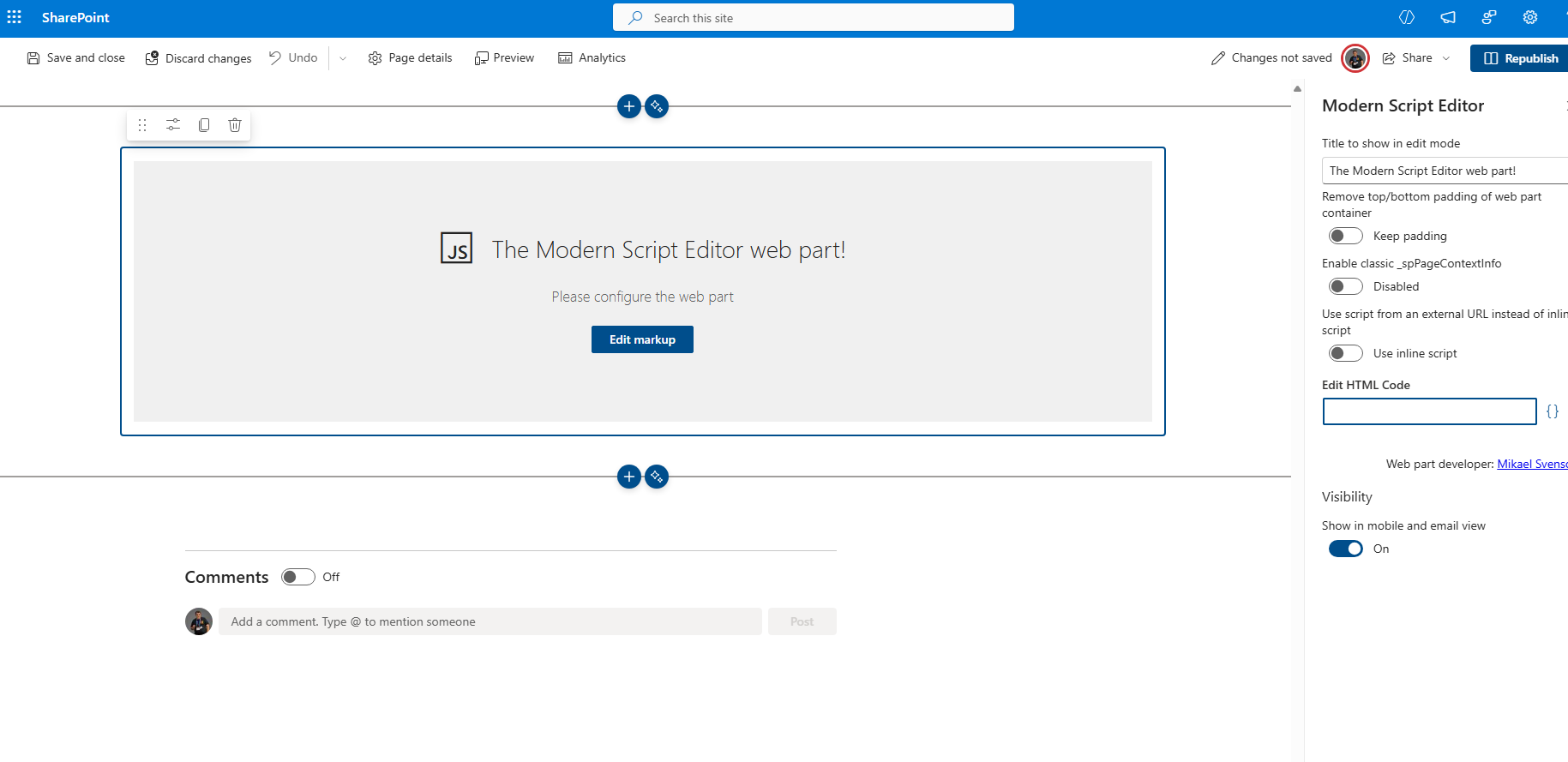
However, if you want to display the items in a table that you can style with your own stylesheet, then you should use the REST API and the following code inside a Modern Script Editor web part:
<div id="items-viewer-container" style="padding: 20px; background: #ffffff; border: 1px solid #edebe9; border-radius: 8px; font-family: 'Segoe UI', sans-serif;"><h3 style="margin-top: 0; color: #323130;">🔍 Προβολή Δεδομένων Λίστας</h3><div style="margin-bottom: 20px; display: flex; gap: 10px; align-items: center;"><label style="font-weight: 600;">Επιλέξτε Λίστα:</label><select id="list-selector" style="padding: 8px; border-radius: 4px; border: 1px solid #ccc; min-width: 200px;"><option value="">-- Φόρτωση Λιστών... --</option></select><button onclick="fetchItems()" style="padding: 8px 15px; background: #0078d4; color: white; border: none; border-radius: 4px; cursor: pointer; font-weight: 600;">Εμφάνιση 🚀</button></div><div style="overflow-x: auto;"><table id="items-table" style="width:100%; border-collapse: collapse; display: none;"><thead><tr style="background-color: #f3f2f1; text-align: left; color: #605e5c;"><th style="padding: 12px; border-bottom: 2px solid #edebe9;">ID</th><th style="padding: 12px; border-bottom: 2px solid #edebe9;">Τίτλος</th><th style="padding: 12px; border-bottom: 2px solid #edebe9;">Ημερ. Δημιουργίας</th><th style="padding: 12px; border-bottom: 2px solid #edebe9;">Δημιουργός</th></tr></thead><tbody id="items-body"></tbody></table><div id="status-message" style="padding: 20px; text-align: center; color: #666;">Παρακαλώ επιλέξτε μια λίστα.</div></div></div><script>(function() {// 1. Dynamic detection of the Site URLconst getSiteUrl = () => {if (typeof _spPageContextInfo !== "undefined") return _spPageContextInfo.webAbsoluteUrl;const parts = window.location.pathname.split('/');return window.location.origin + (parts.includes('sites') || parts.includes('teams') ? parts.slice(0, 3).join('/') : "");};const siteUrl = getSiteUrl();const listSelector = document.getElementById('list-selector');const tbody = document.getElementById('items-body');const table = document.getElementById('items-table');const status = document.getElementById('status-message');// 2. Load all Lists into the dropdownasync function loadAllLists() {try {const response = await fetch(`${siteUrl}/_api/web/lists?$filter=Hidden eq false and BaseTemplate eq 100&$select=Title`, {headers: { "Accept": "application/json; odata=verbose" }});const data = await response.json();const lists = data.d.results;listSelector.innerHTML = '<option value="">-- Επιλέξτε --</option>';lists.forEach(list => {const opt = document.createElement('option');opt.value = list.Title;opt.innerText = list.Title;listSelector.appendChild(opt);});} catch (error) {console.error("Error loading lists:", error);status.innerText = "Αποτυχία φόρτωσης λιστών.";}}// 3. Load items for the selected listwindow.fetchItems = async function() {const selectedList = listSelector.value;if (!selectedList) {alert("Παρακαλώ επιλέξτε μια λίστα πρώτα.");return;}table.style.display = "none";status.style.display = "block";status.innerText = "Φόρτωση δεδομένων...";tbody.innerHTML = "";try {// Expand Author to get the user's display nameconst endpoint = `${siteUrl}/_api/web/lists/getbytitle('${selectedList}')/items?$select=Id,Title,Created,Author/Title&$expand=Author`;const response = await fetch(endpoint, {headers: { "Accept": "application/json; odata=verbose" }});if (!response.ok) throw new Error("Η λίστα δεν βρέθηκε.");const data = await response.json();const items = data.d.results;if (items.length === 0) {status.innerText = "Η λίsta είναι άδεια.";return;}status.style.display = "none";table.style.display = "table";items.forEach(item => {const createdDate = new Date(item.Created).toLocaleDateString('el-GR');const row = document.createElement('tr');row.style.borderBottom = "1px solid #f3f2f1";row.className = "item-row";row.innerHTML = `<td style="padding: 12px;">${item.Id}</td><td style="padding: 12px; font-weight: 600;">${item.Title || 'Χωρίς Τίτλο'}</td><td style="padding: 12px;">${createdDate}</td><td style="padding: 12px;">${item.Author ? item.Author.Title : 'N/A'}</td>`;tbody.appendChild(row);});} catch (error) {console.error(error);status.innerText = "Σφάλμα: " + error.message;}};// Initialize lists loadingloadAllLists();})();</script><style>.item-row:hover { background-color: #faffff; transition: 0.2s; }#items-table th { font-size: 14px; }#items-table td { font-size: 14px; color: #323130; }</style>
We can indeed see that it returns the list in table form, and all items appear as table rows.