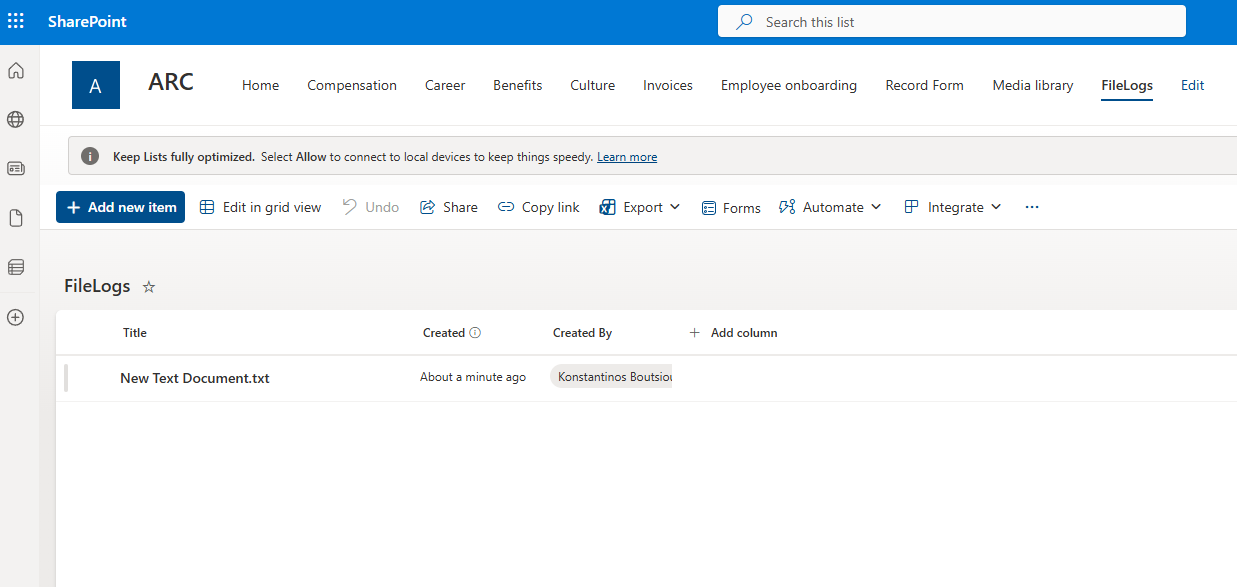
In today’s post, we’ll see how we can create a list item every time someone adds a new file to a specific library using Power Automate.
First, we select the library we’re interested in.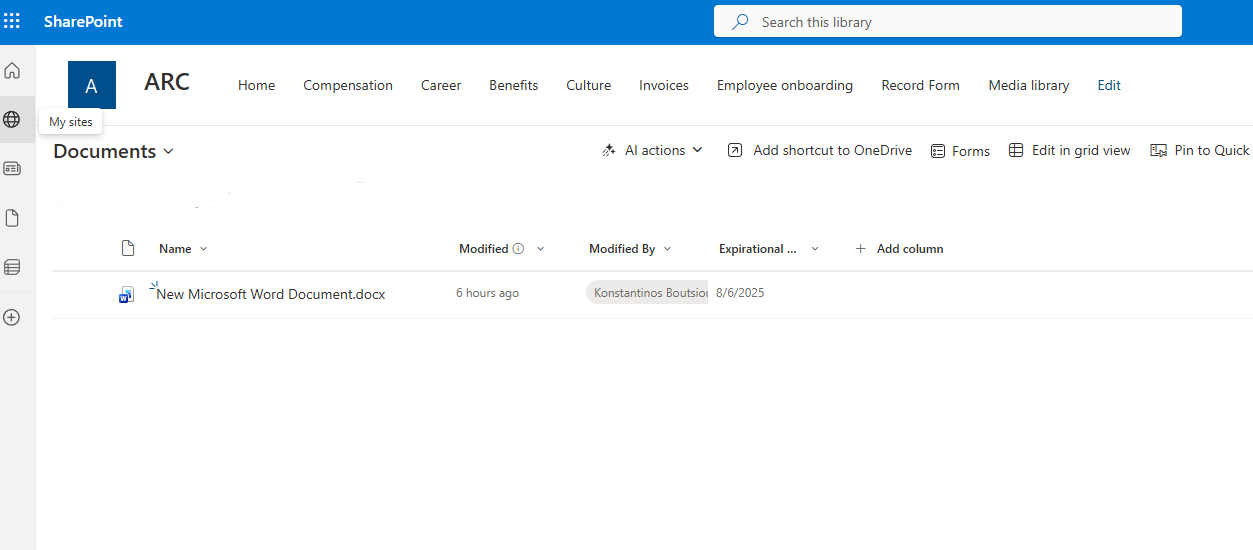
Then we go to the Power Automate home page and select Create.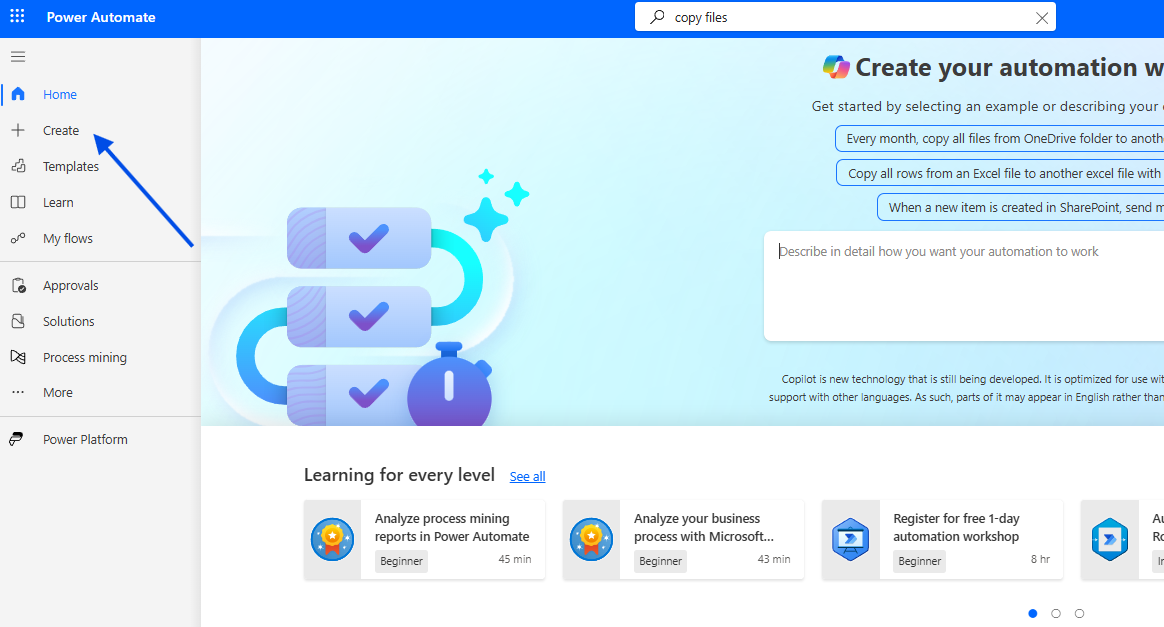
In the next step, we choose Automated cloud flow.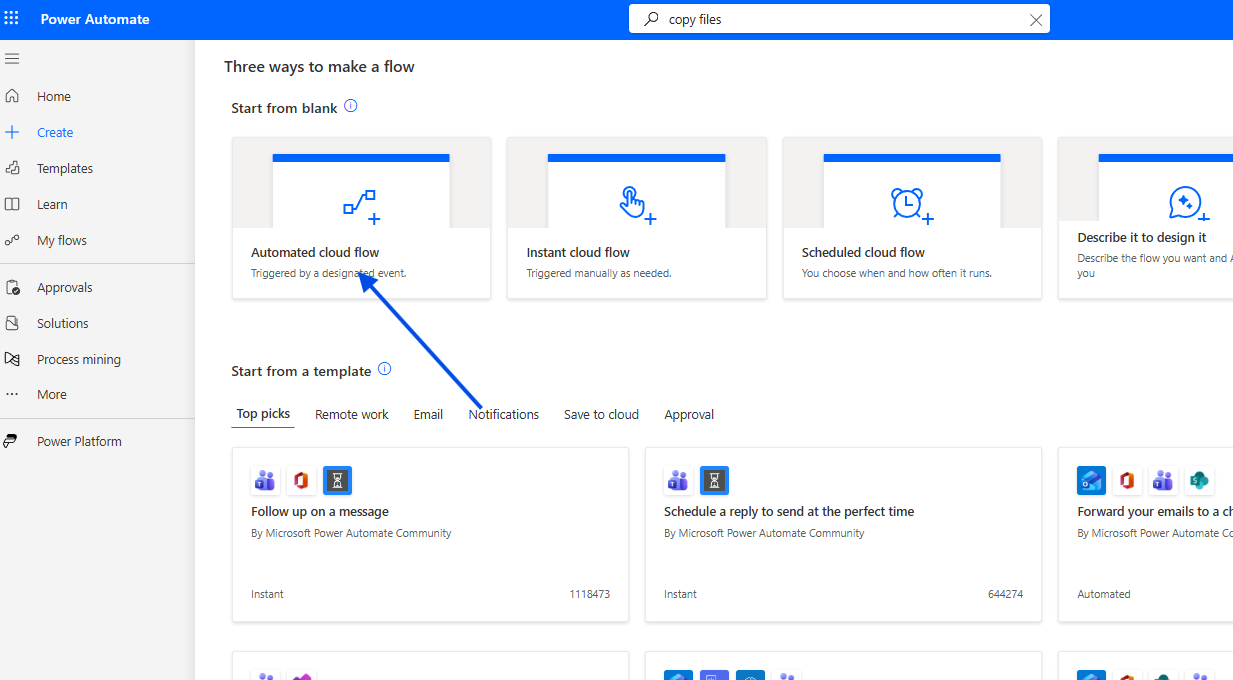
We also need to enter a name for the automation and then select When a new file is created as the initial trigger.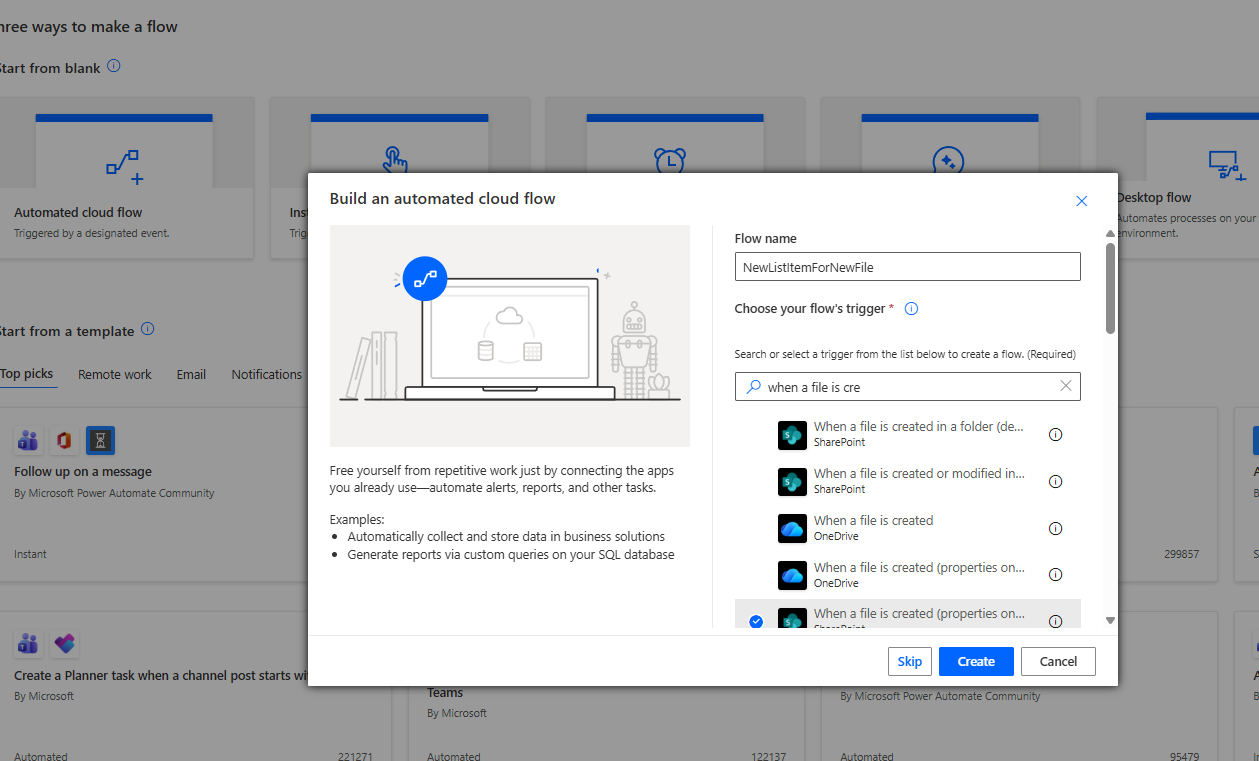
Next, inside the flow’s first action, we select the library where, each time an item is created, we want to create a corresponding item in a list.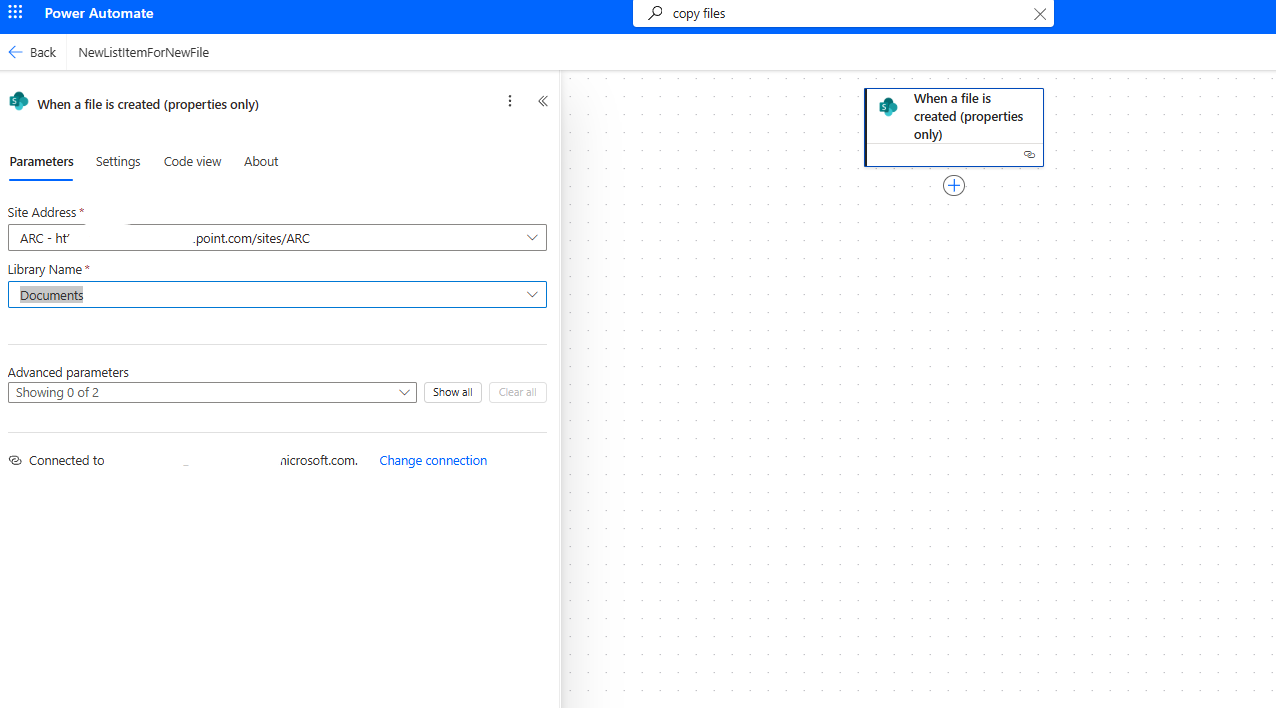
The next action is Create item, where we choose the site that hosts the list which will keep an audit of new additions.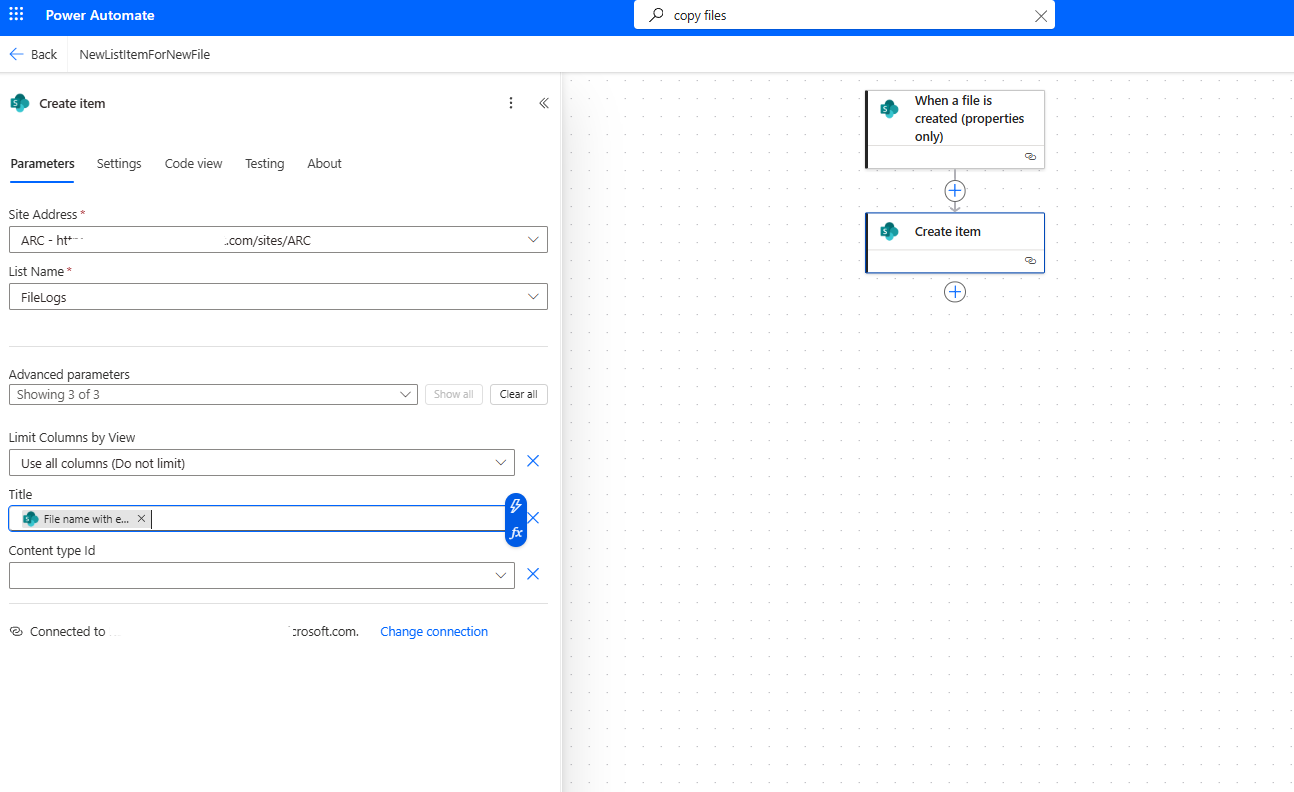
In the next step, we save the automation.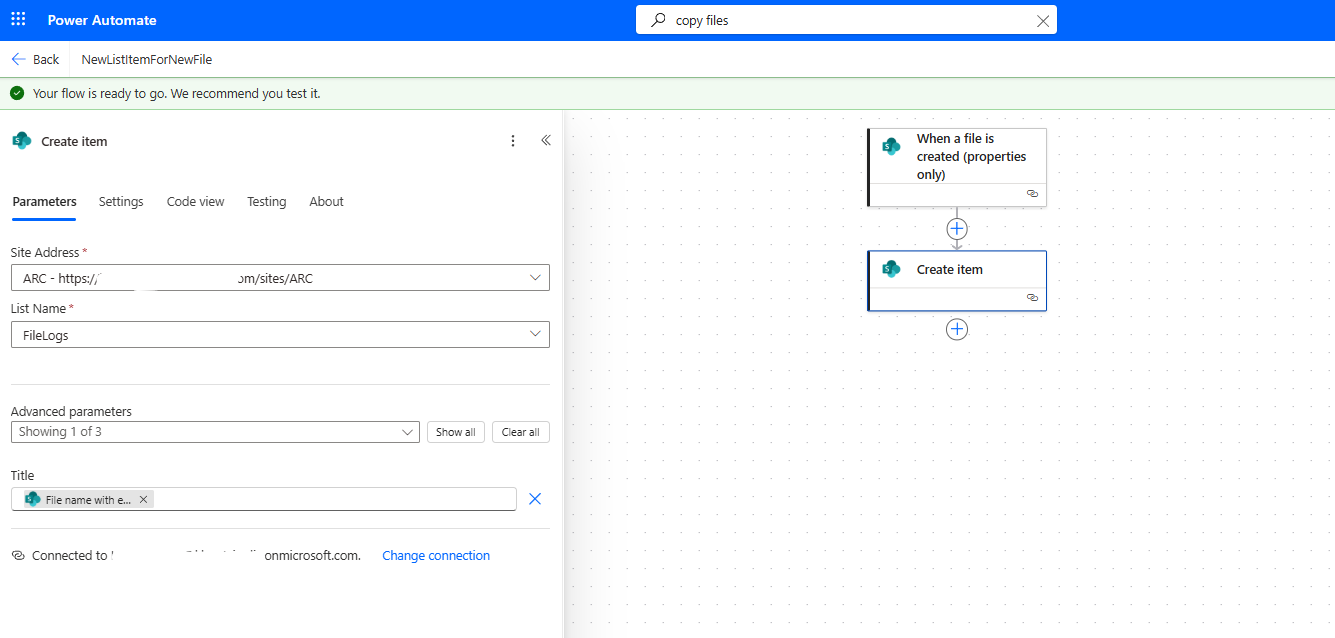
Then we choose to run a manual test for our automation.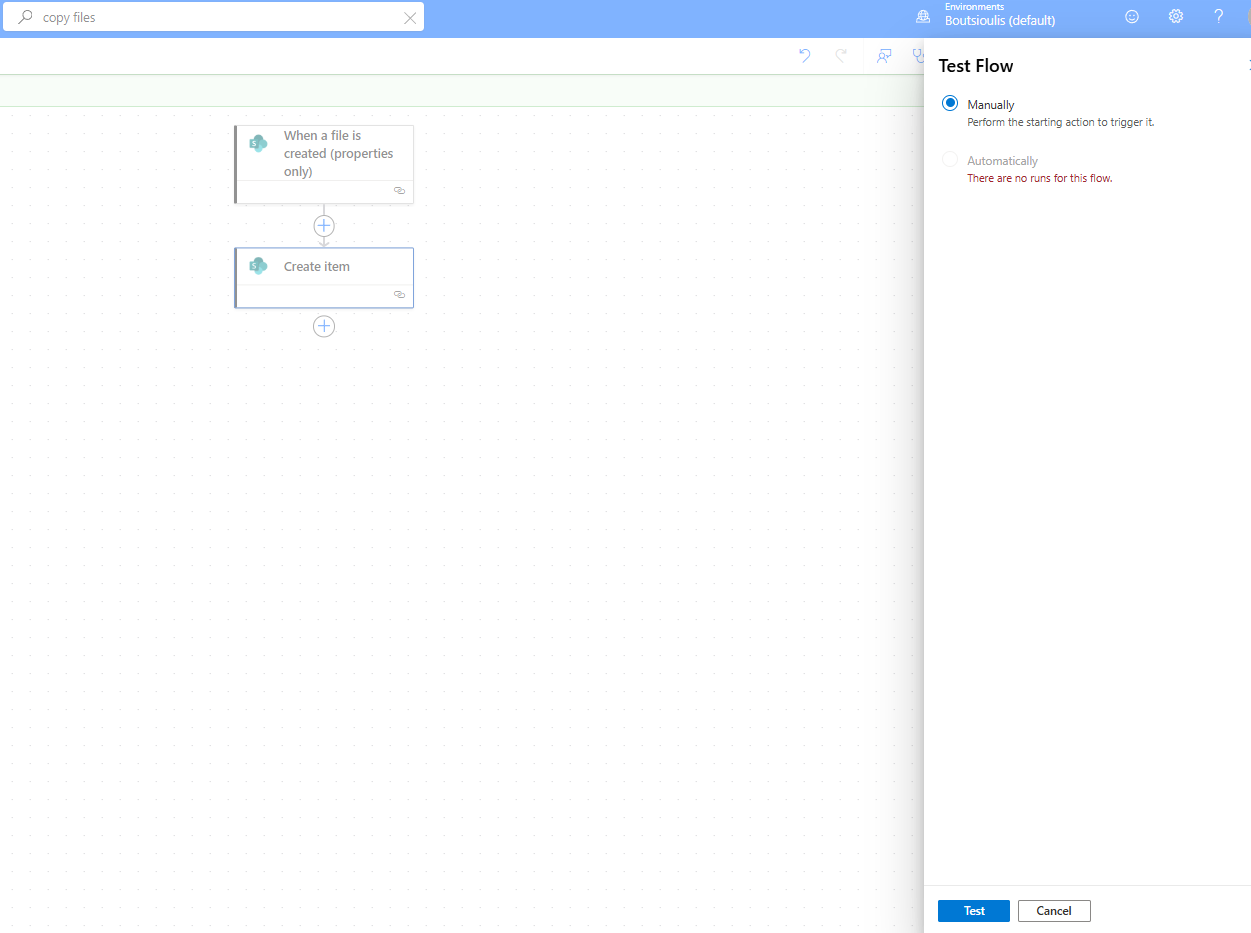
Next, we upload a file to our source library.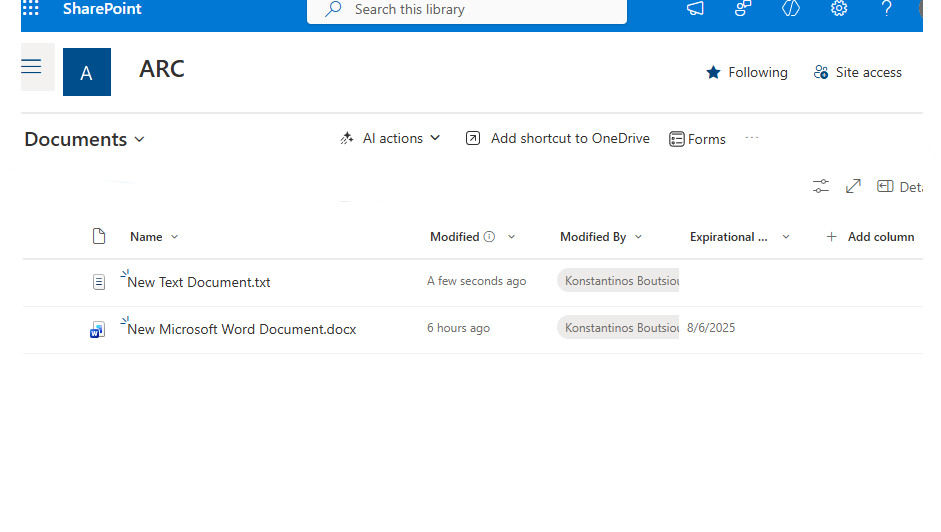
Our flow runs without any issues.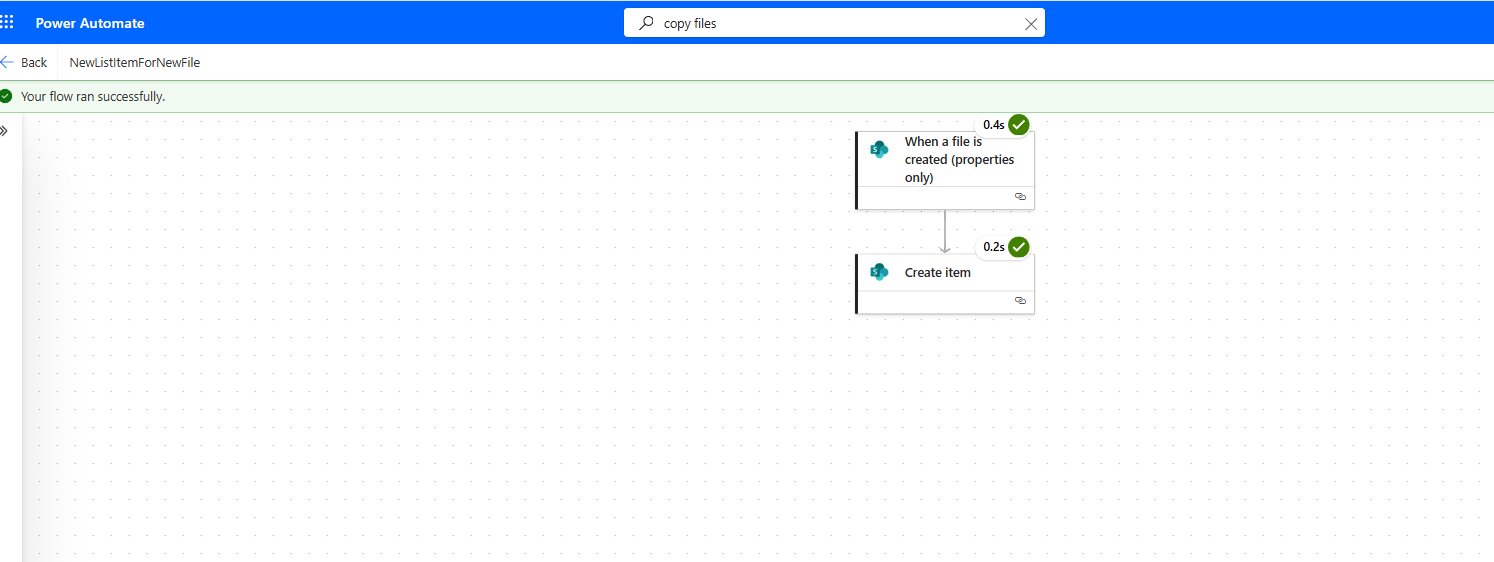
And finally, it created a new list item containing the file name, the creator, and the creation date.