In today’s post, we will see how we can create a lookup column.
Imagine a relational database schema that uses foreign keys from one table to another.
Something similar happens here:
we essentially create a relationship between two SharePoint lists through a specific field.
So we have two lists that become related through one column.
First, we select the list that will contain data coming from another list.
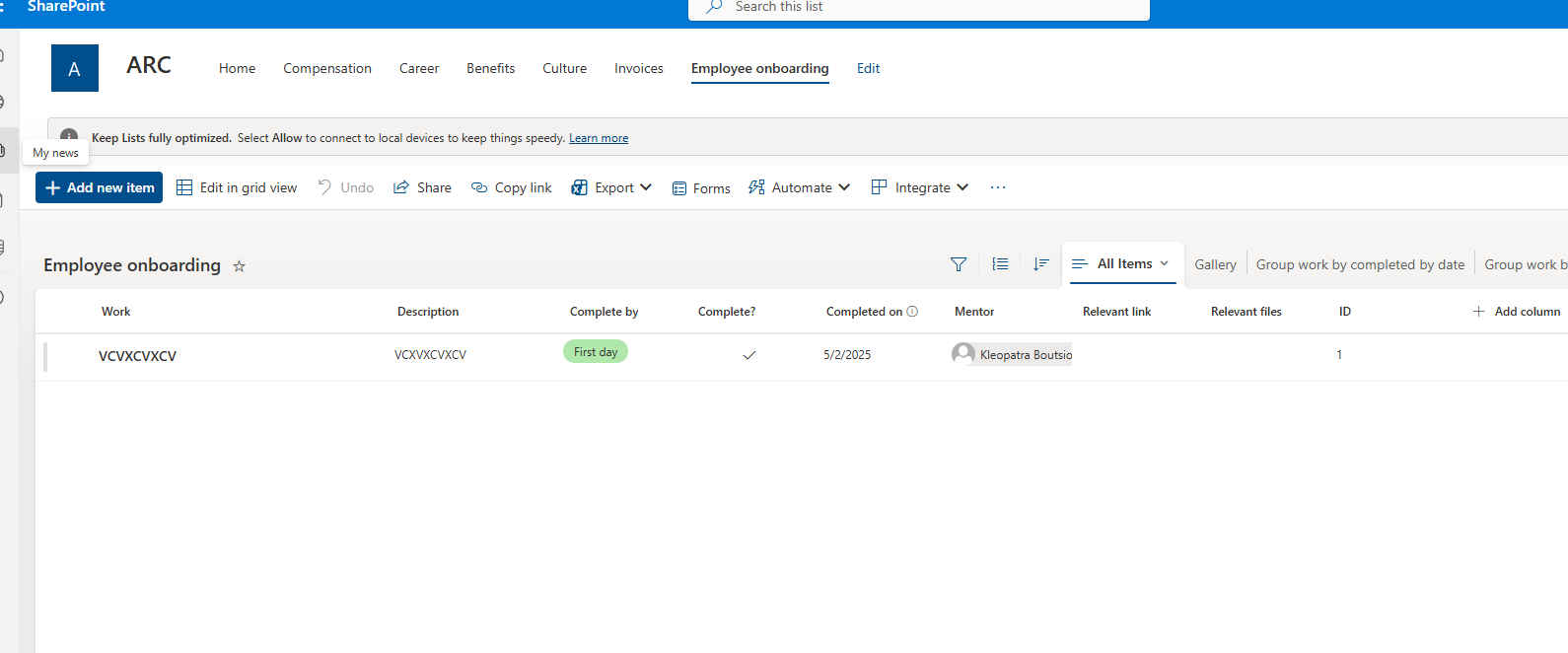
Then we select Add column.
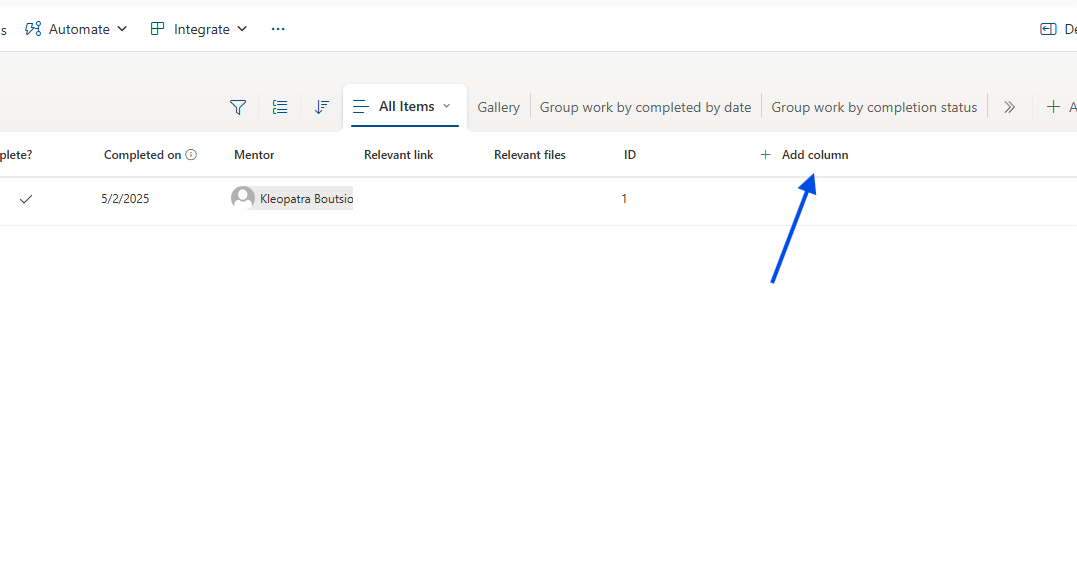
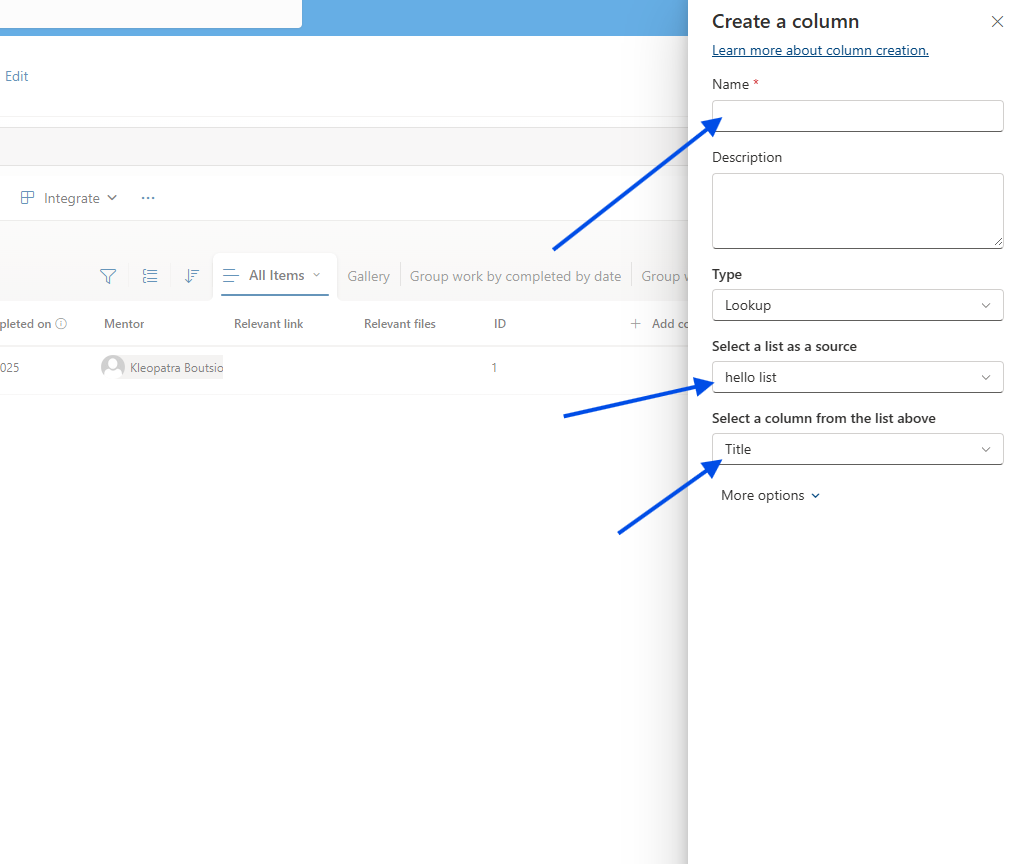
The type of column we choose is Lookup column.
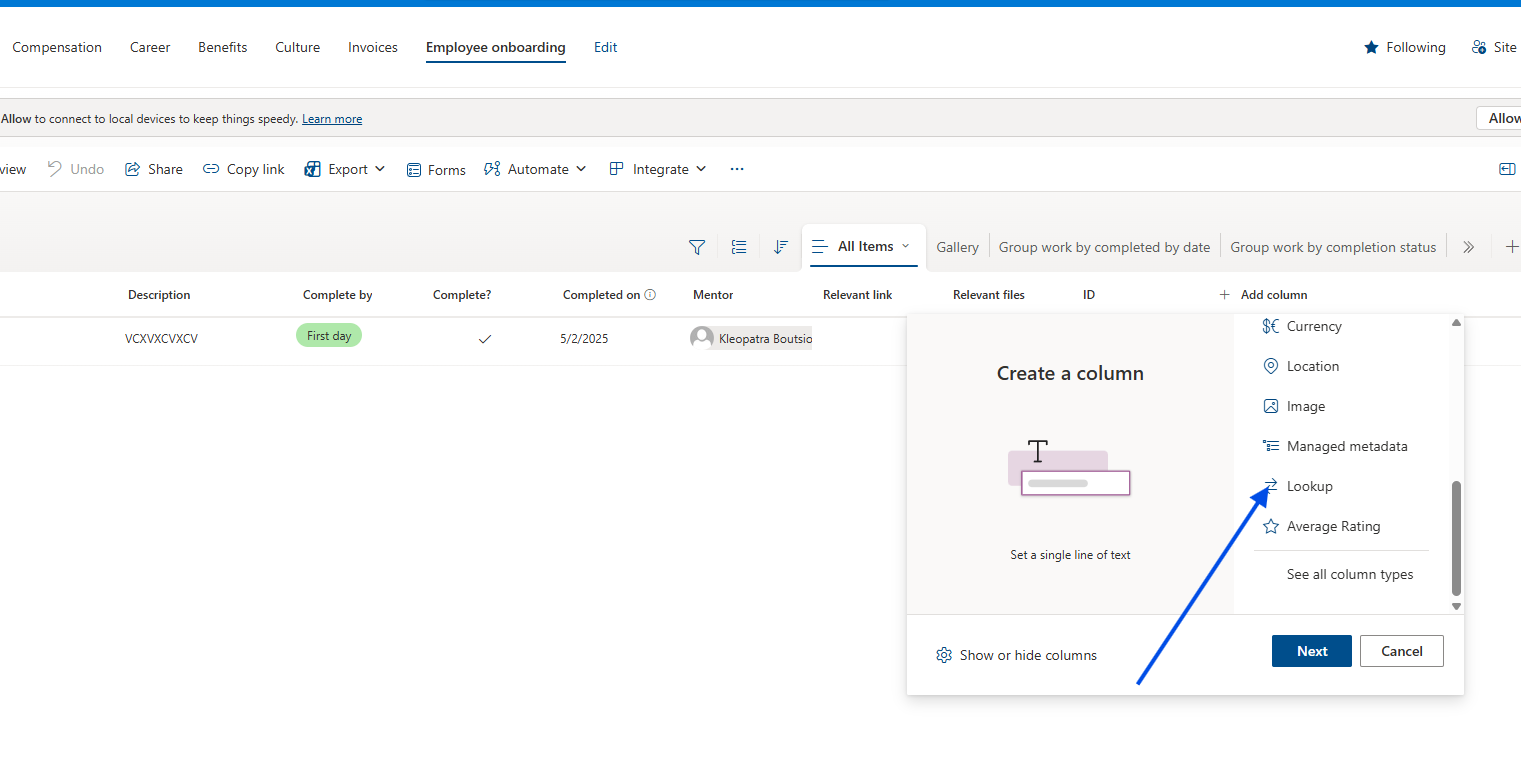
In the next step, we give the column a name and specify from which list and which column it should pull data.
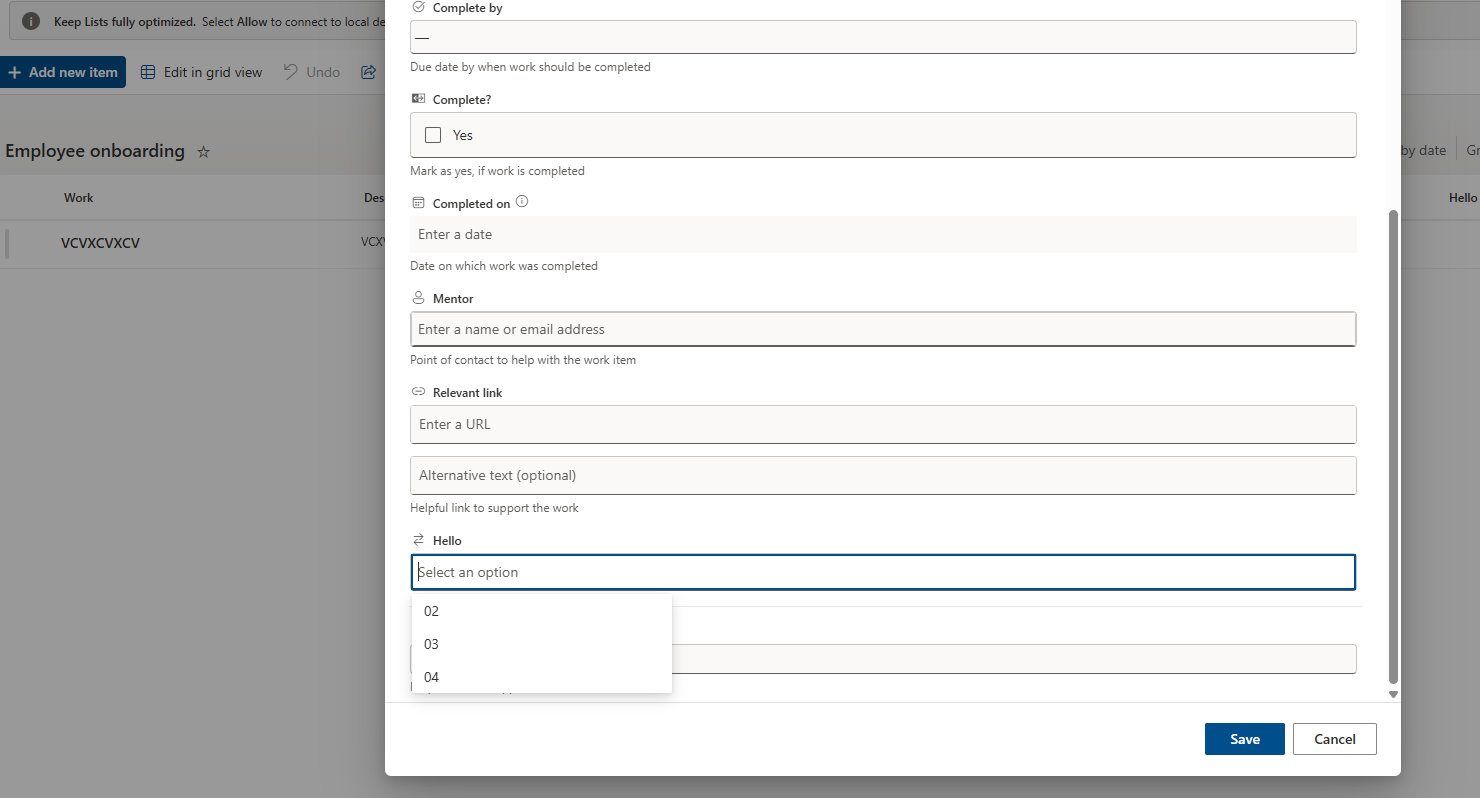
As you can see, when creating a new item, it loads the items of the related list.
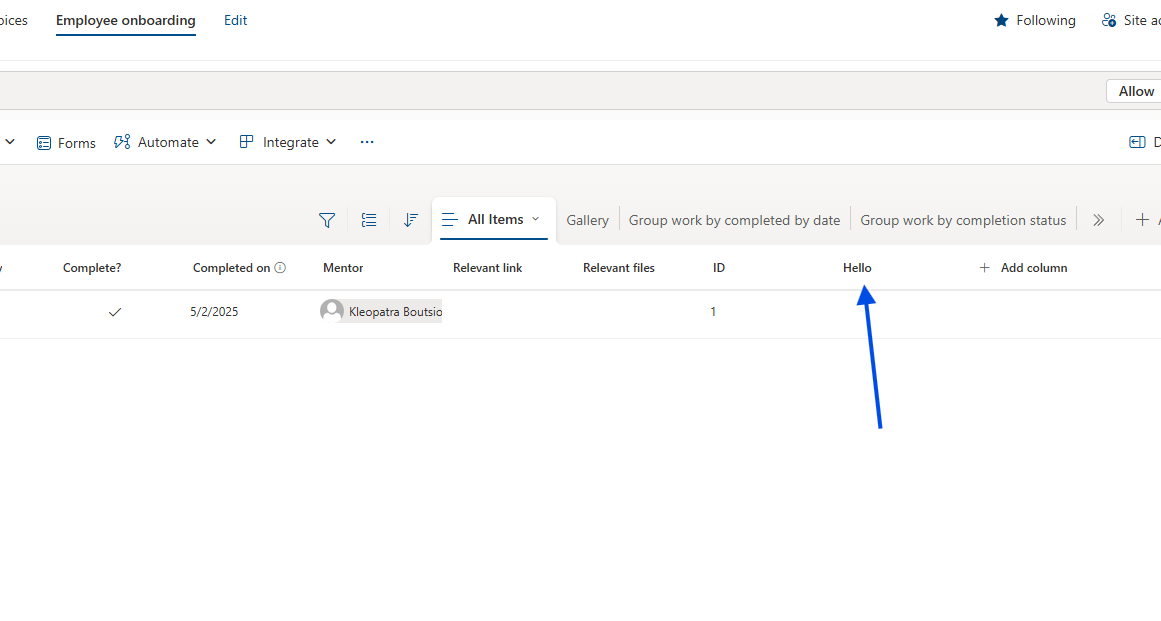
This is a simple way to create relationships between two SharePoint lists.