In today’s post, we will see how we can create folder structures inside a SharePoint library using Power Automate.
It is clear that this is a common requirement, as many companies want to have predefined folder structures that can be applied to new libraries.
To create this structure, we must first locate the library where we want the folders to be created.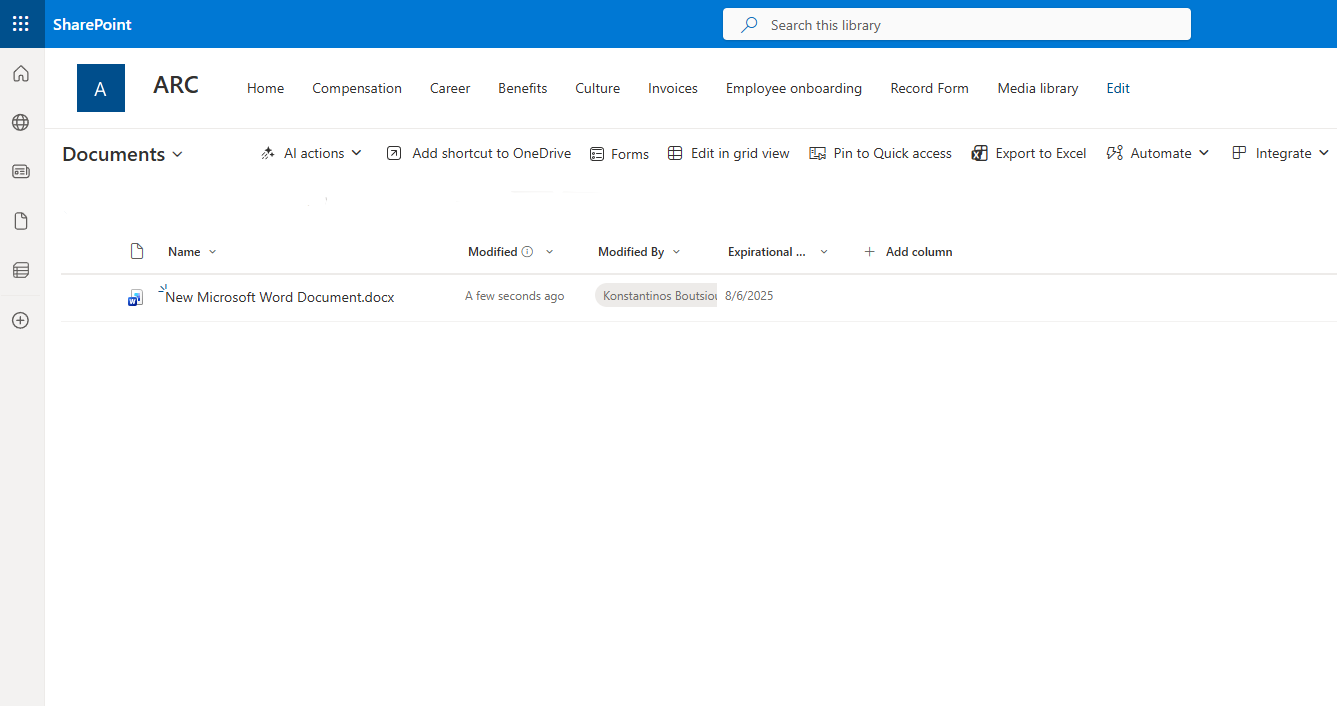
Next, we go to the main Power Automate page and select Create.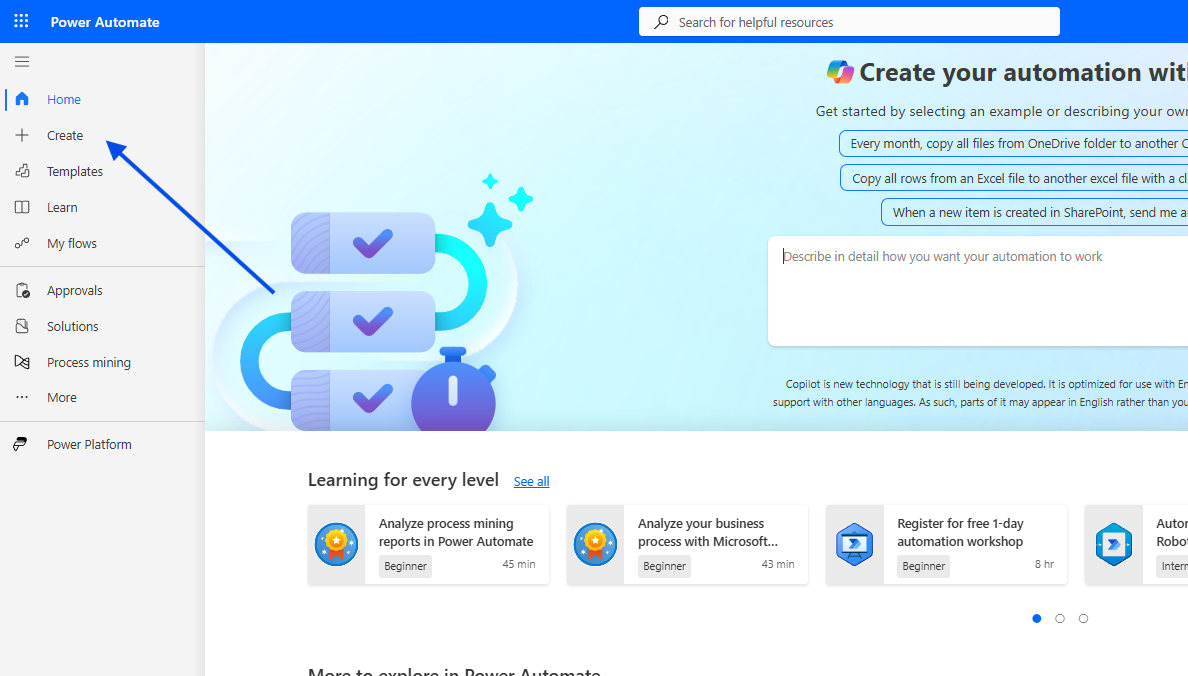
In the following step, we choose Instant Cloud Flow.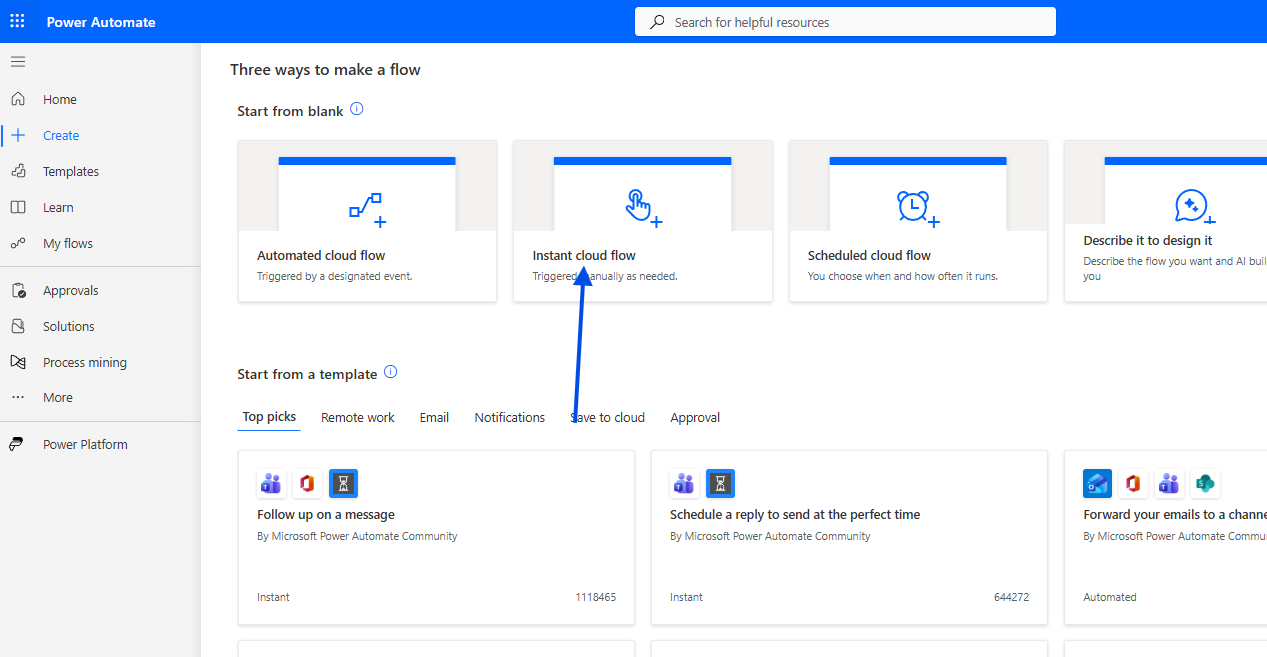
We give the flow a name and select Manually trigger a flow.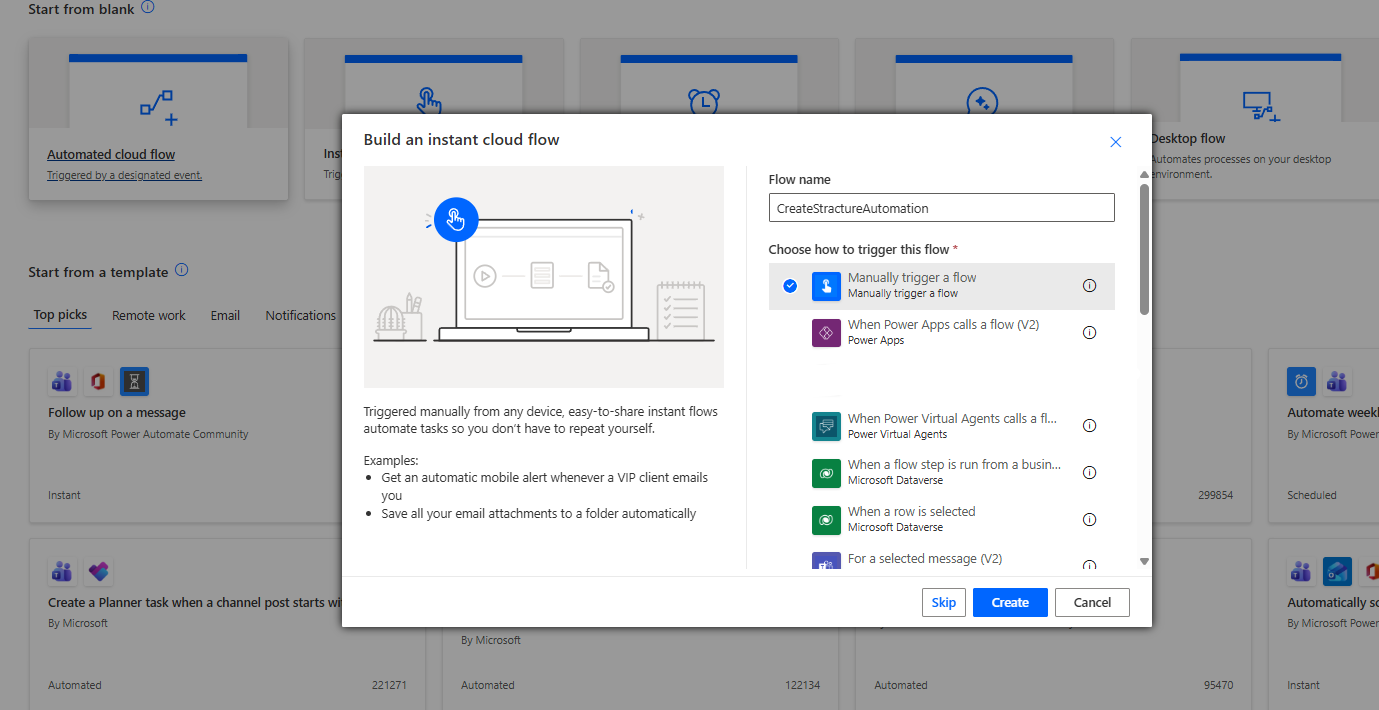
In the next step, we add a new action Initialize variable to define an array containing the folder names we want to create.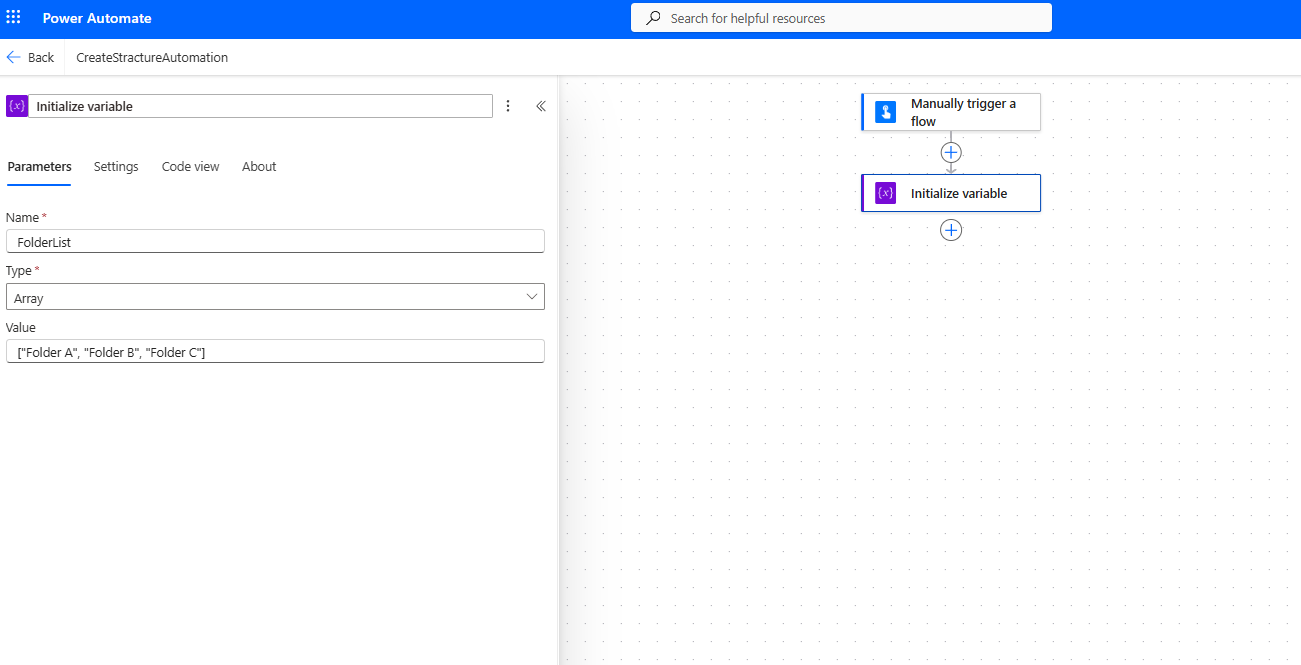
Next, we add a For each action to iterate through each item in the array.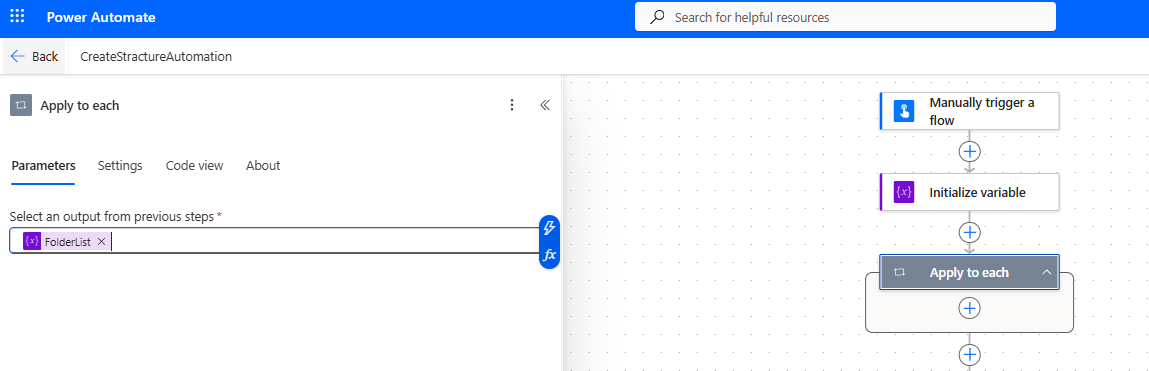
In the following step, we select Send an HTTP request to SharePoint and enter the following:
Site Address: Your-site-URL
Method: POST
Uri:
_api/web/folders
Headers:
accept: application/json;odata=verbose
content-type: application/json;odata=verbose
Body
{ "__metadata": { "type": "SP.Folder" }, "ServerRelativeUrl": "/sites/ARC/Shared%20Documents/@{items('Apply_to_each')}"}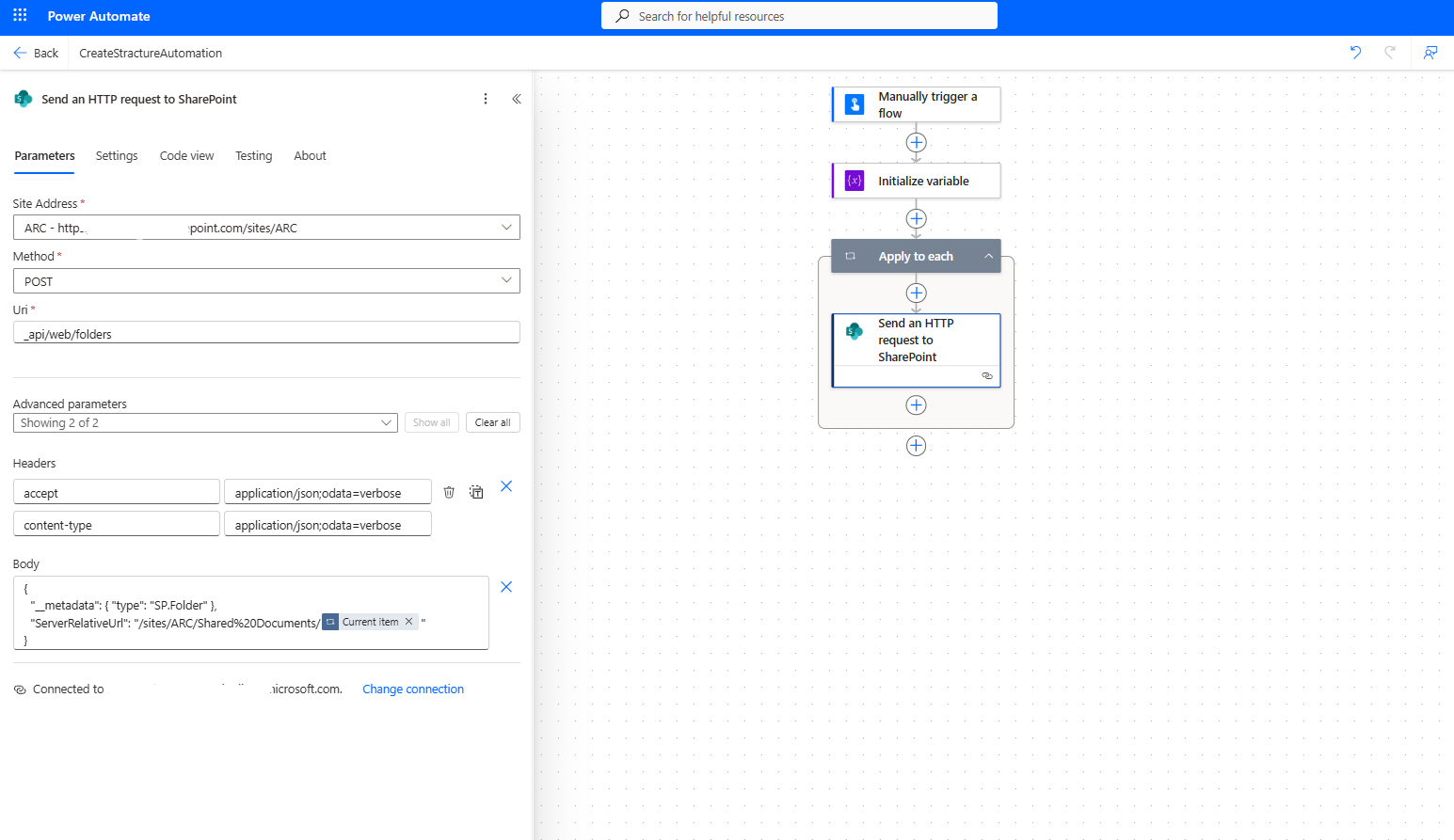
Next, we save the flow.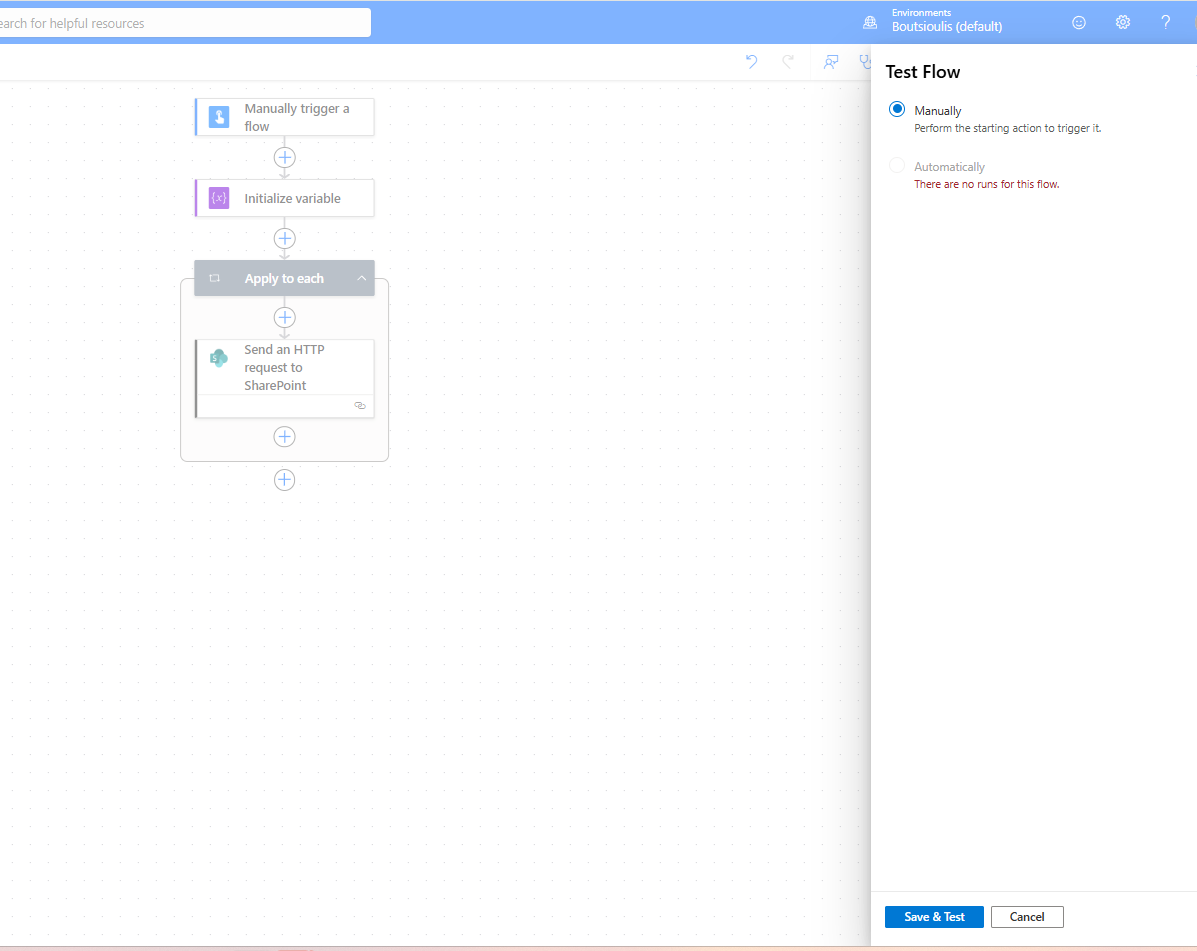
Then we choose to run a manual test.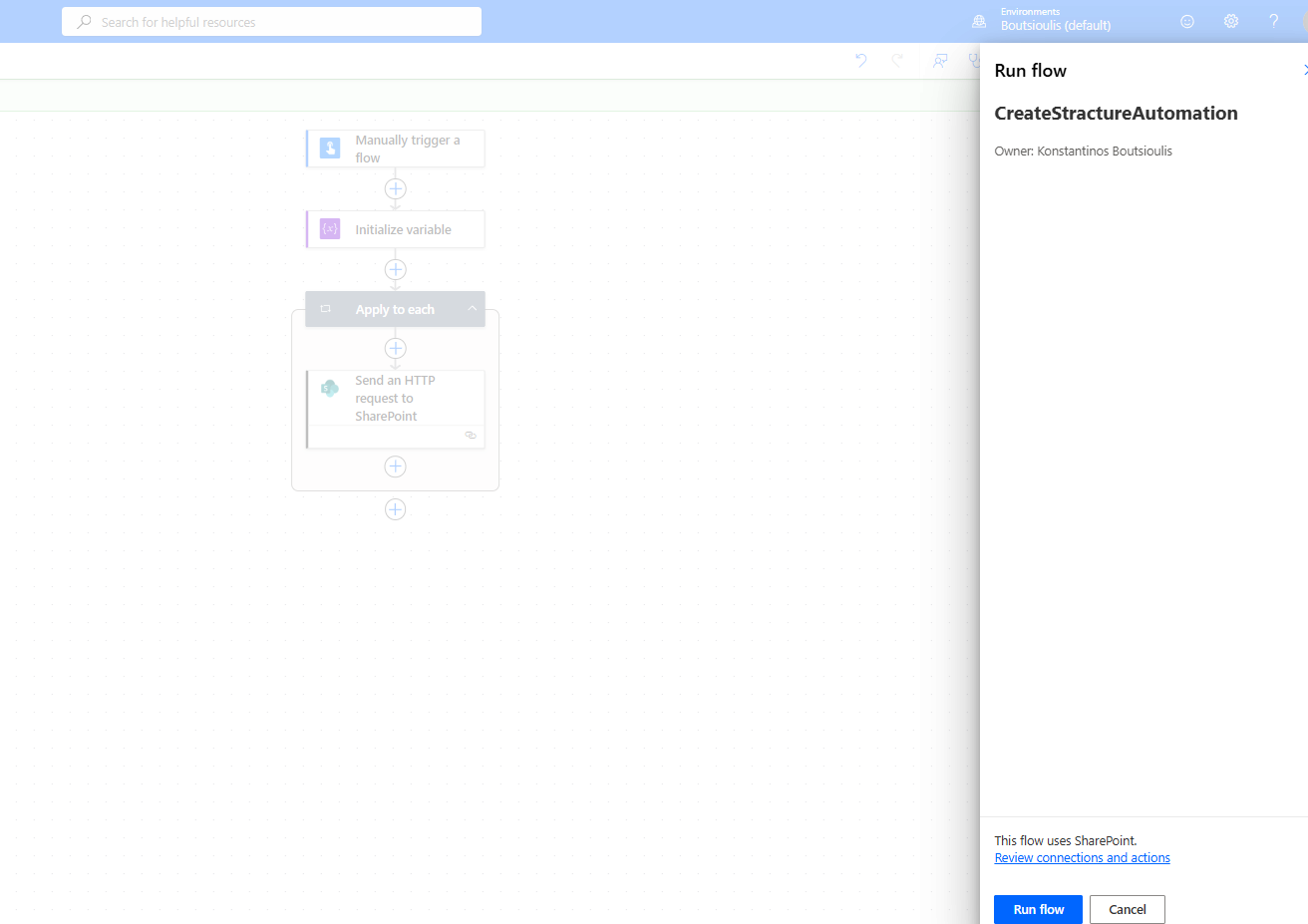
We select Run flow.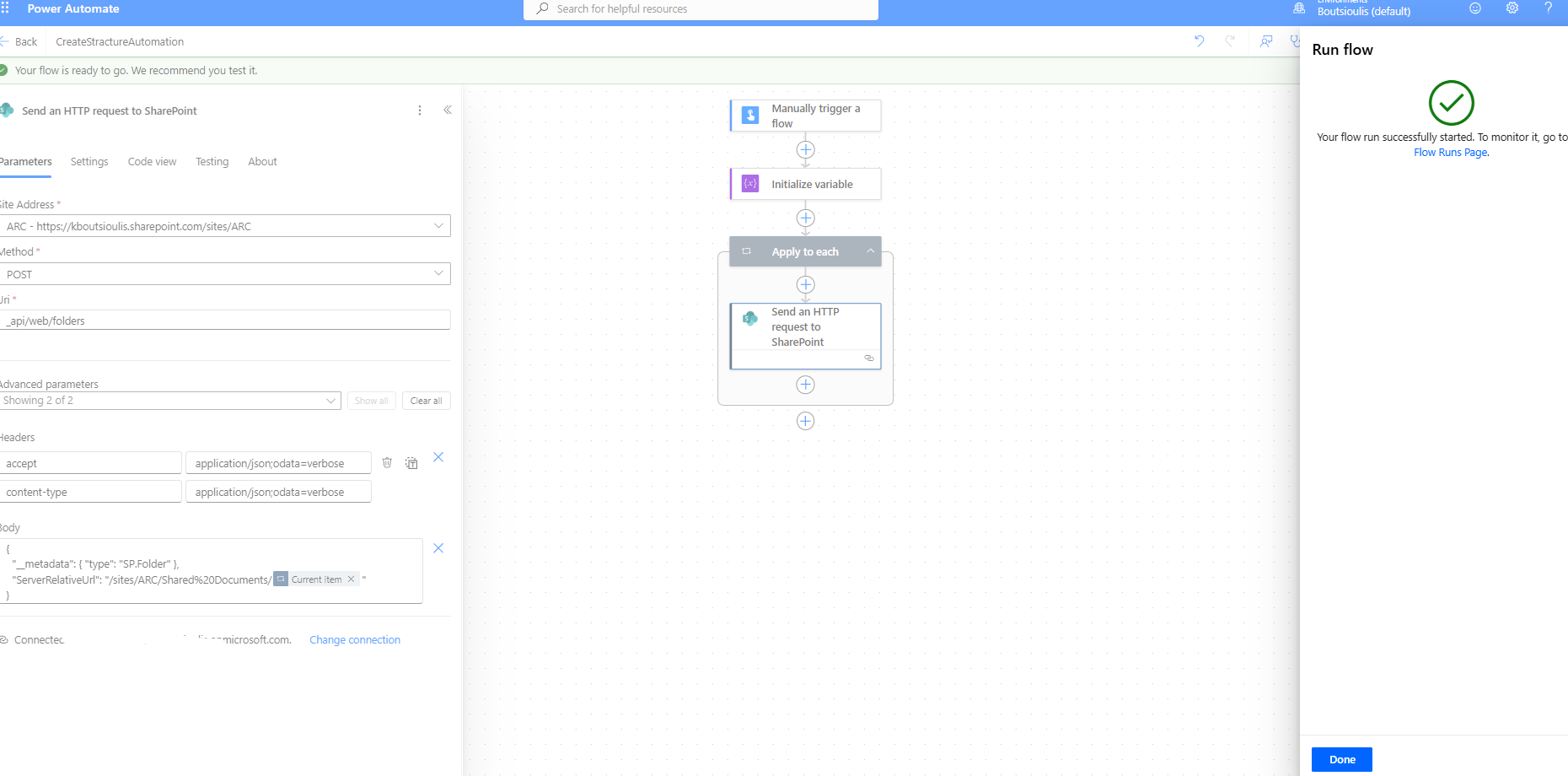
We see that the flow has executed successfully without any issues.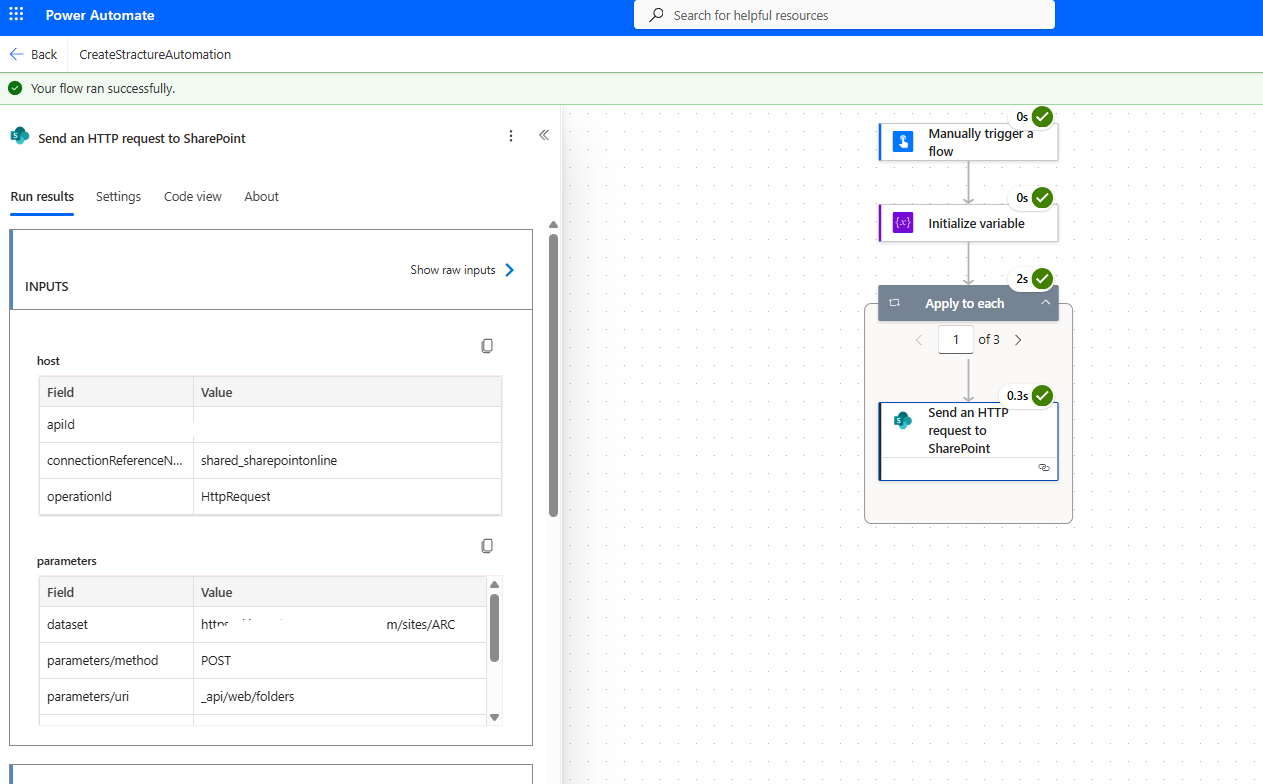
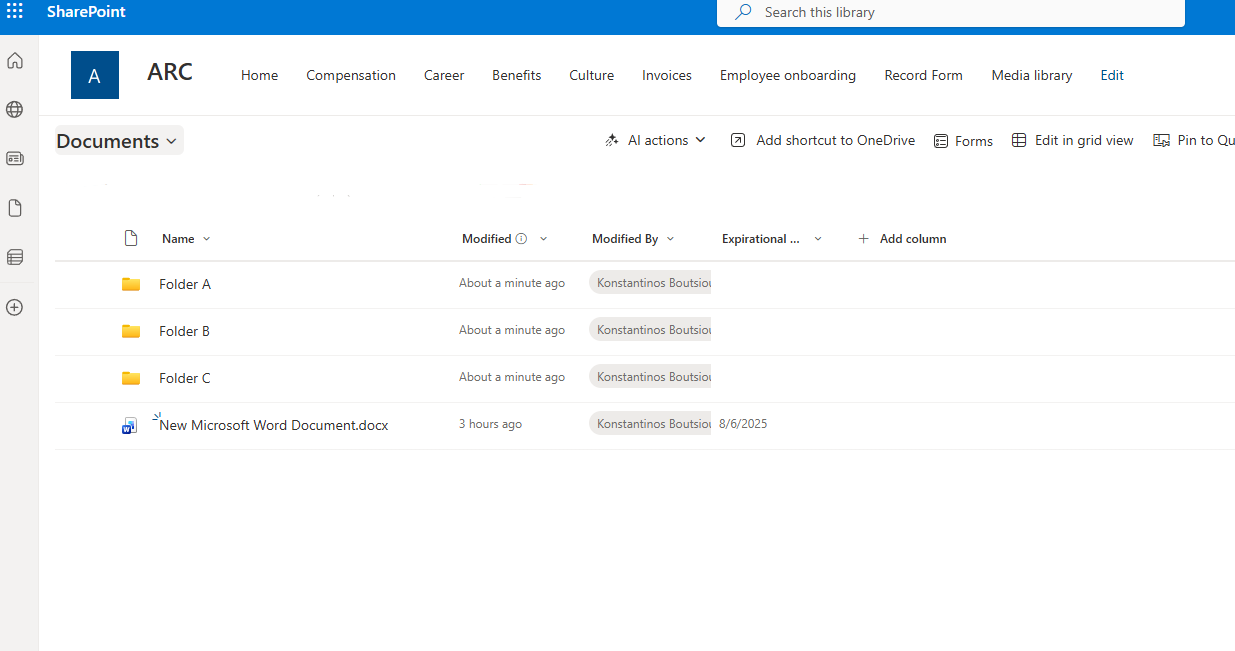
And finally, the folder structure has been created inside our library.