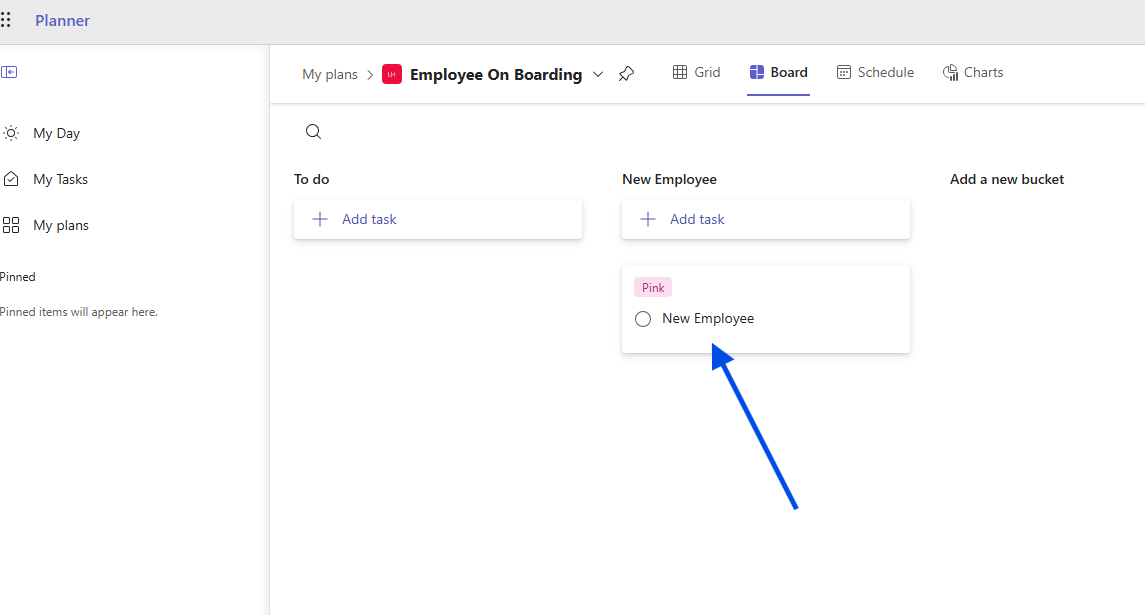
In today’s post we will see how we can create a new task in Planner every time a new item is created in a SharePoint list using Power Automate.
It should be noted that these automations do not constitute a complete solution on their own, but rather a part of a full solution that may vary depending on the needs of each organization.
First, we create a list from the available templates, such as the Employee Onboarding template.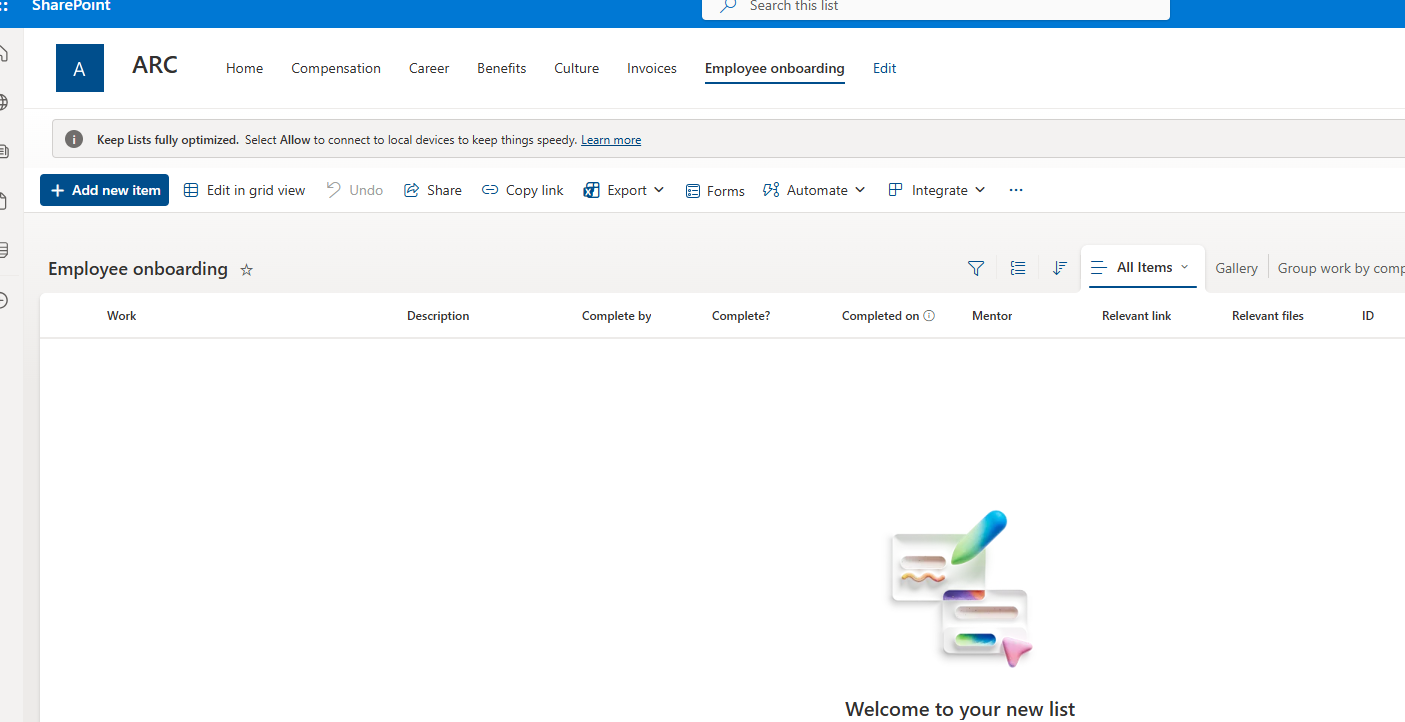
Then, we go to the Power Automate home page and select Create.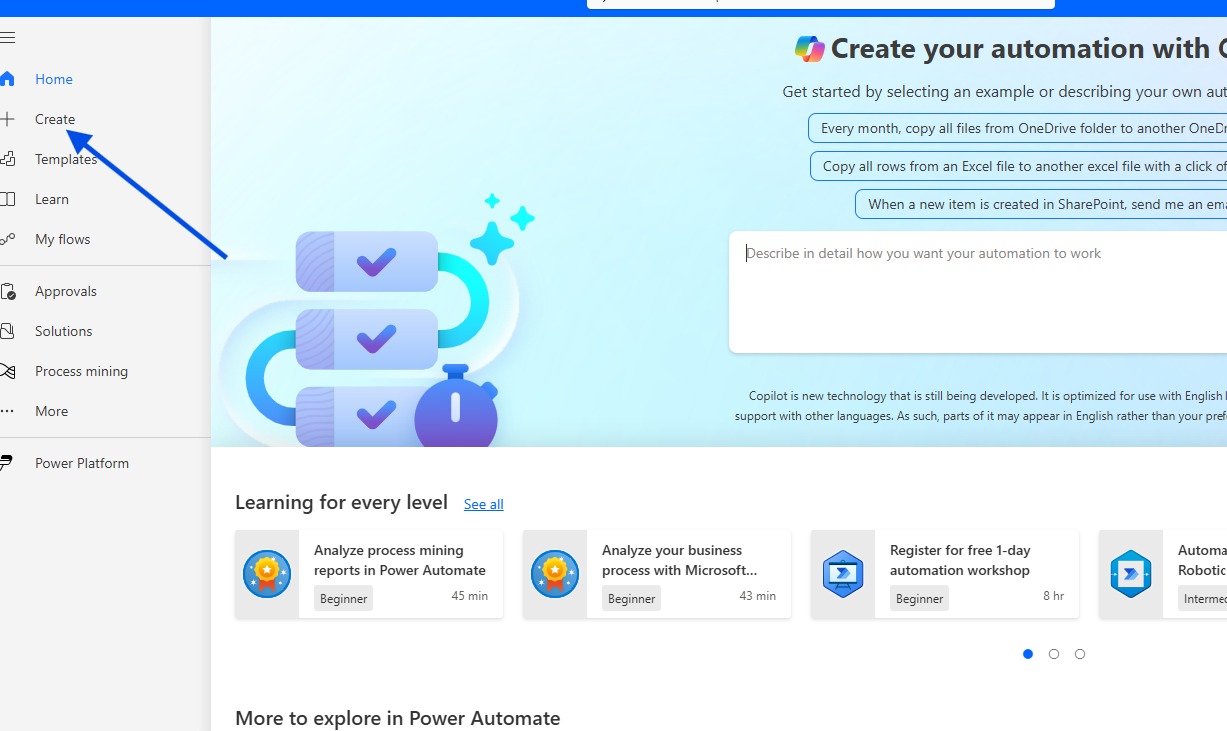
In the next step, we need to choose Automated Cloud Flow.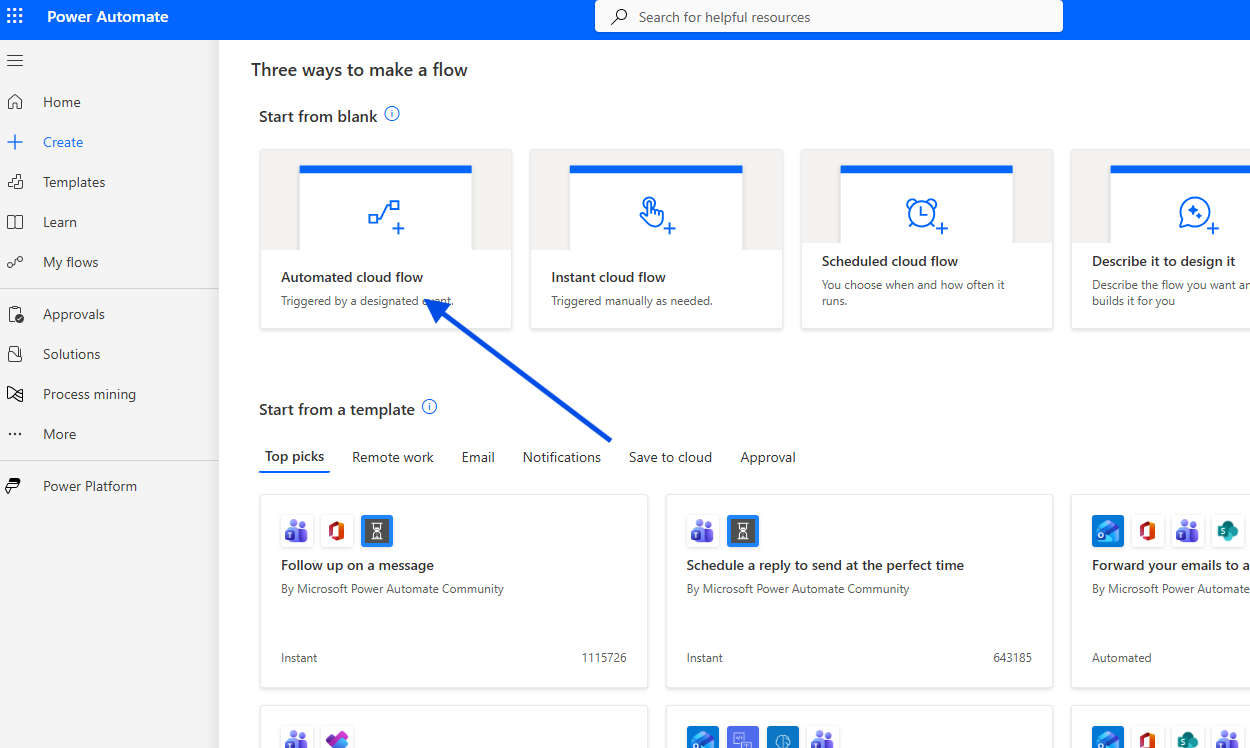
We give a name to our new flow and select When an item is created as the initial trigger.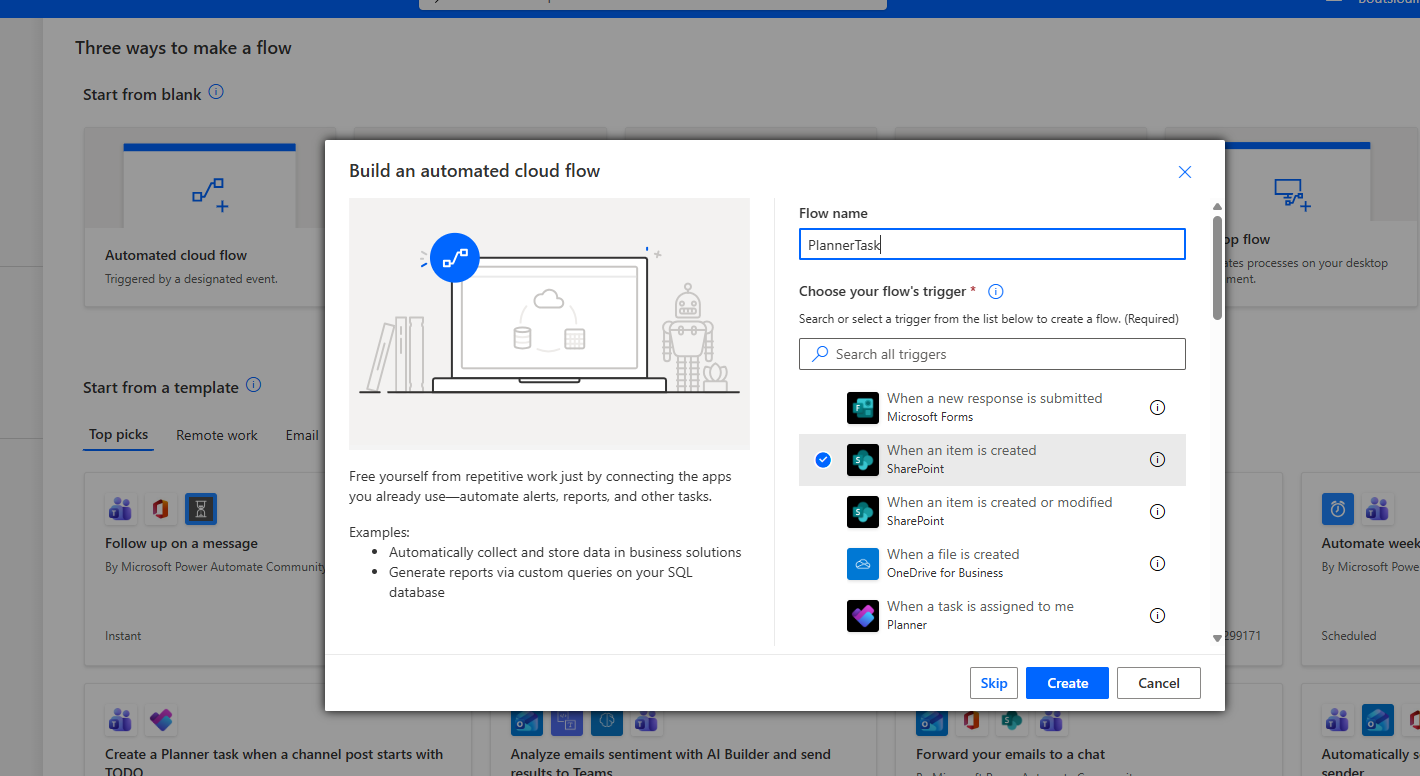
We select the site that hosts the Employee Onboarding list and choose the list.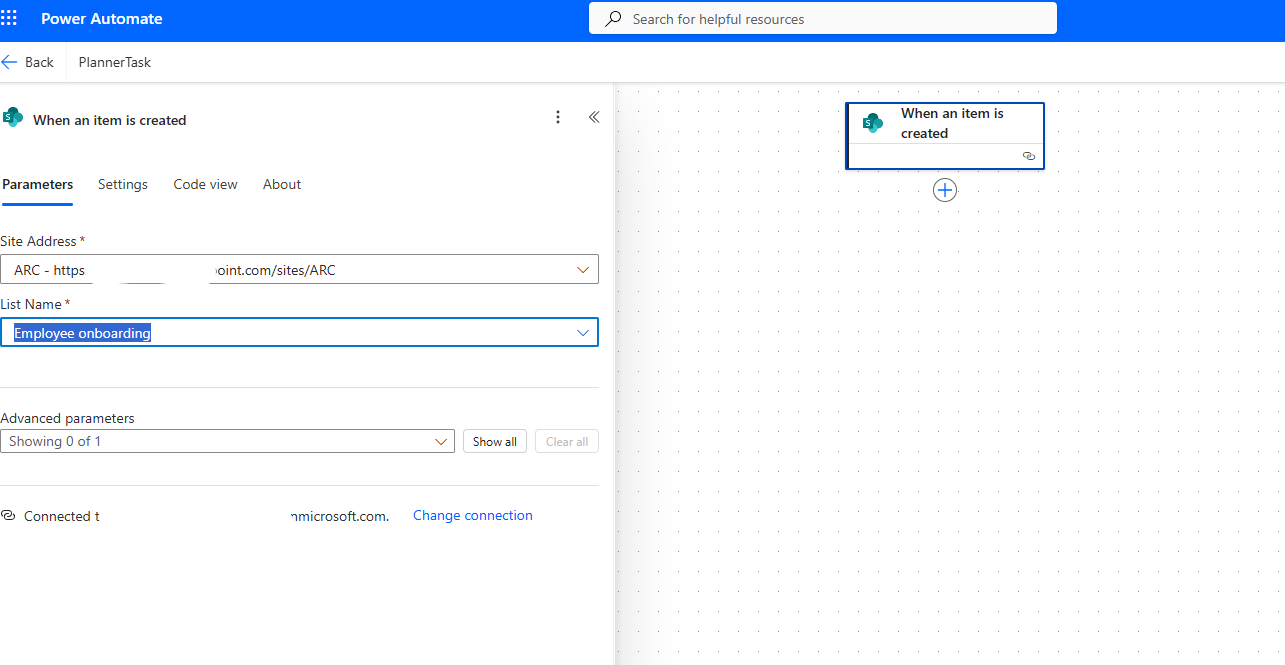
Next, we select the Create Task action and fill in the required fields.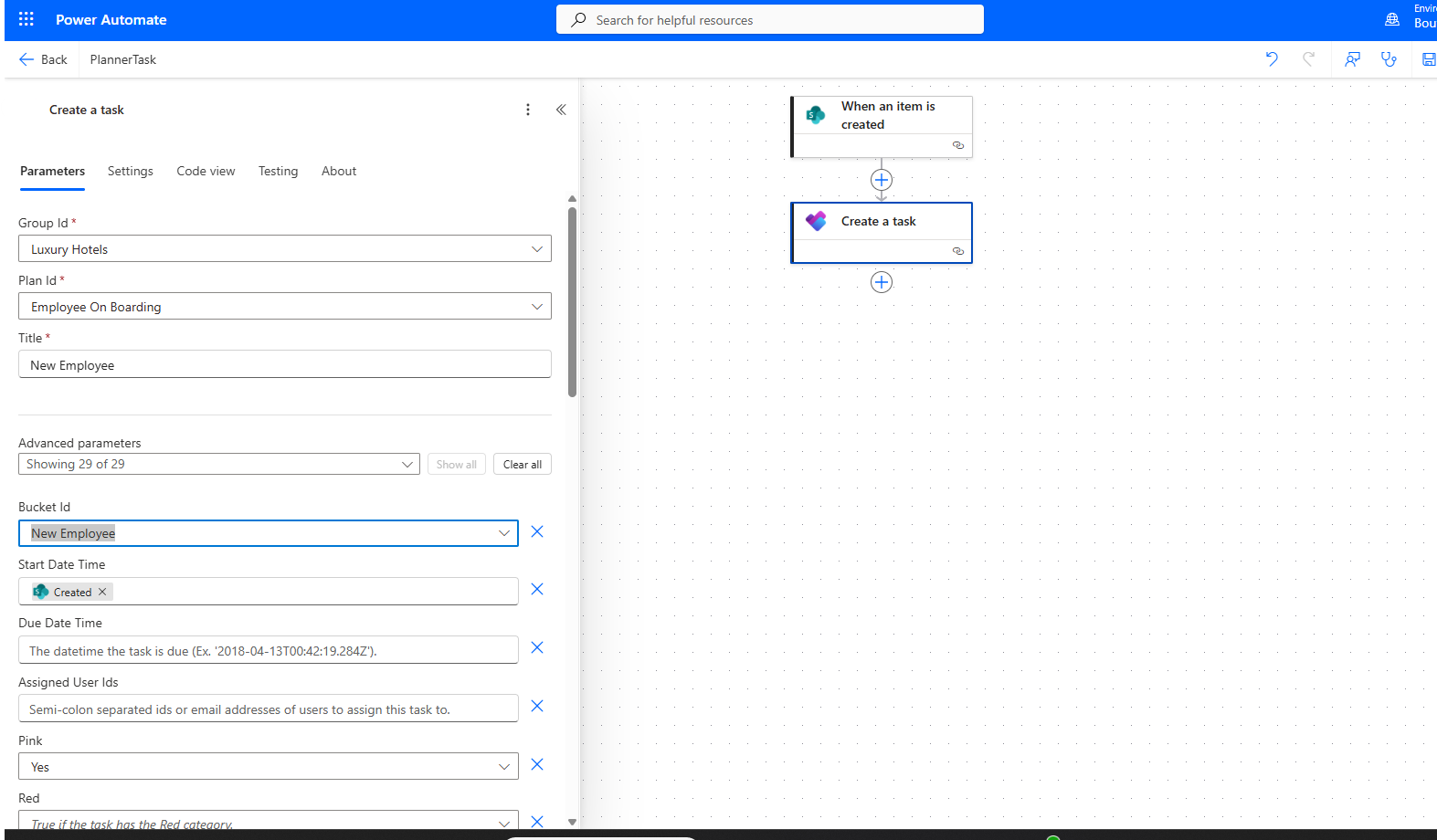
We save our flow.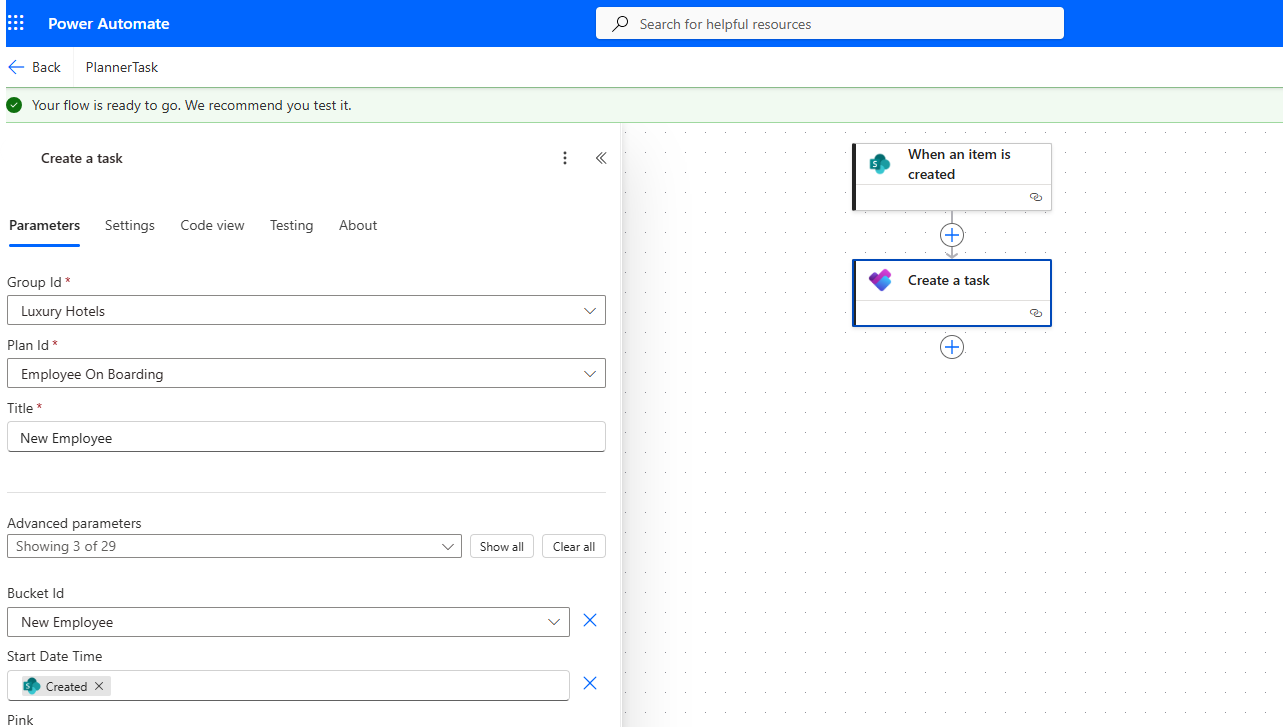
Then we run a manual test.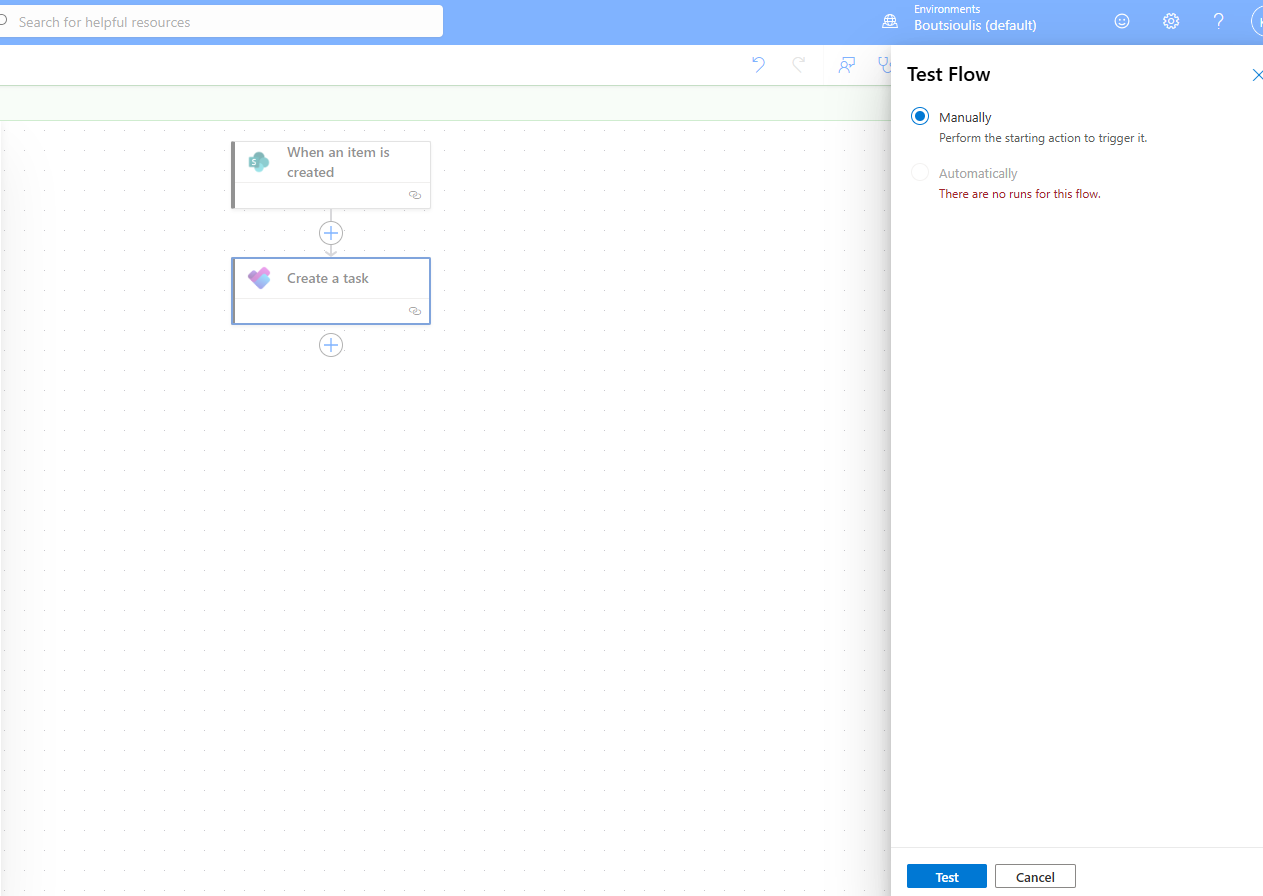
After that, we create a new item in our list.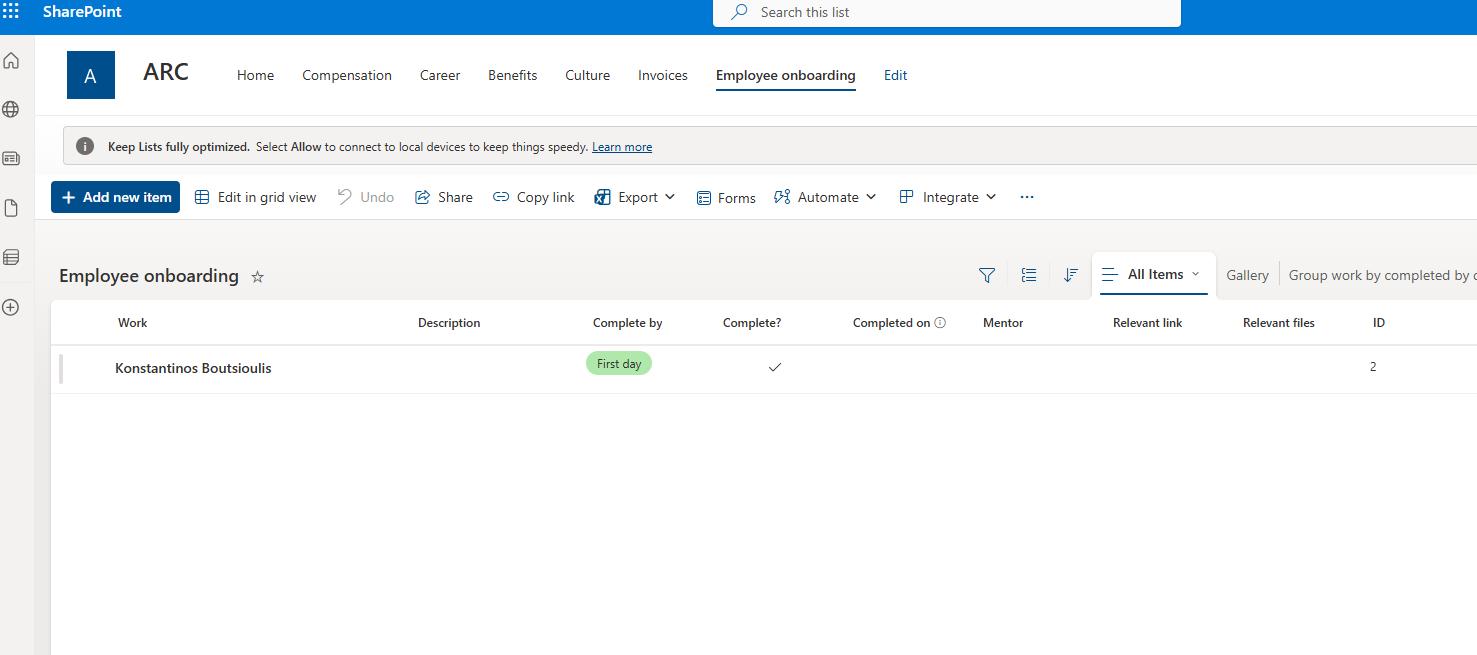
As you can see, the flow ran successfully without any issues.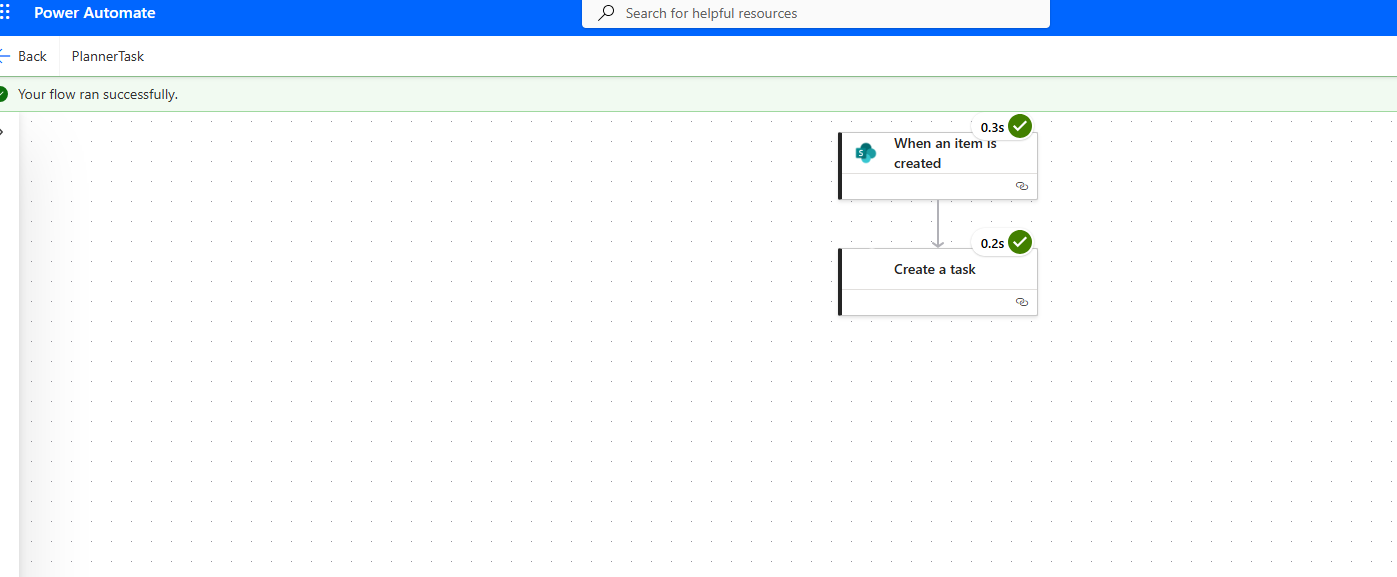
And so a new Planner task was created under the bucket we specified.