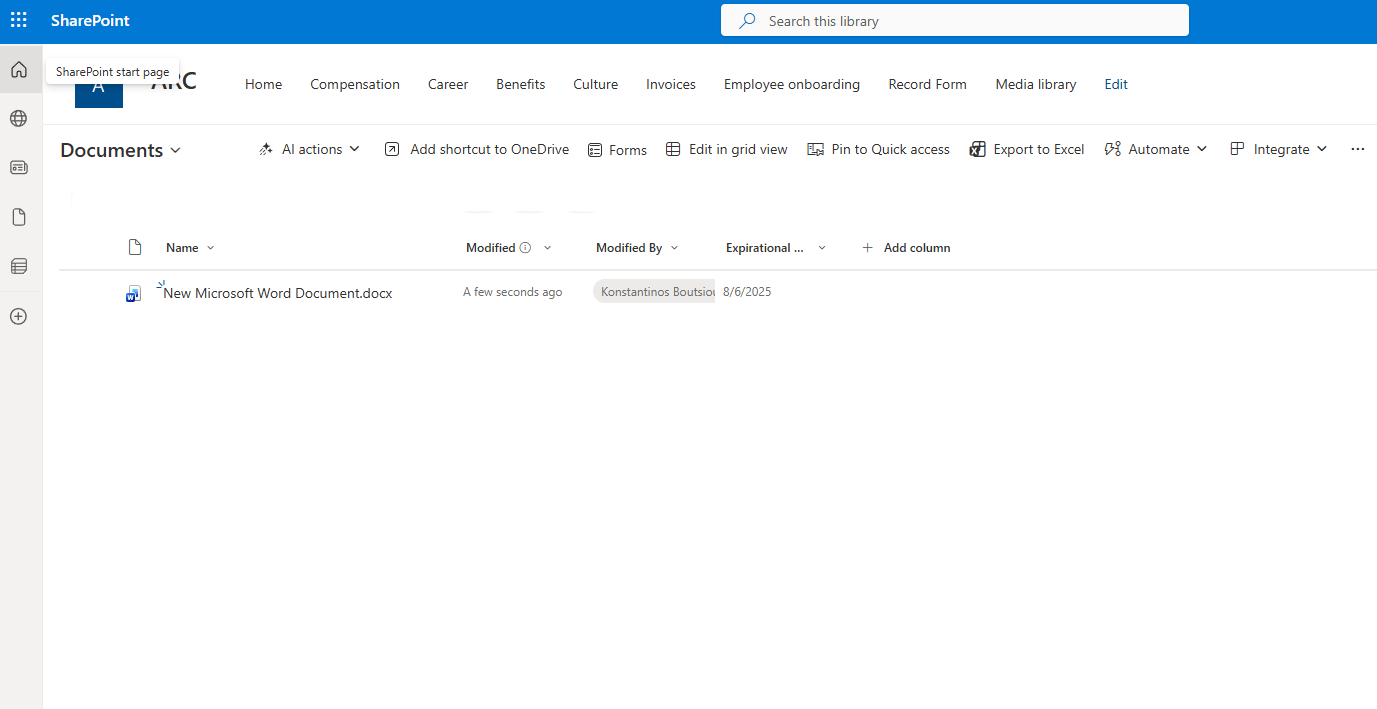
In today’s post, we will see how we can receive an alert email with the number of items contained in a SharePoint library.
Imagine a company that creates multiple documents every day, and the department manager needs to monitor changes in the number of items within a specific library. By creating an automation that counts the items, they can receive a daily email with the total number of records in the library they selected.
First, we create the library for which we want to receive notification emails.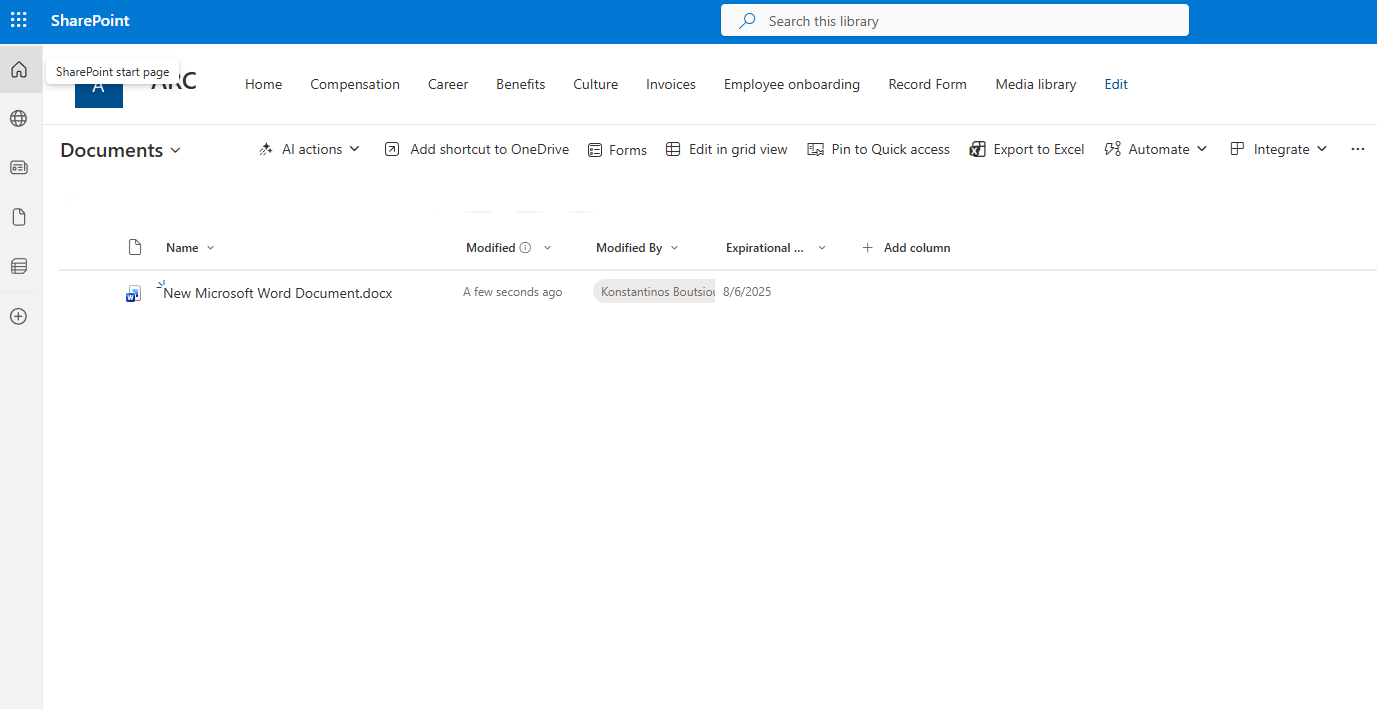
Then we go to the Power Automate page and select Create.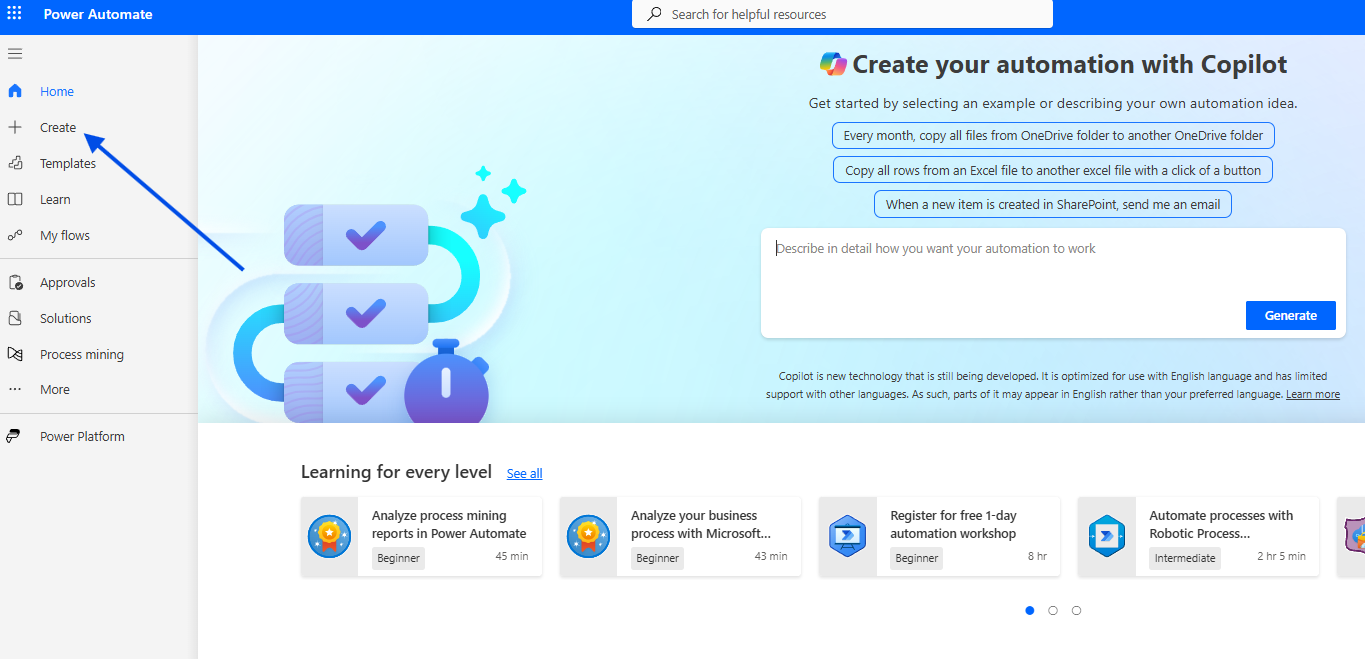
In the next step, we choose Scheduled Cloud Flow.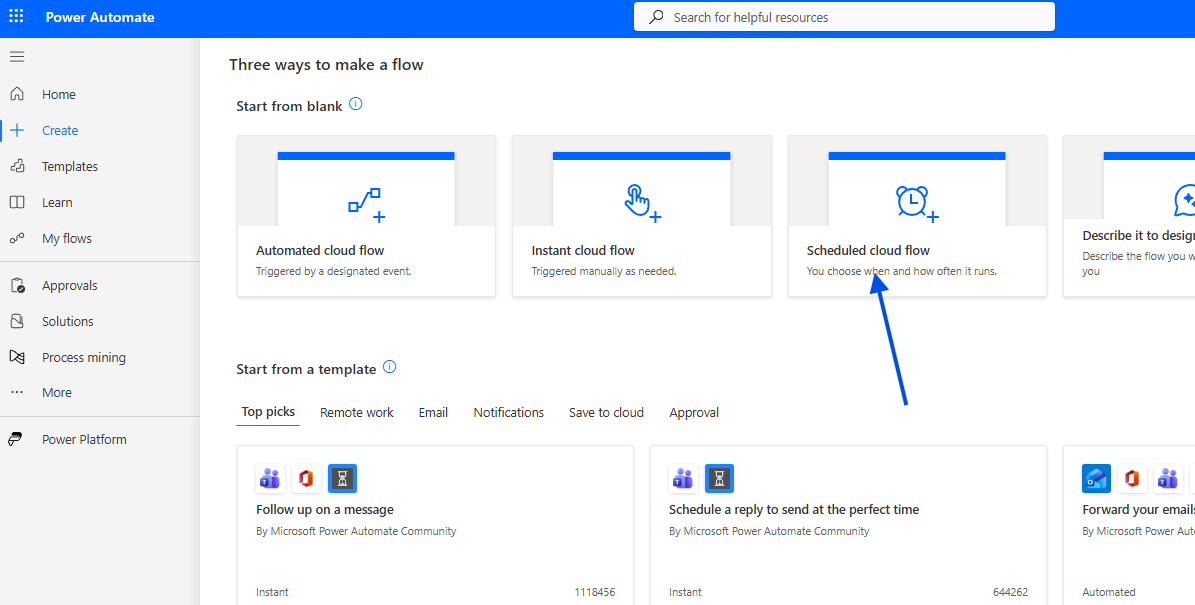
We give the flow a name and define the recurrence interval for its execution.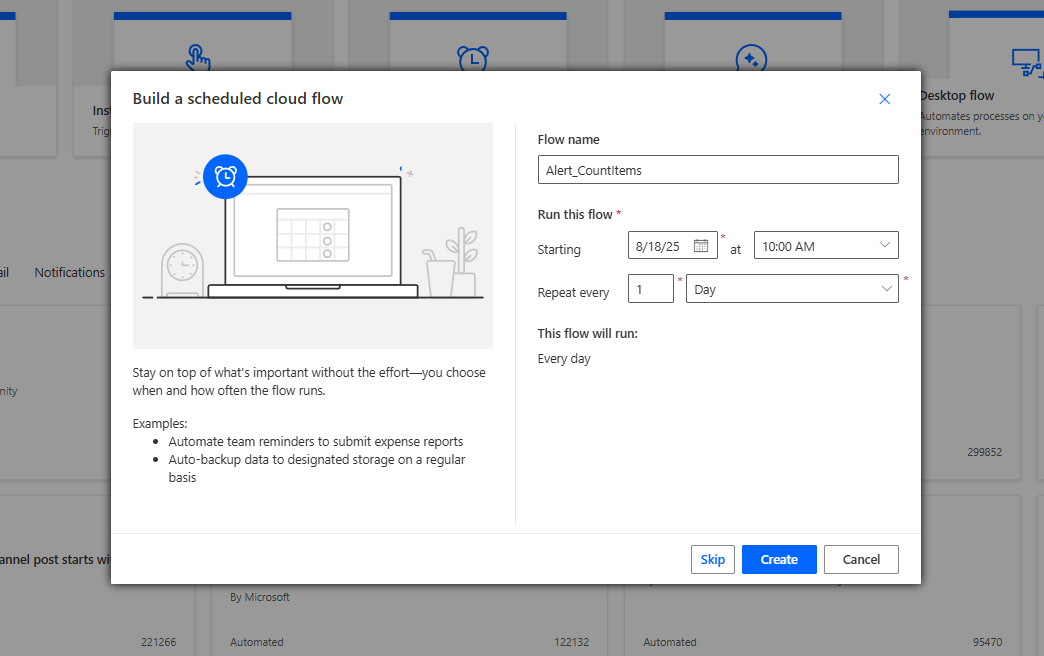
Next, we add a Get items action to retrieve all items from the library.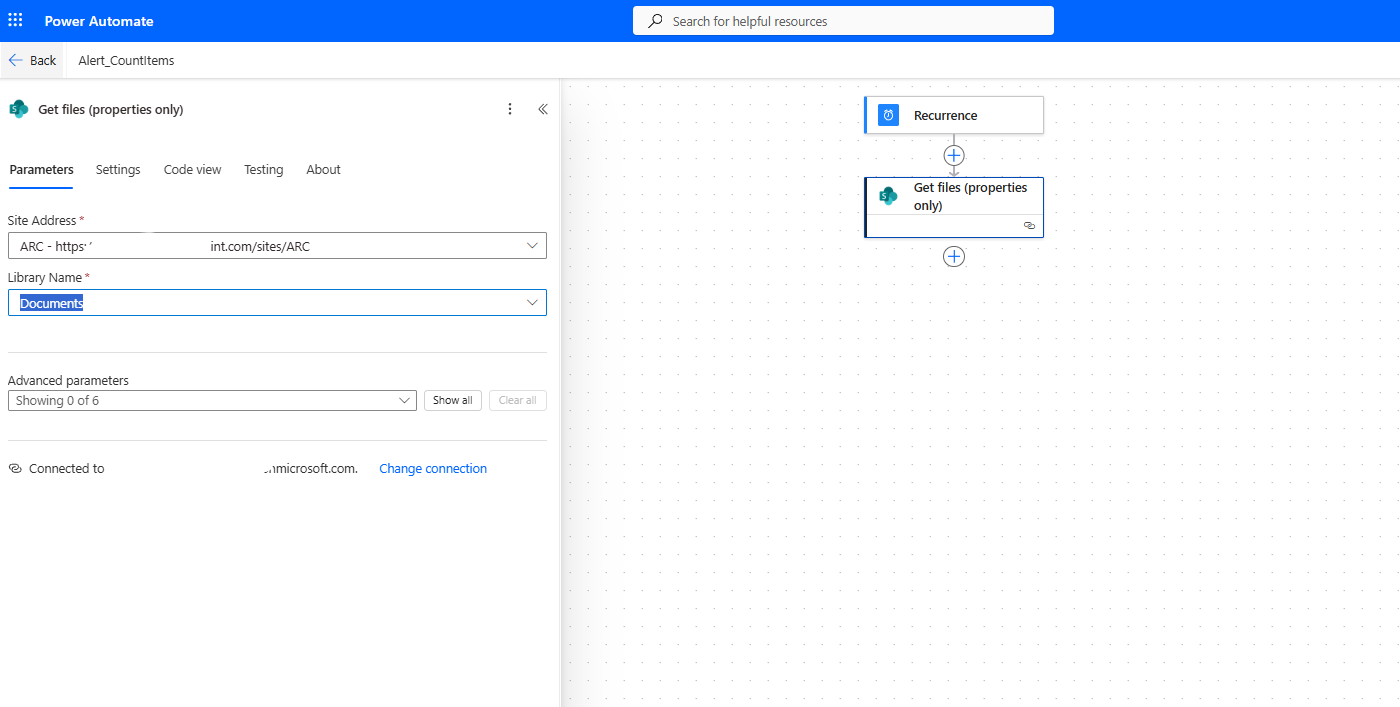
We then add another action, Compose, where we insert:
length(outputs('Get_files_(properties_only)')?['body/value'])
This expression counts the number of items.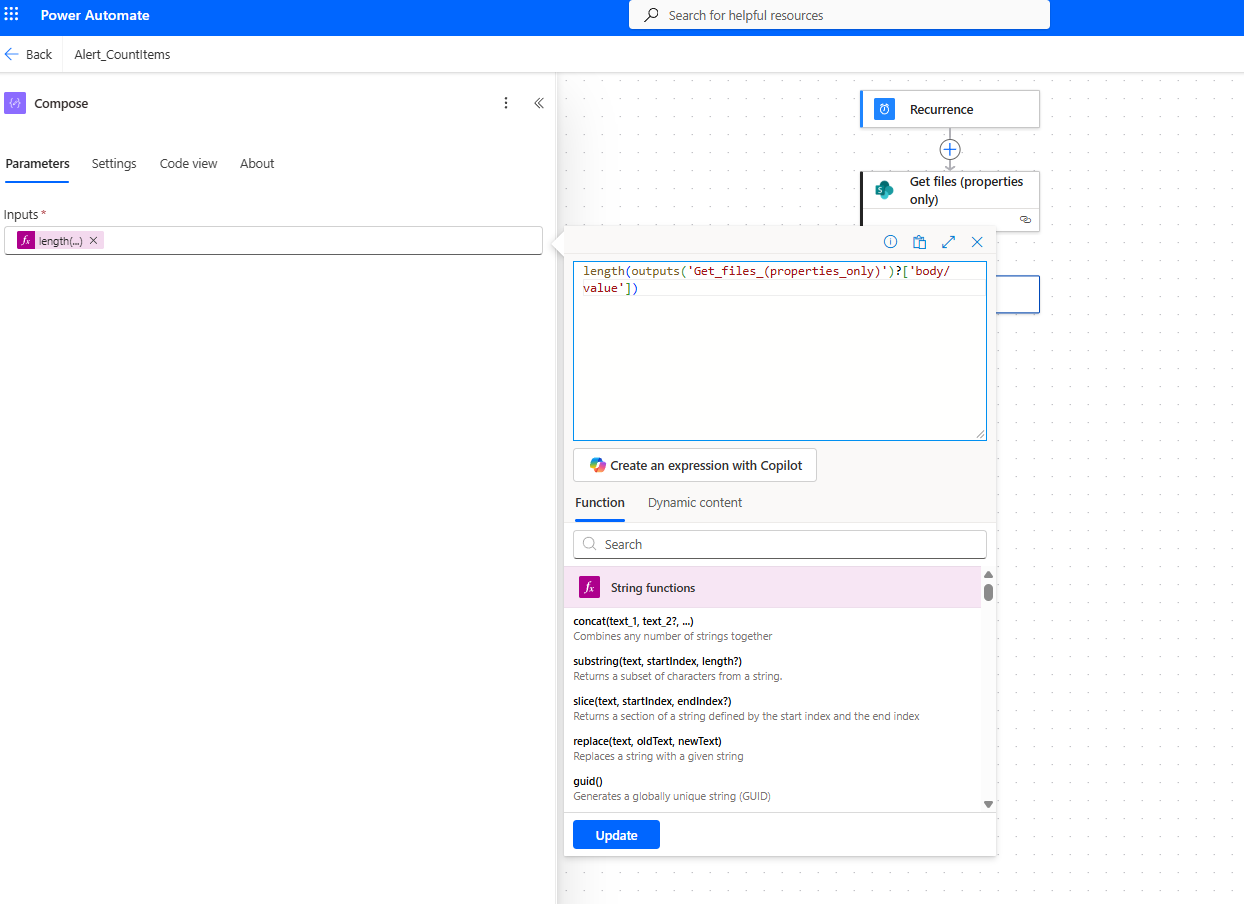
We proceed to the next step, Send an email (V2), where we set the recipient, add a subject, and dynamically insert the number of items returned by the previous action into the email body.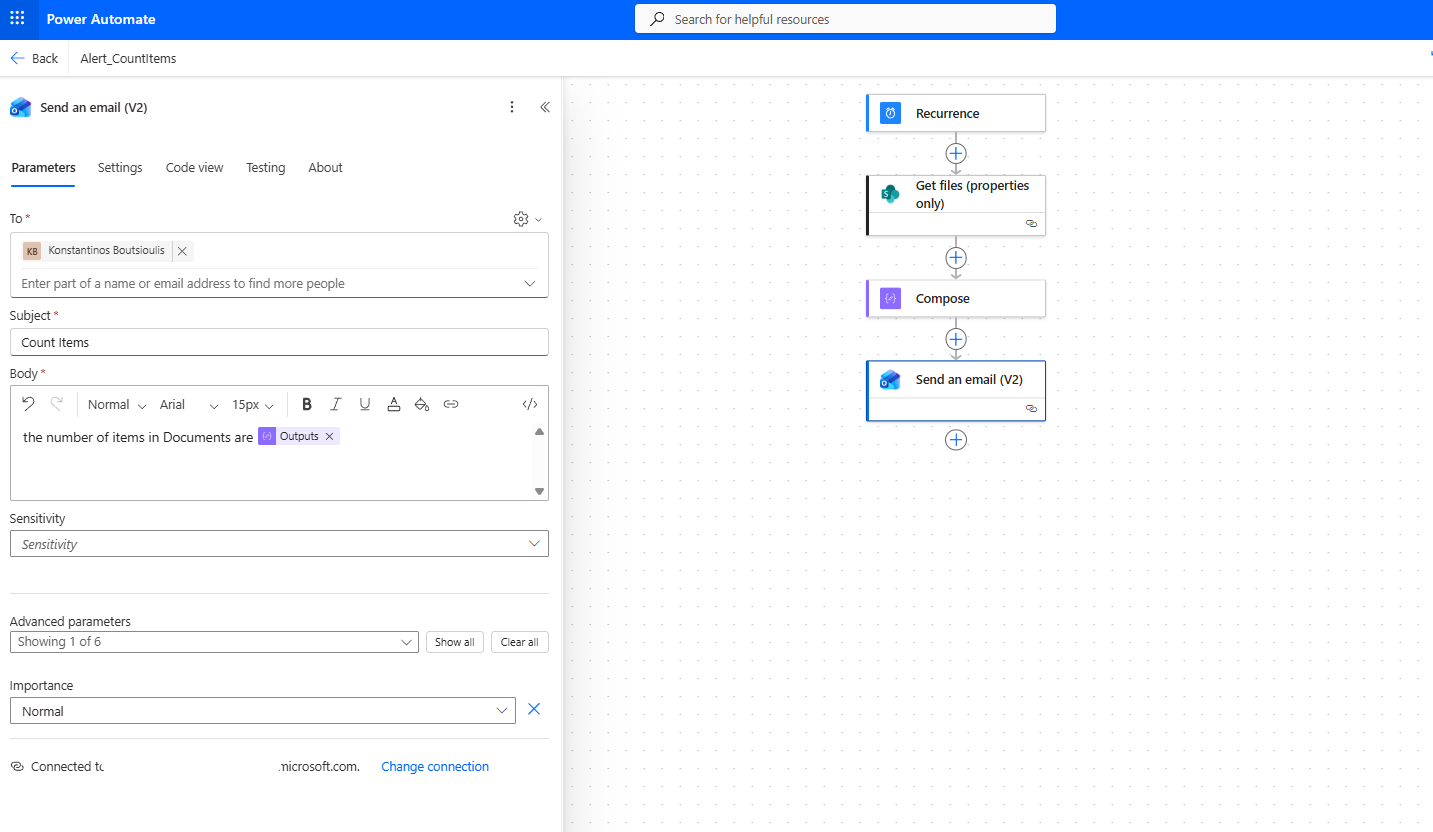
We save the automate.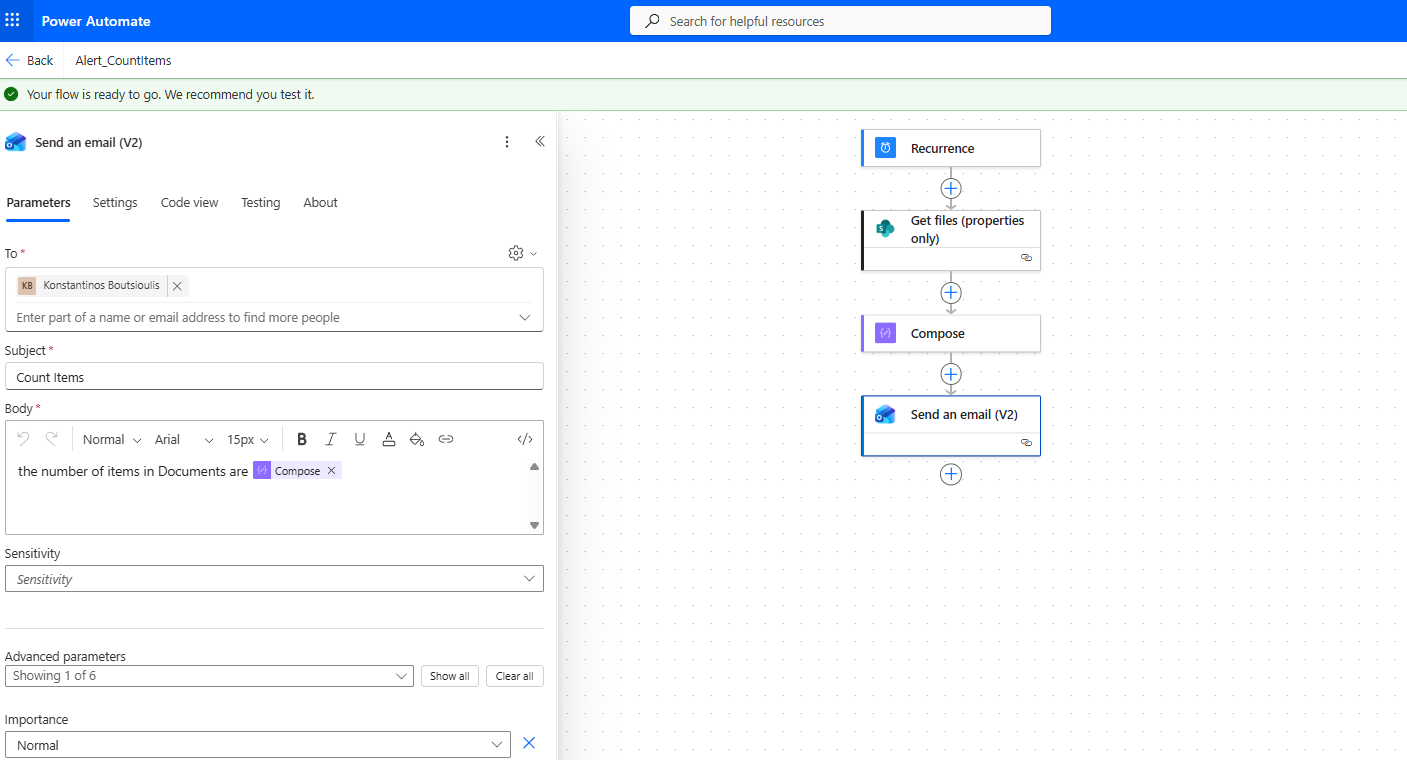
Then we select Manually for testing.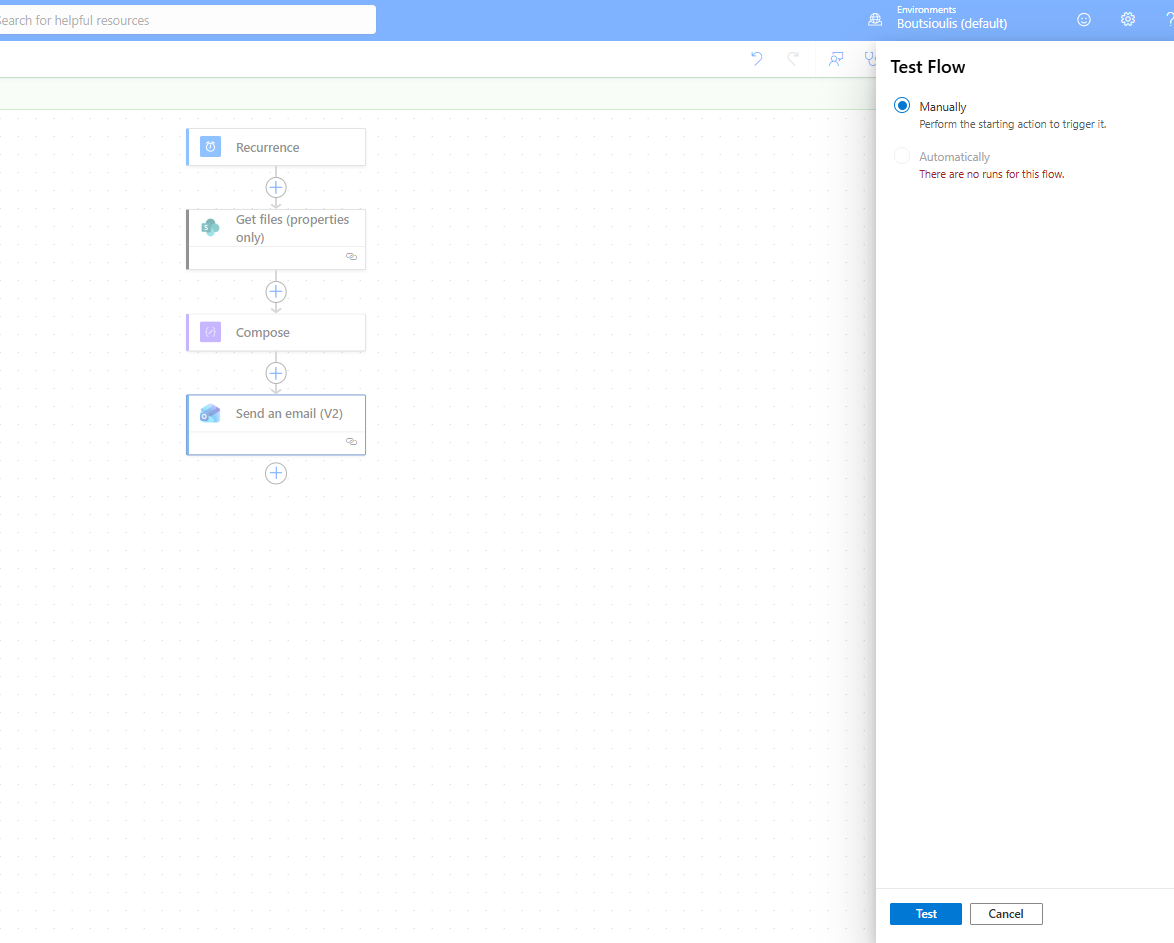
We choose Run flow.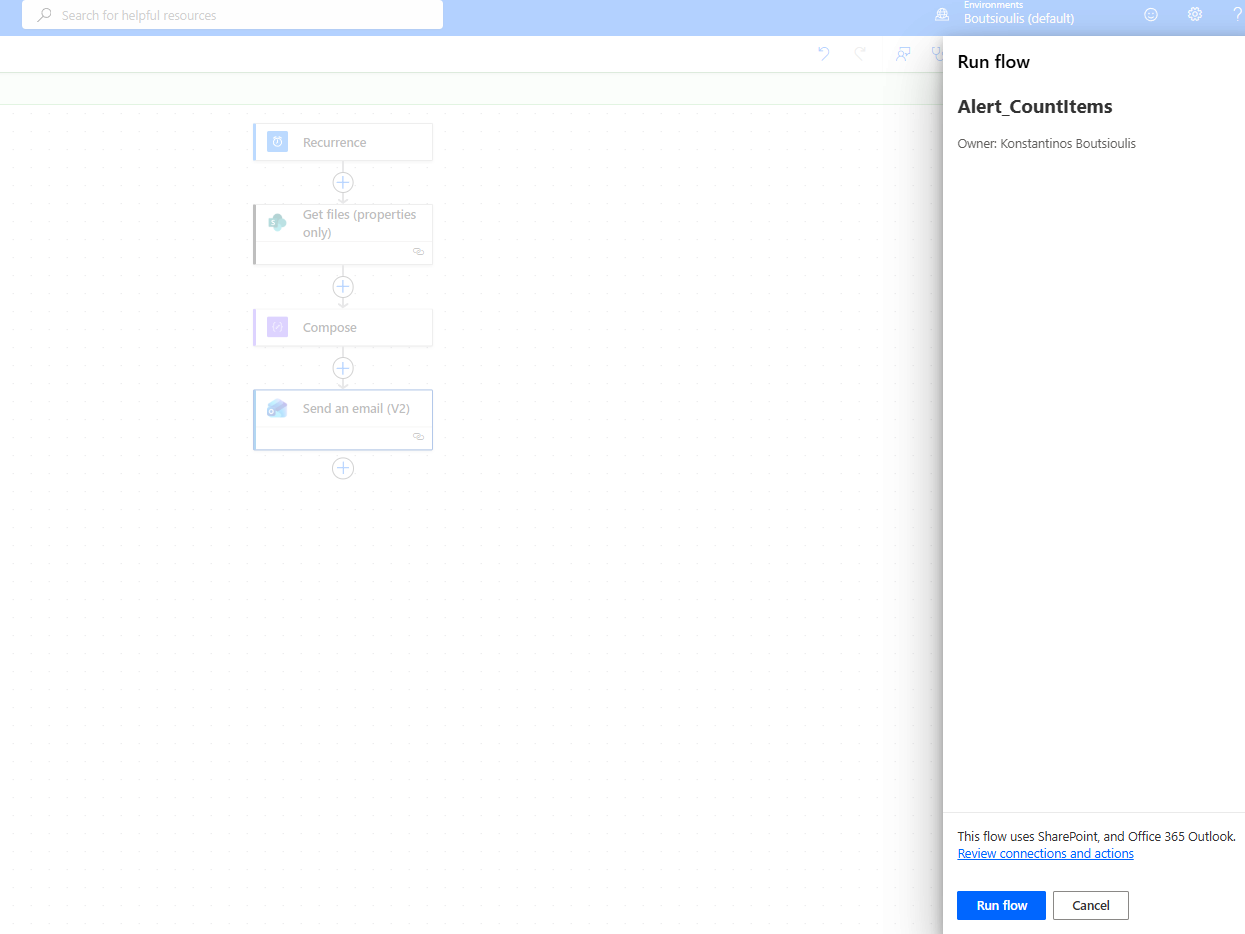
As you can see, the trigger executed successfully.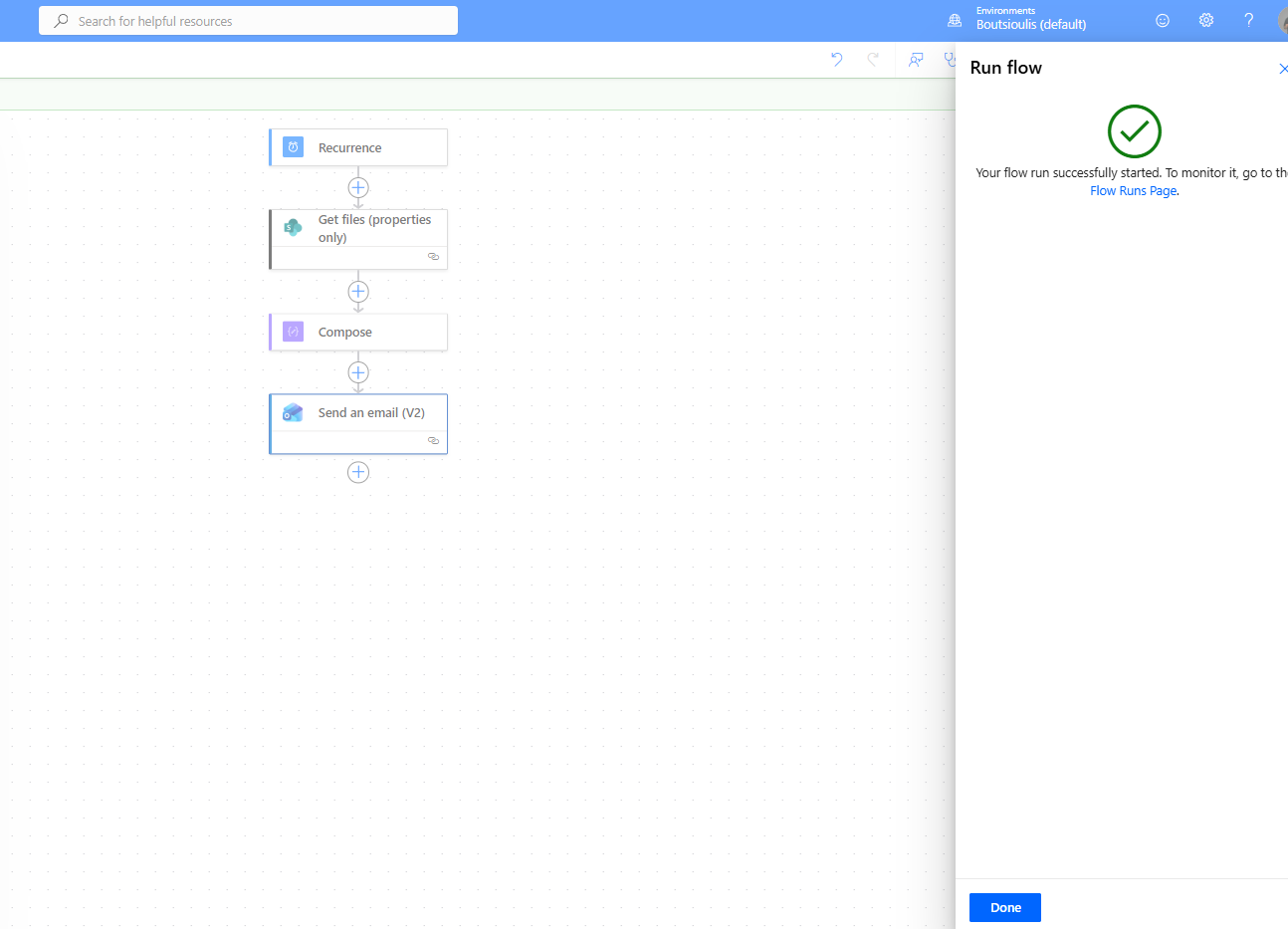
Indeed, the automate runs without any issues.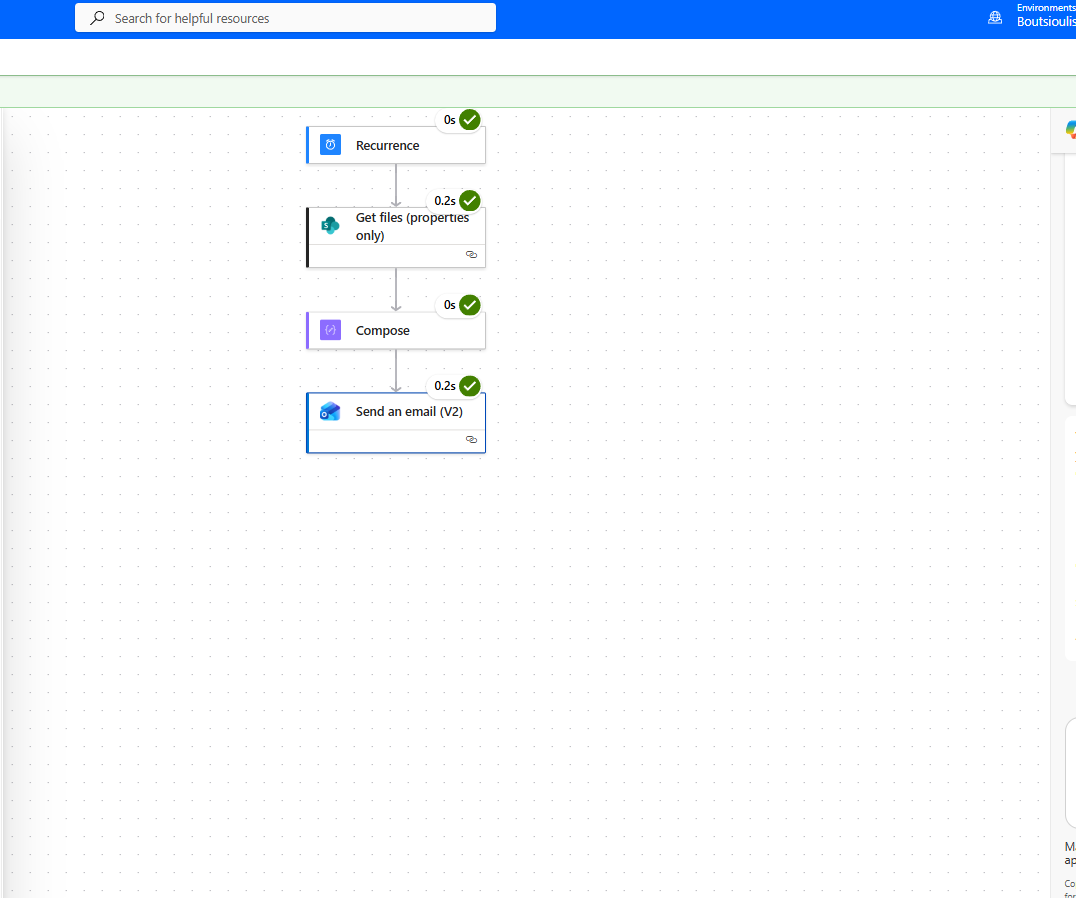
And finally, it sends an email with the total number of files we have.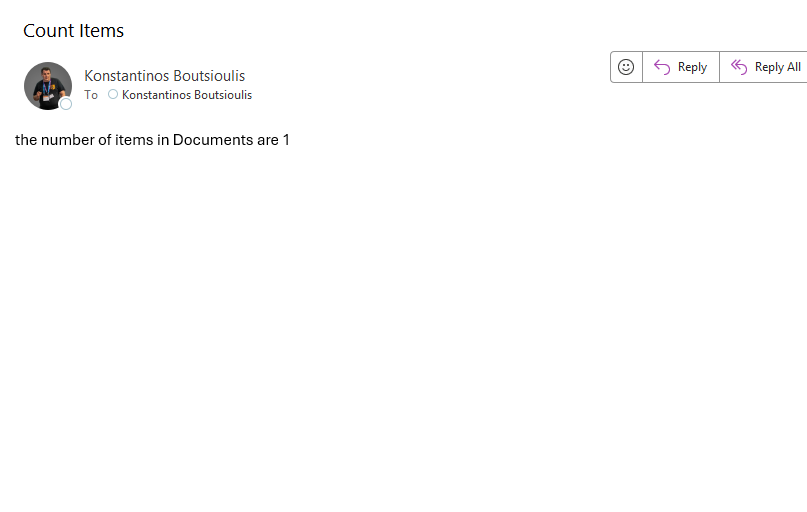
If we compare the result with the library, we can confirm that there is only one item, and the flow sent the correct number of files.