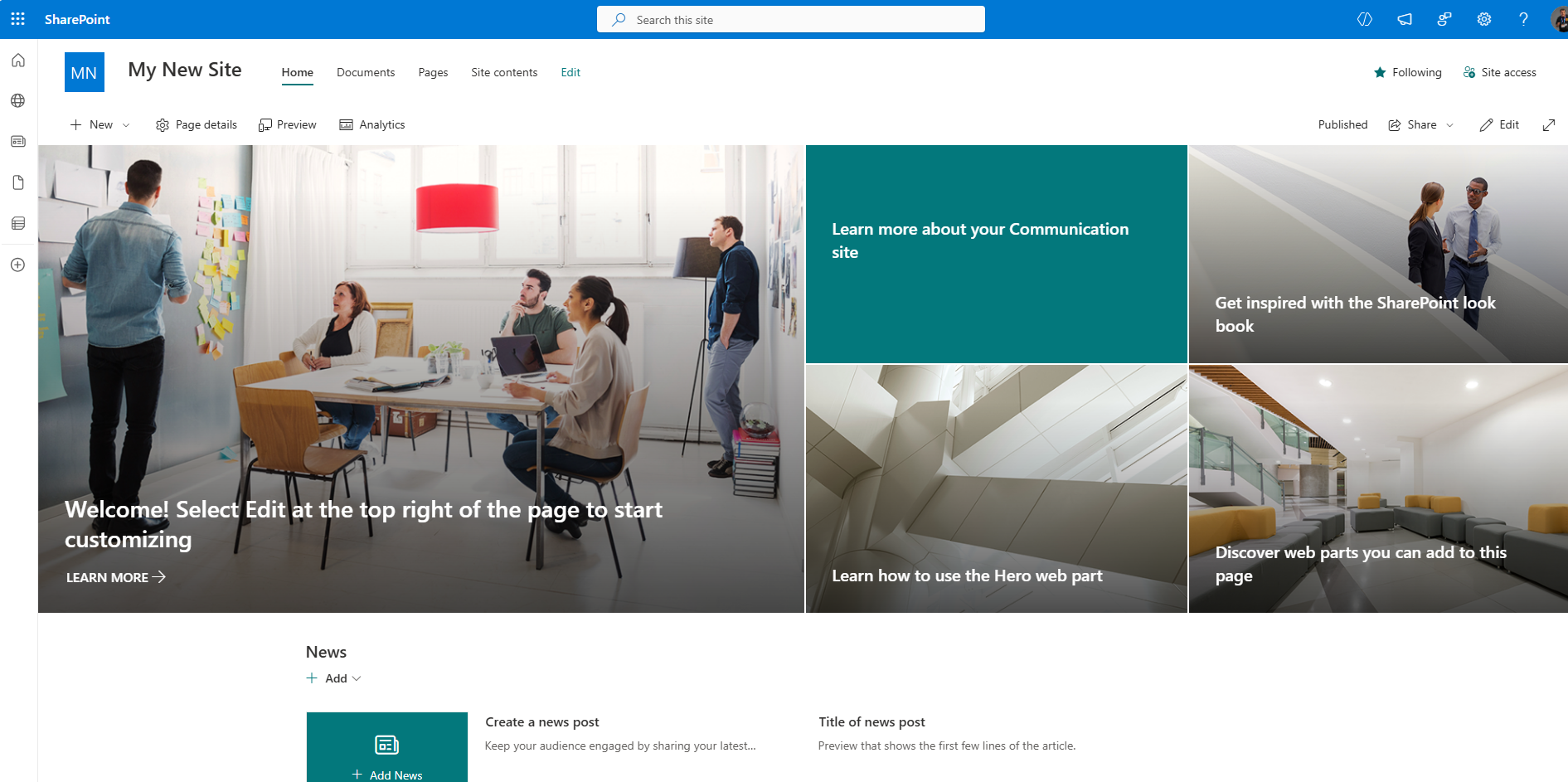
In today’s post, we will see how we can enable audience targeting for news on a SharePoint Communication Site.
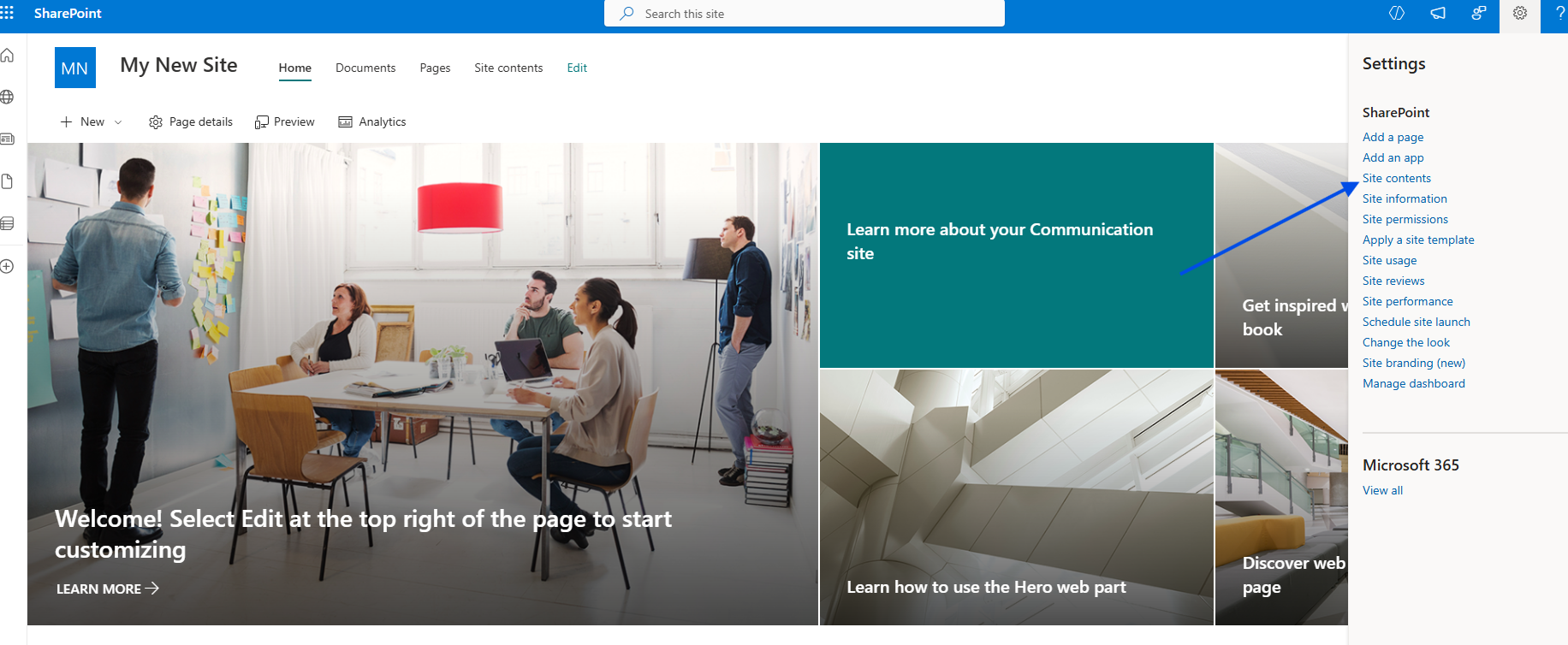
In the next step, I select Site Contents from the gear icon at the top right.
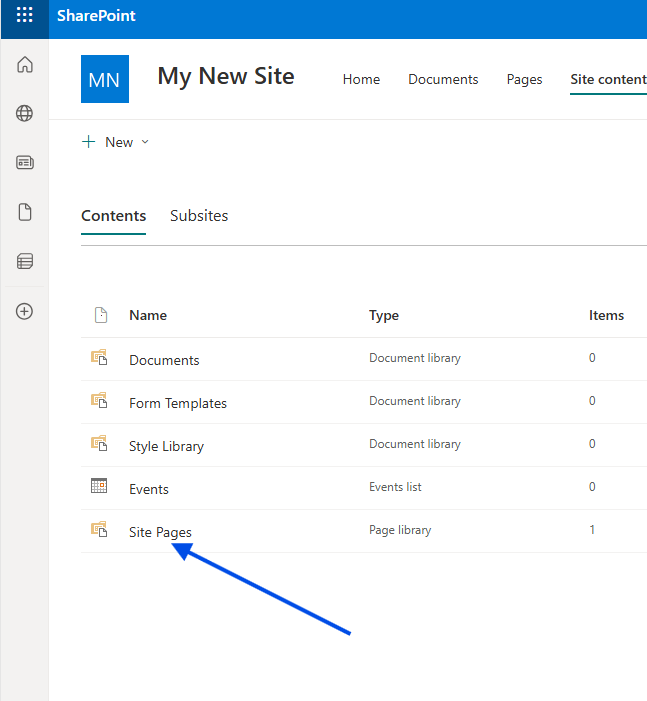
Then, I select Site Pages.
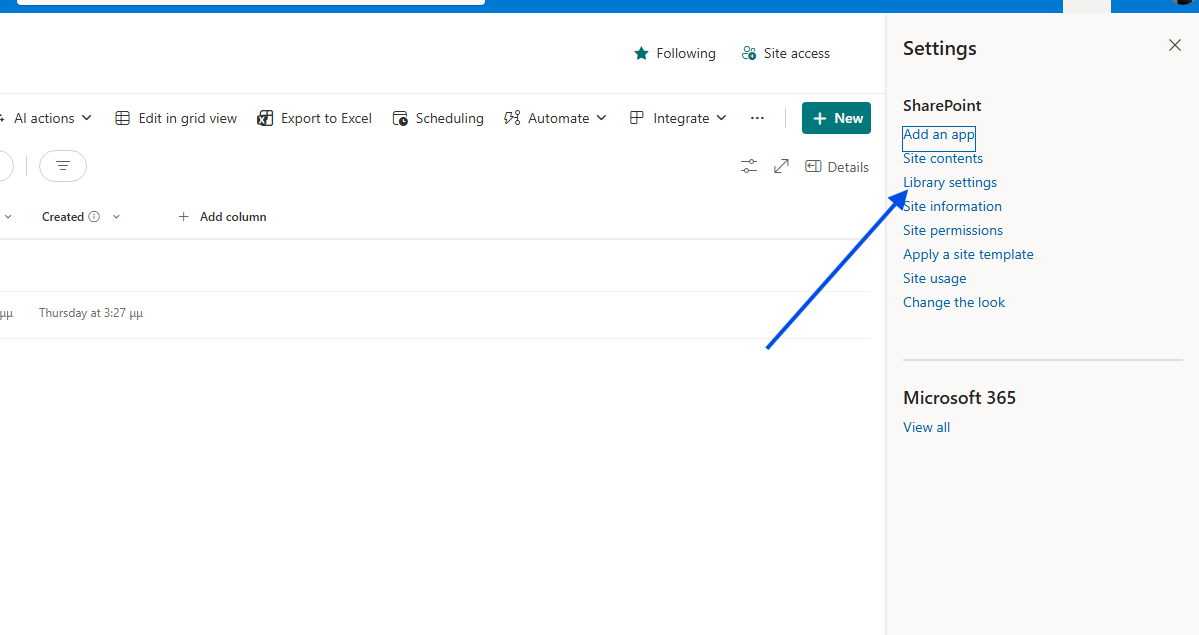
Next, we need to click the gear icon again at the top right and choose Library Settings.
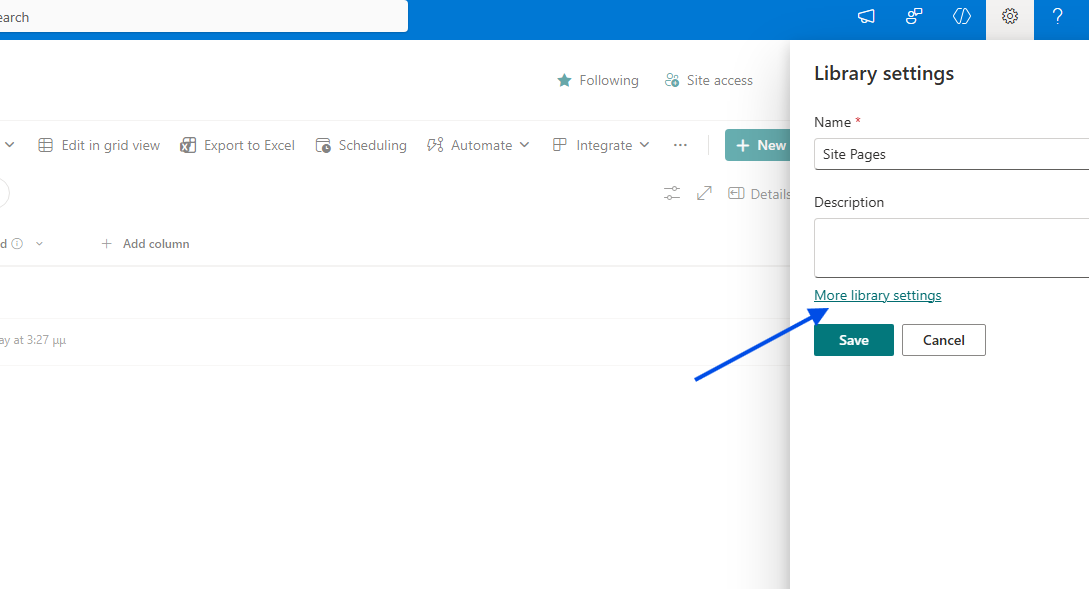
Then select More Library Settings.
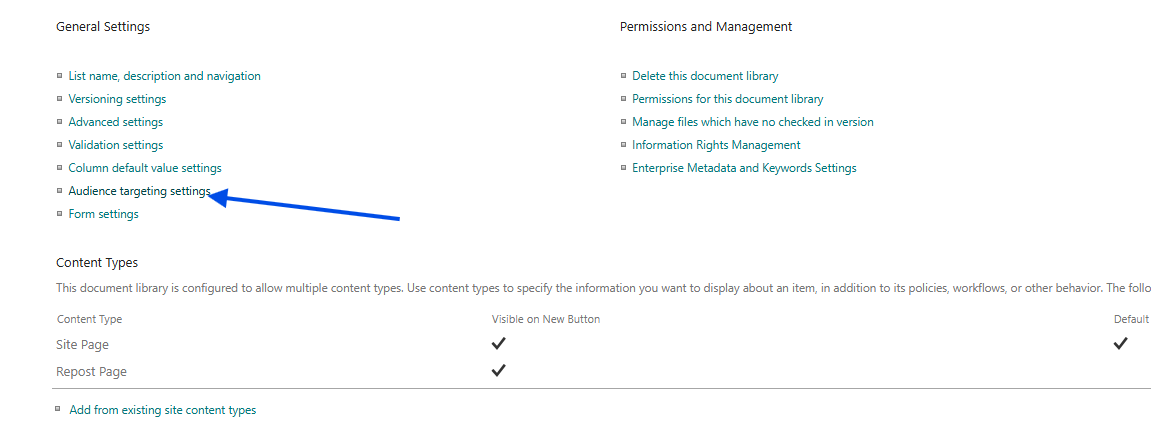
In the library management page, we select Audience targeting settings.
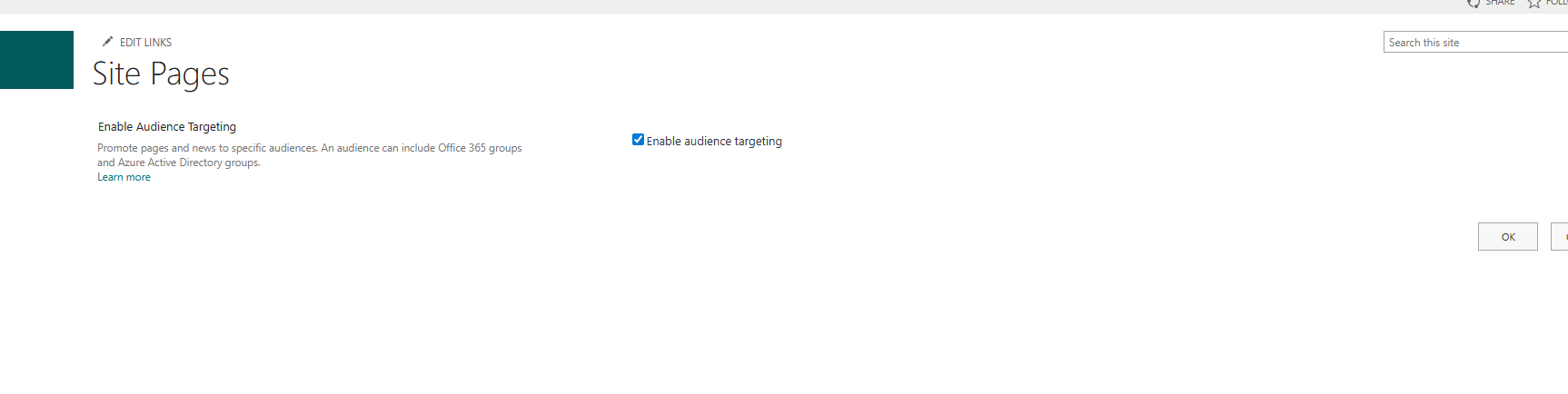
On the next page, we enable Enable audience targeting.
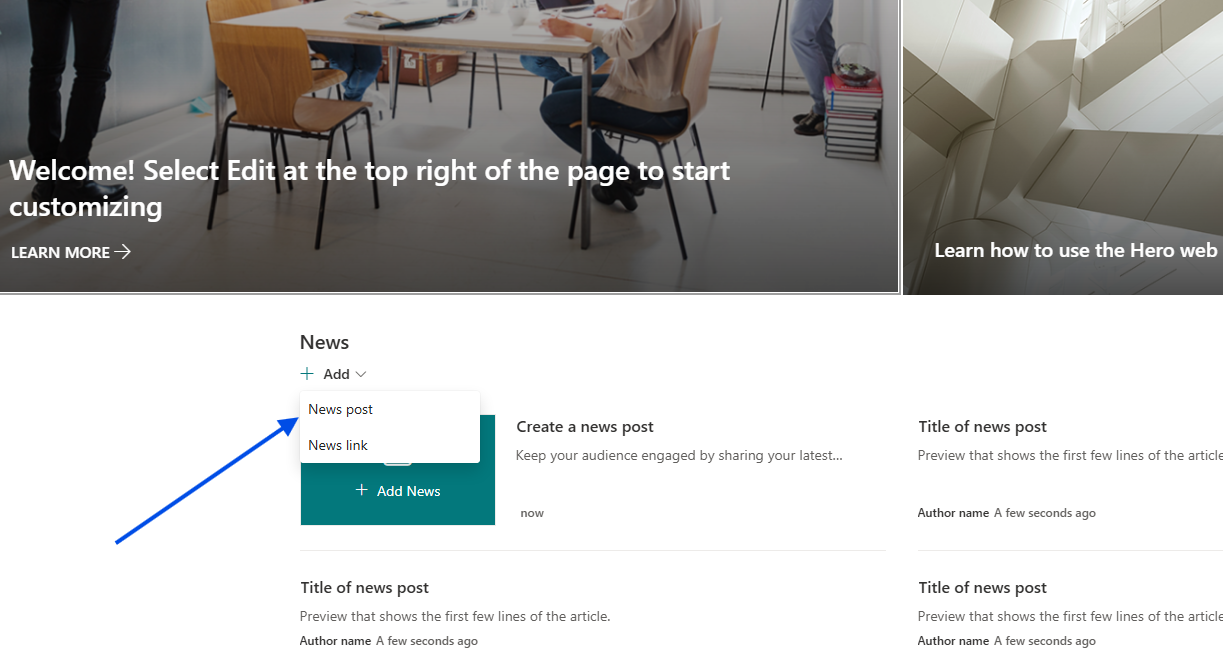
Now let’s create a new news post on our site.
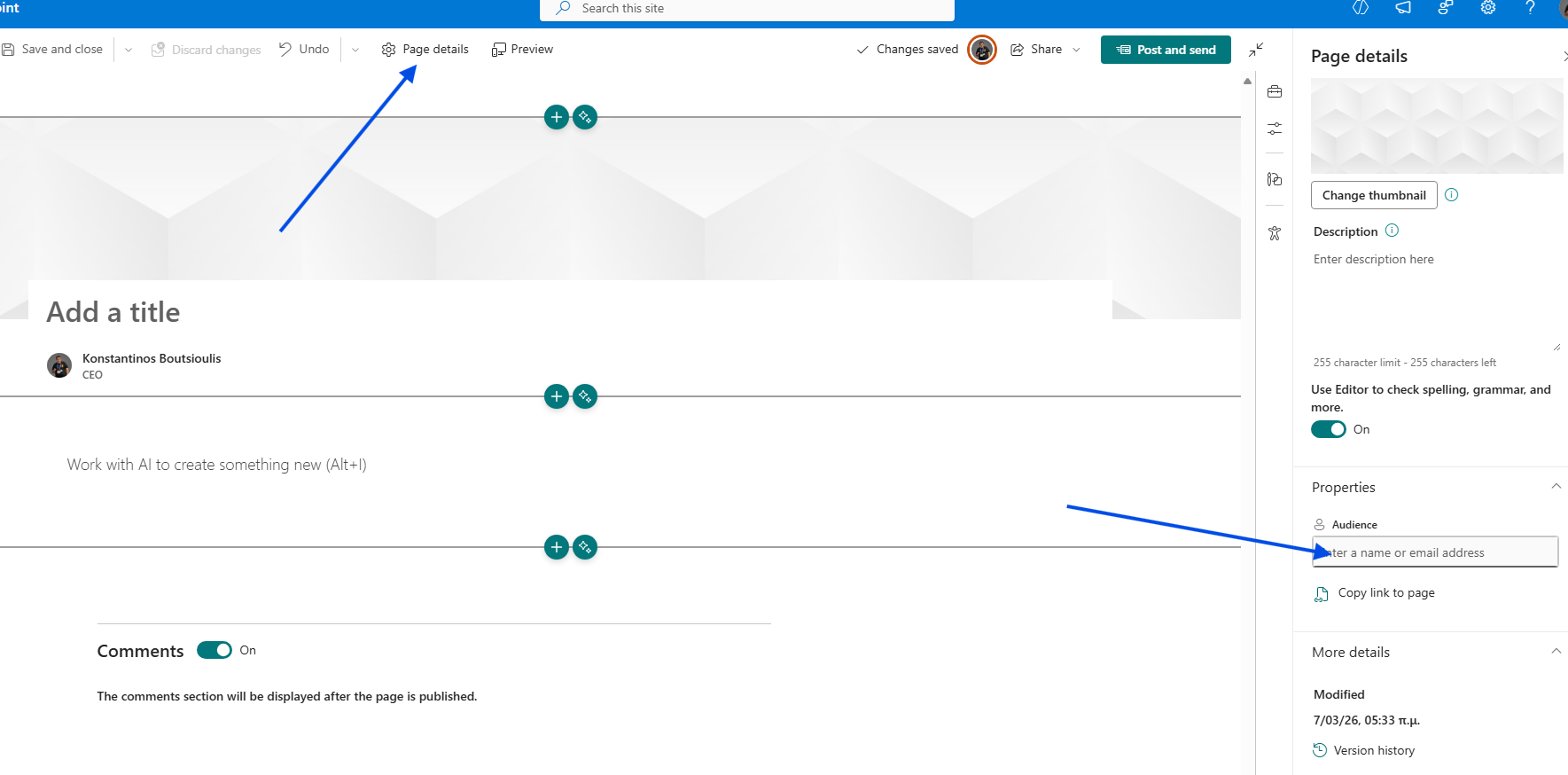
If we first select Page details, you will see that on the right-hand sidebar the Audience option appears.
This allows us to add the group of our choice, making the specific page available only to that targeted audience.