In today’s post, we will see how easily we can move files from one library to another using the end‑user environment.
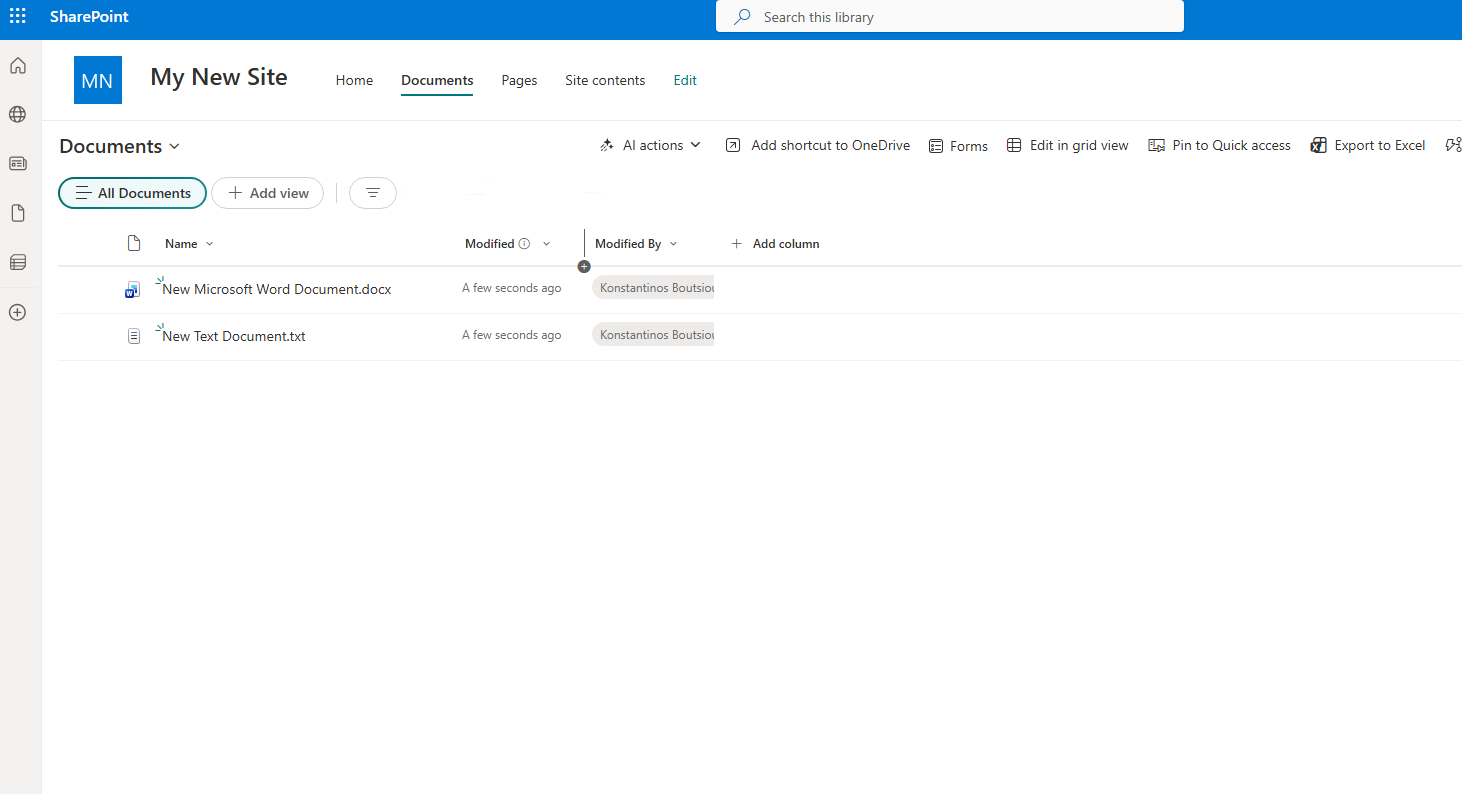
First, we select the site that contains the library with the files we want to move.
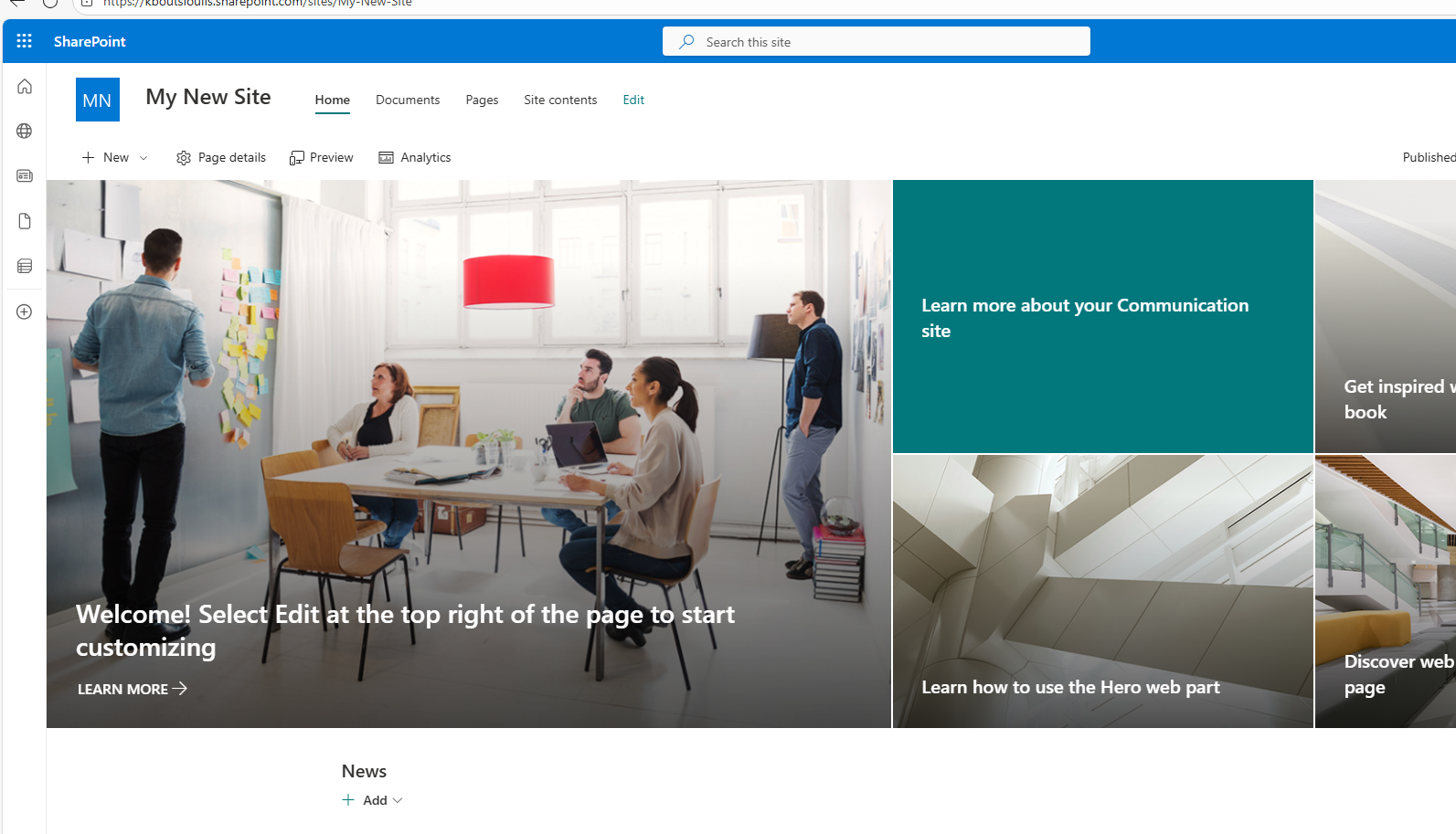
From Site contents, accessed through the gear icon at the top right, we go to the page that displays the site’s content.
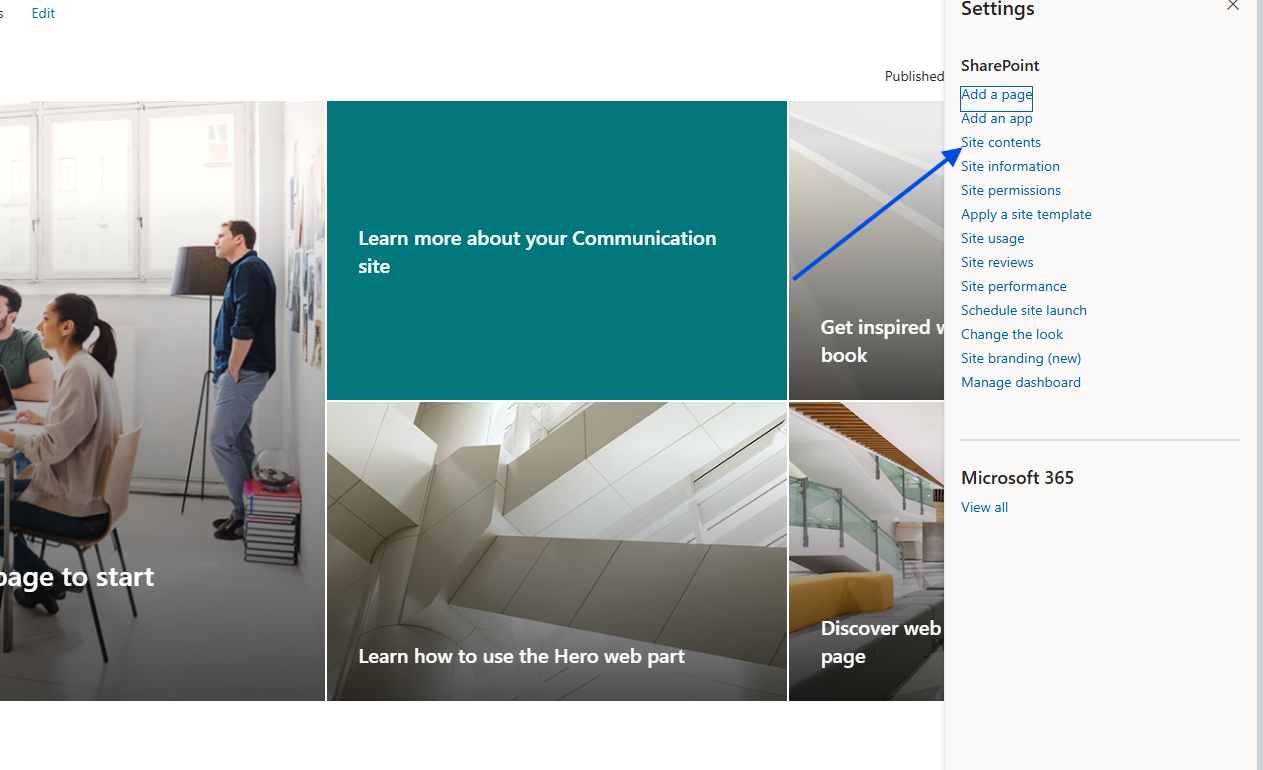
We select the library we want and upload two files.
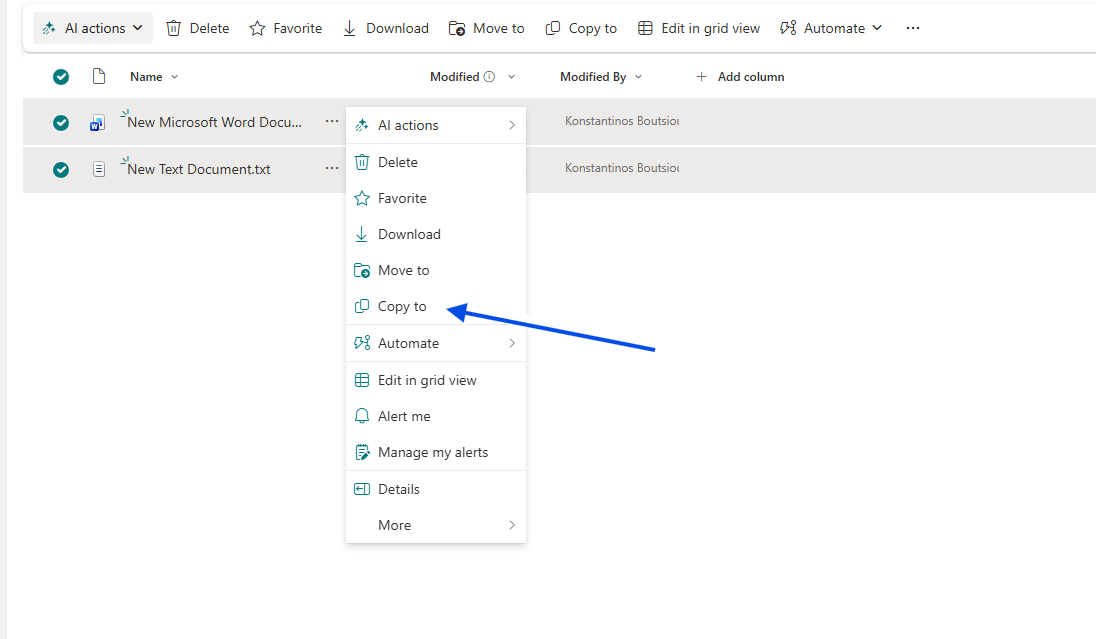
We select the files and then, from the three dots to the right of the title, we choose Copy to.
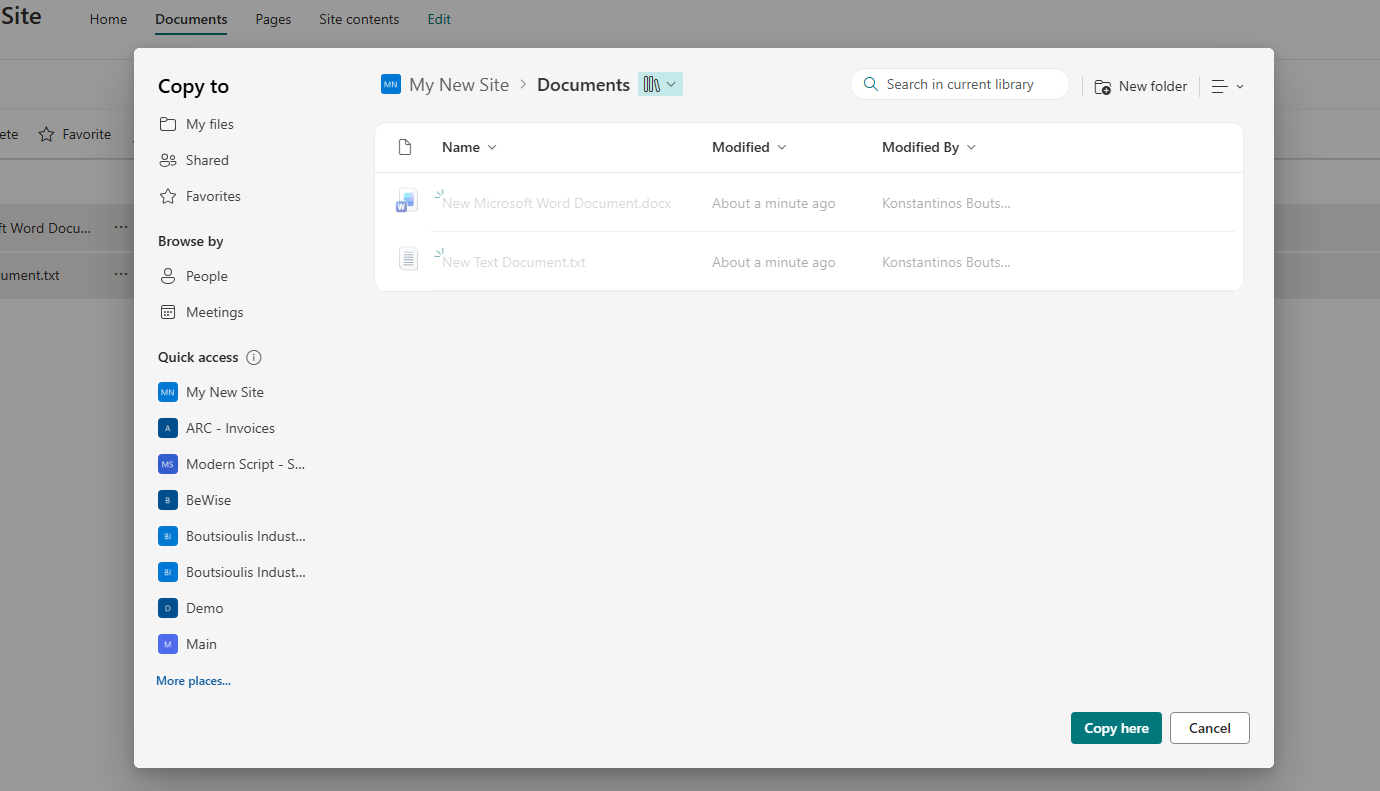
In the popup window, we select the site, the library, and the folder of our choice, and then click Copy here.
With this very simple method, we can transfer files between libraries.
We could also combine this with a Power Automate backup, or move files before a retention policy applies to items we want to keep as archive.