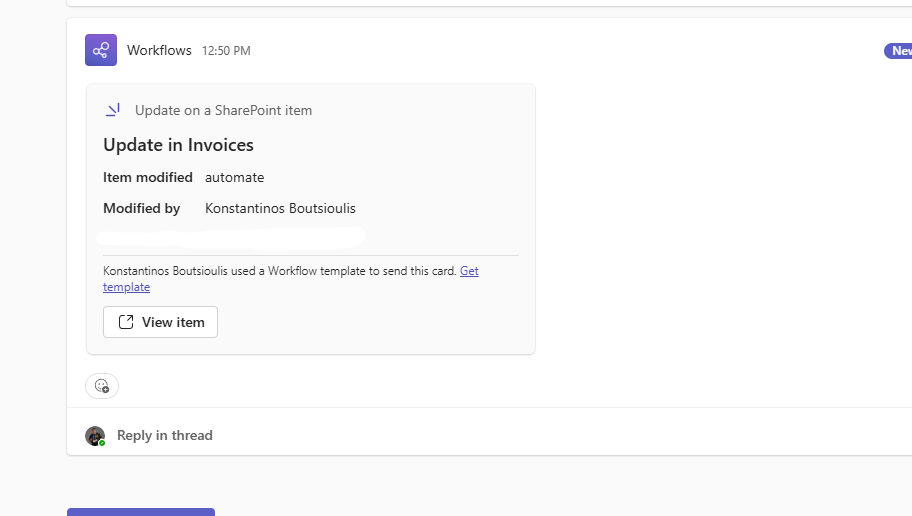
In today’s post I will show you how we can notify a team with an adaptive card in Teams when a file changes in a specific SharePoint library.
First, we go to the main Power Automate page and select Templates.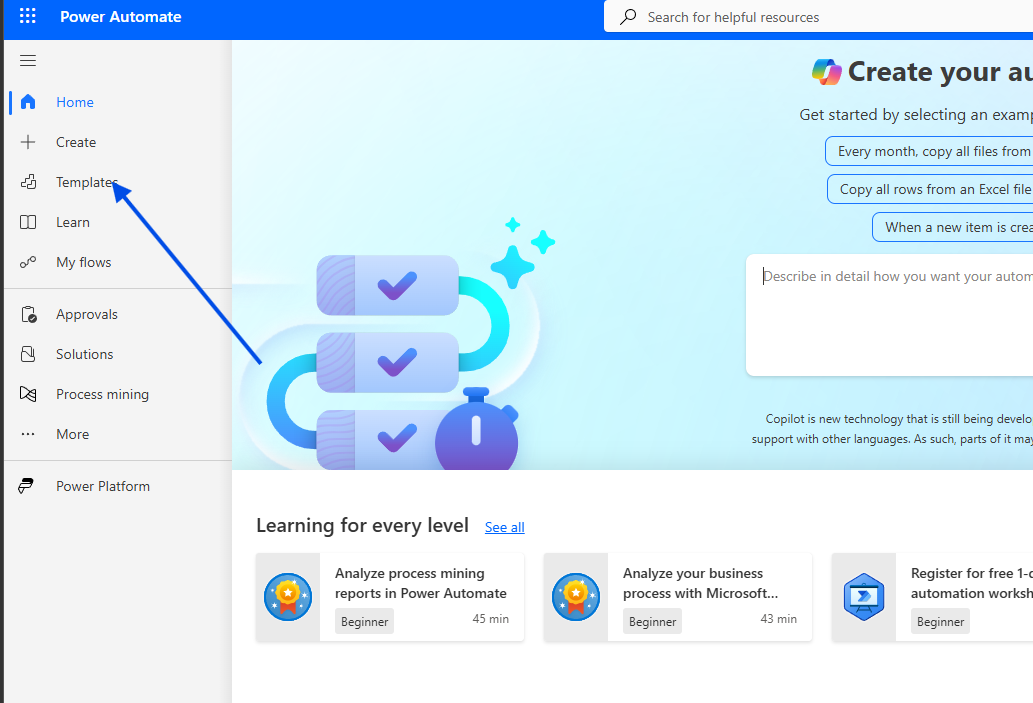
In the next step, we type Notify a channel when SharePoint file or items changed and select the automation template.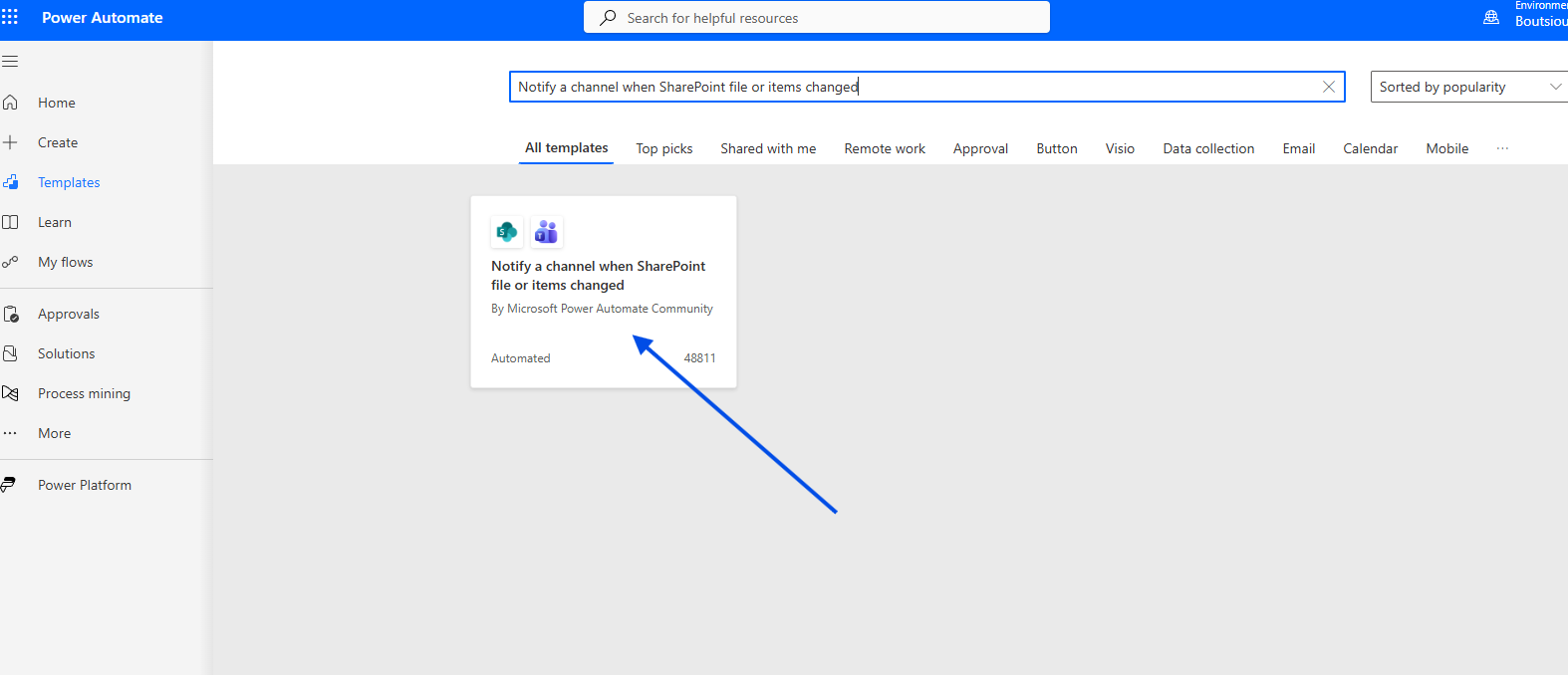
Next, we must allow all required connections and click Continue.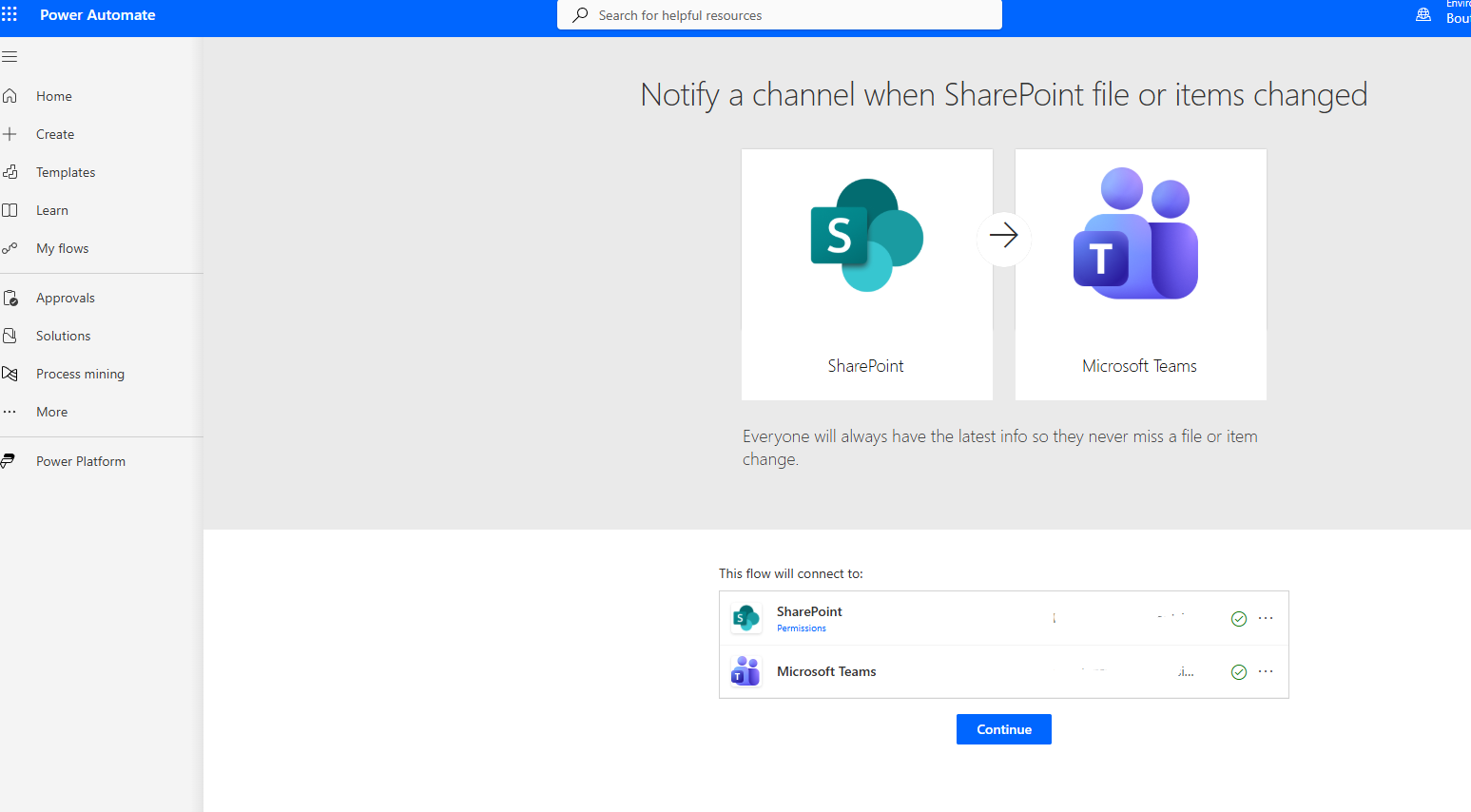
Then we enter the site and library, and after that we specify the Team and Channel where the post should be sent, and select Create.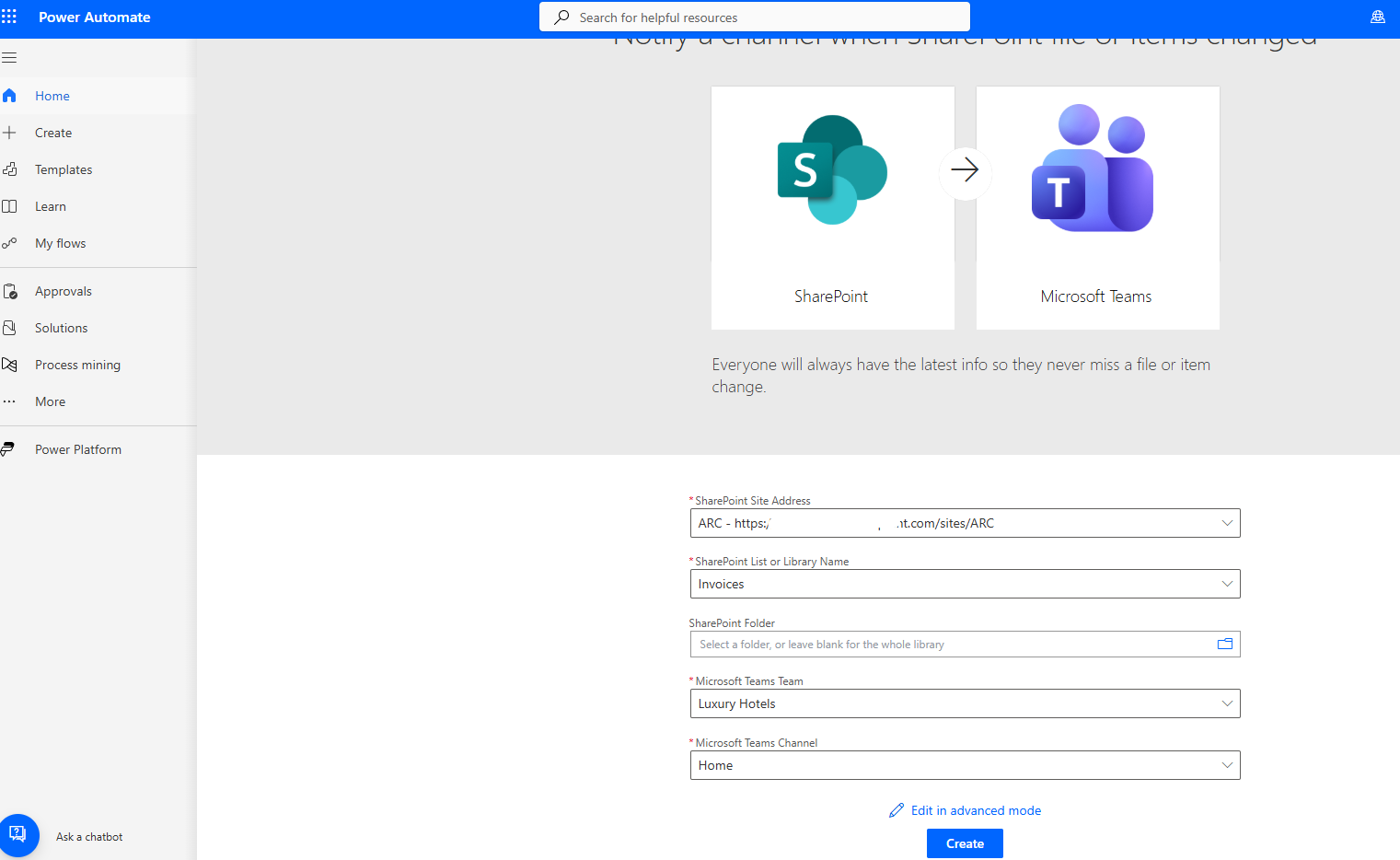
In the next step, we are inside the automation and we can see the information we entered for the site and the library.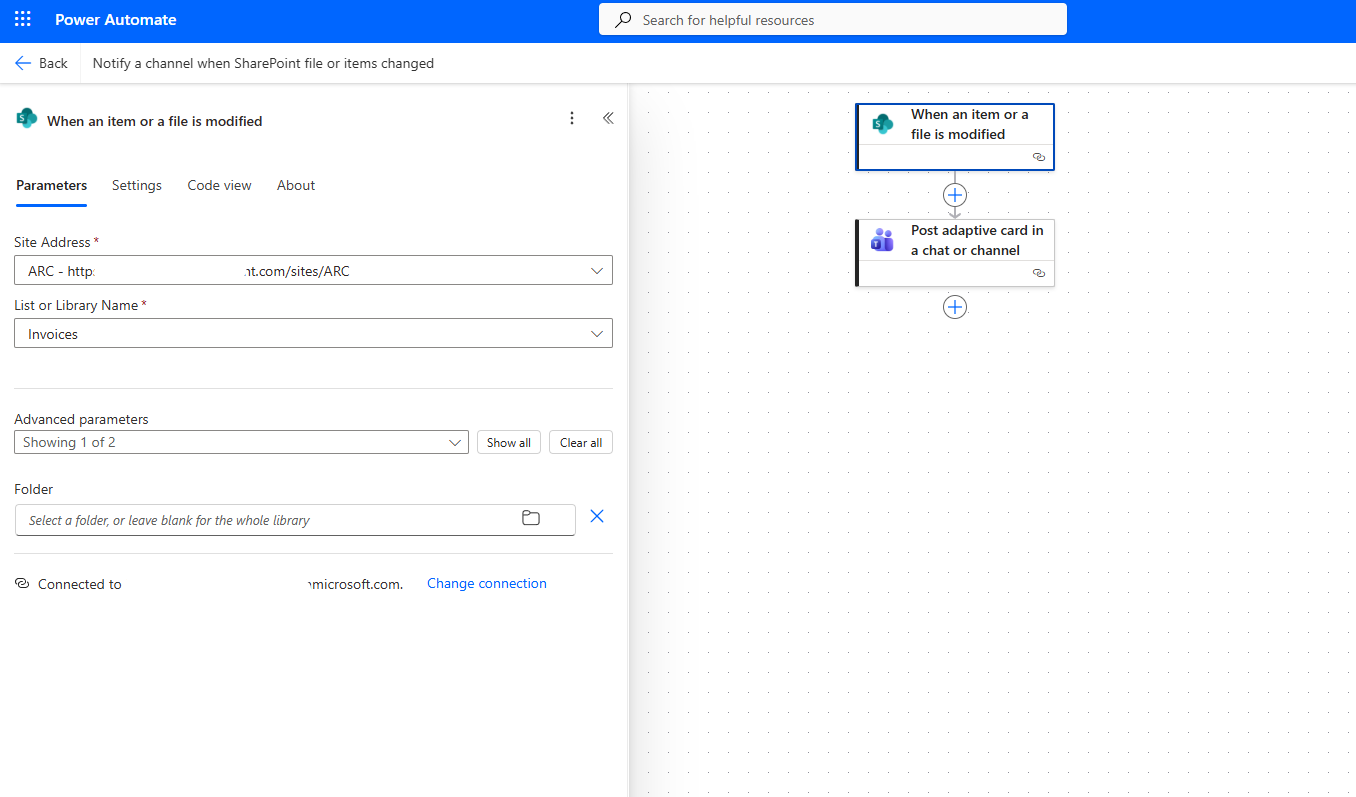
Next, the adaptive card has already been added, which accepts dynamic content such as the file name, etc.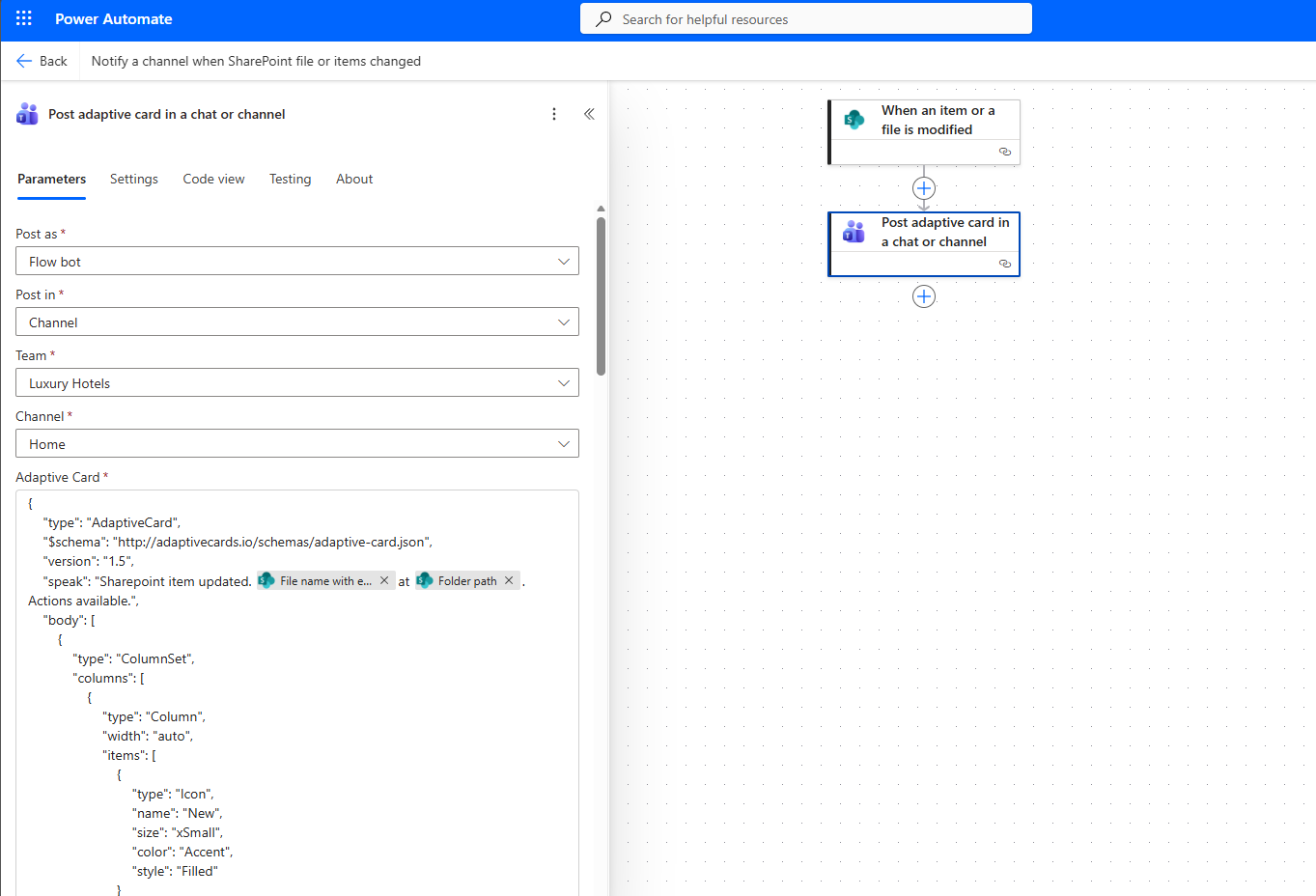
{ "type": "AdaptiveCard", "$schema": "http://adaptivecards.io/schemas/adaptive-card.json", "version": "1.5", "speak": "Sharepoint item updated. @{triggerBody()?['{FilenameWithExtension}']}at @{triggerBody()?['{Path}']}. Actions available.", "body": [ { "type": "ColumnSet", "columns": [ { "type": "Column", "width": "auto", "items": [ { "type": "Icon", "name": "New", "size": "xSmall", "color": "Accent", "style": "Filled" } ] }, { "type": "Column", "width": "stretch", "items": [ { "type": "TextBlock", "text": "Update on a SharePoint item", "wrap": true, "style": "columnHeader", "isSubtle": true } ] } ] }, { "type": "TextBlock", "text": "Update in @{slice(triggerBody()?['{Path}'],0, lastIndexOf(triggerBody()?['{Path}'], '/'))}", "weight": "Bolder", "wrap": true, "style": "heading" }, { "type": "ColumnSet", "columns": [ { "type": "Column", "width": "auto", "items": [ { "type": "TextBlock", "text": "Item modified", "wrap": true, "weight": "Bolder", "size": "Default", "style": "columnHeader", "maxLines": 1 }, { "type": "TextBlock", "text": "Modified by", "wrap": true, "weight": "Bolder", "size": "Default", "style": "columnHeader", "maxLines": 1 }, { "type": "ColumnSet", "columns": [ { "type": "Column", "width": "auto", "verticalContentAlignment": "Center", "items": [ { "type": "TextBlock", "text": "Modified on", "wrap": true, "style": "columnHeader", "size": "Default", "weight": "Bolder" } ] } ] } ] }, { "type": "Column", "width": "stretch", "items": [ { "type": "TextBlock", "text": "@{triggerBody()?['{Name}']}", "wrap": true, "weight": "Default", "maxLines": 1 }, { "type": "TextBlock", "text": "@{triggerBody()?['Editor/DisplayName']}", "wrap": true, "weight": "Default", "maxLines": 1 }, { "type": "TextBlock", "text": "{{DATE(@{triggerBody()?['Modified']}, COMPACT)}} at {{TIME(@{triggerBody()?['Modified']})}}", "wrap": true, "weight": "Default" } ] } ] } ], "actions": [ { "type": "Action.OpenUrl", "title": "View item", "iconUrl": "icon:Open", "url": "@{triggerBody()?['{Link}']}" } ]}
Then we save the automation.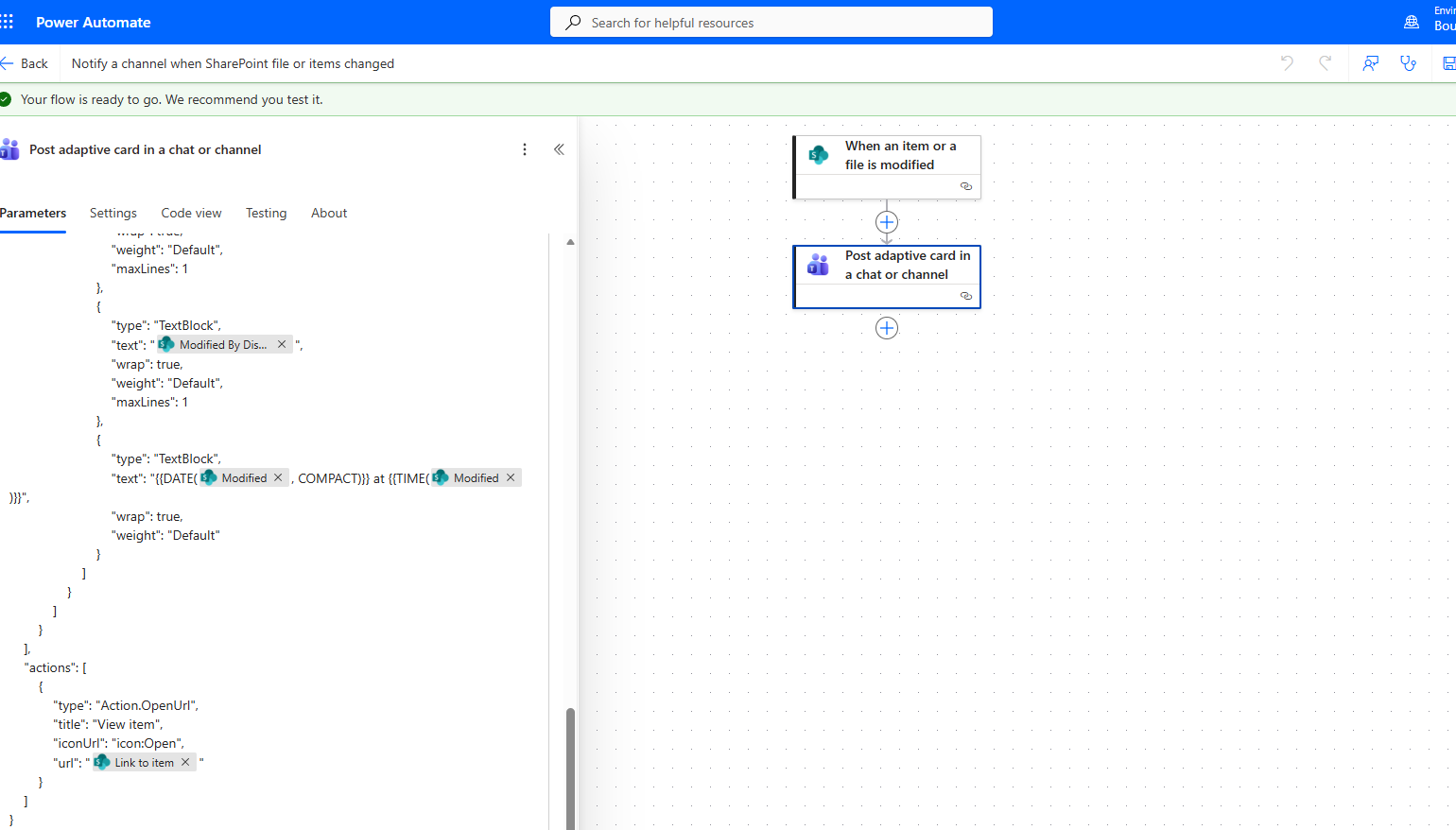
After that, we need to run a manual test.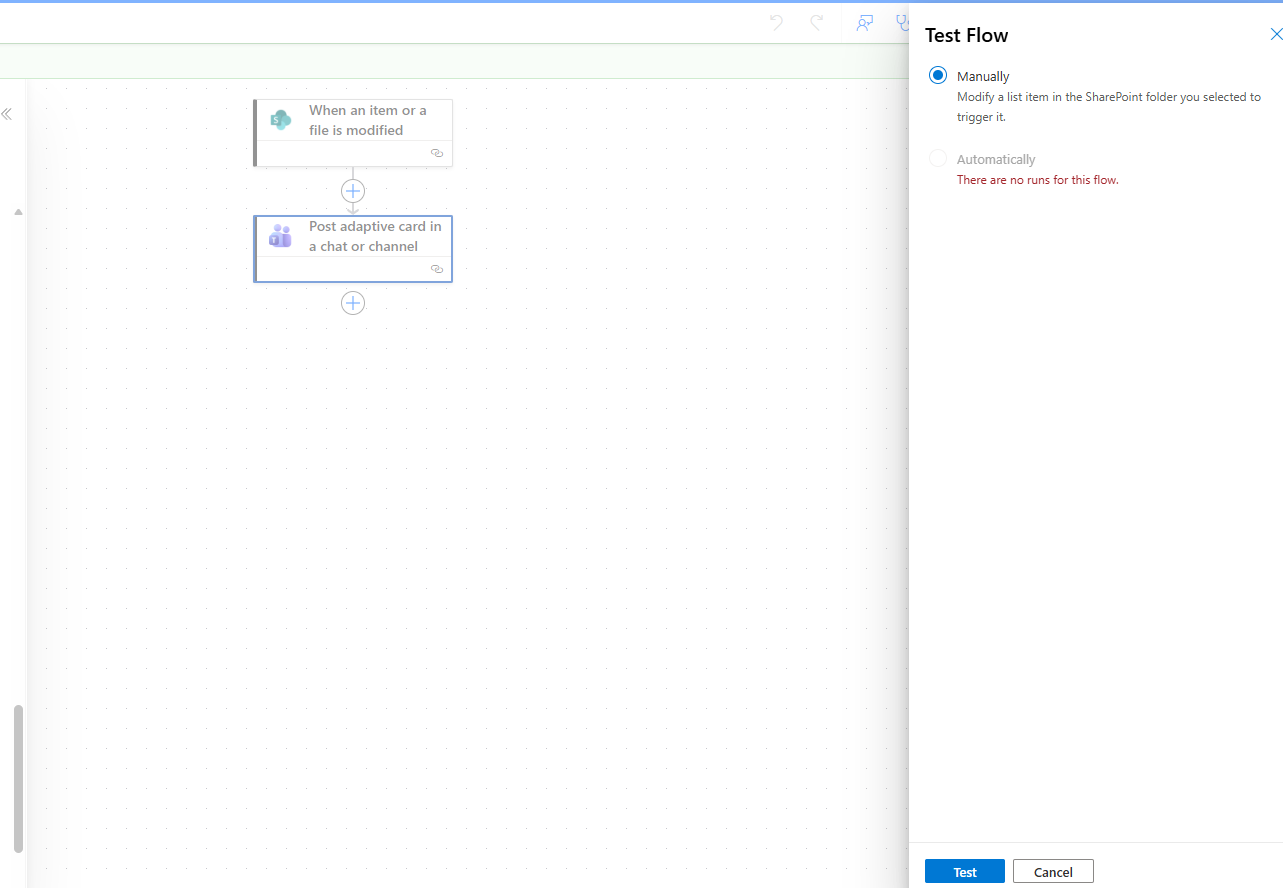
We make a change to a file located inside the library we defined.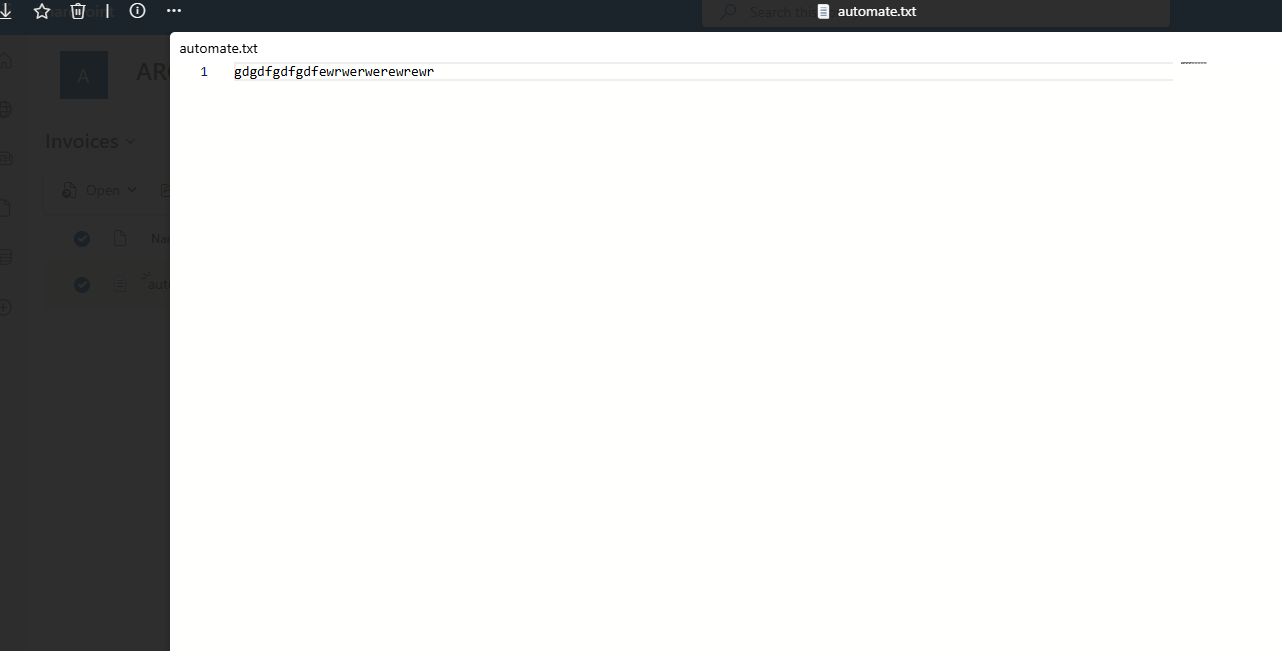
As you can see, the automation runs normally without any issues.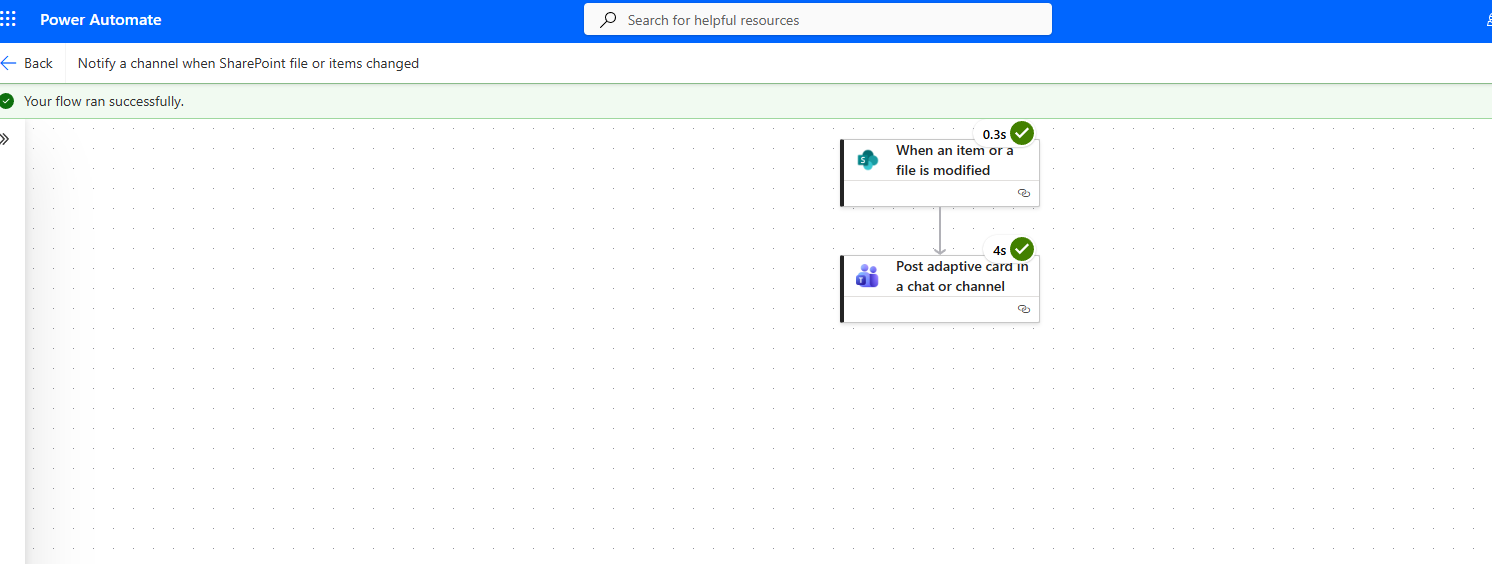
And finally, as shown, it creates a new post with an adaptive card in the team’s channel we specified.