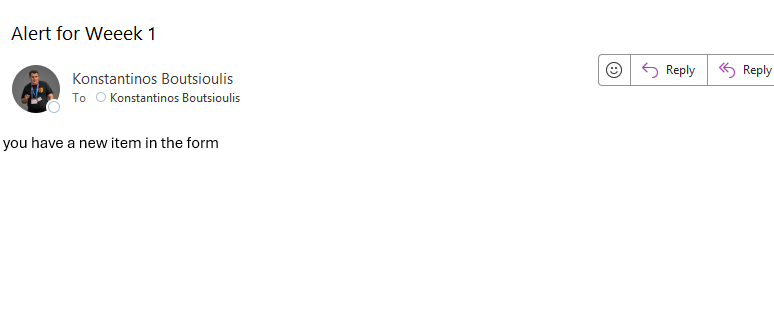
In today’s post, we’ll see how we can send an email to a user when a new item is created in a list, based on the selection of a Choice-type column.
First, we select a list that has a Choice column—in this case, in the Employee Onboarding list, the Complete by column.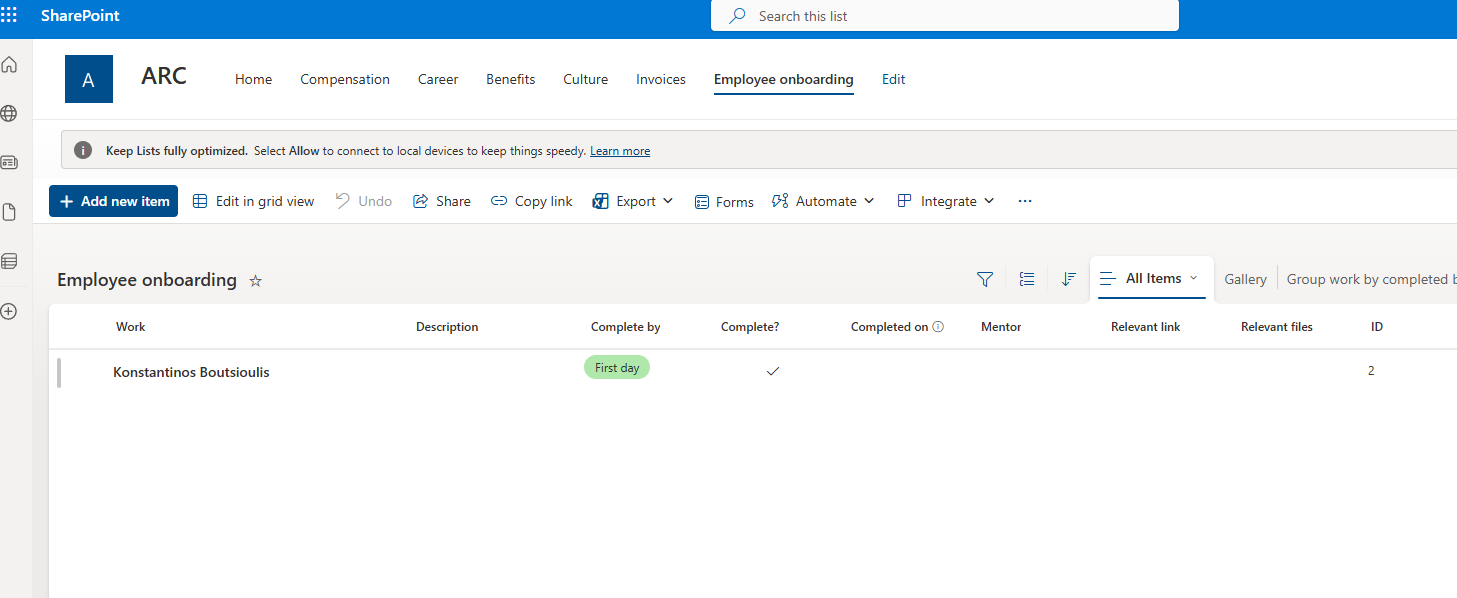
Next, we go to the Power Automate home page and select Create.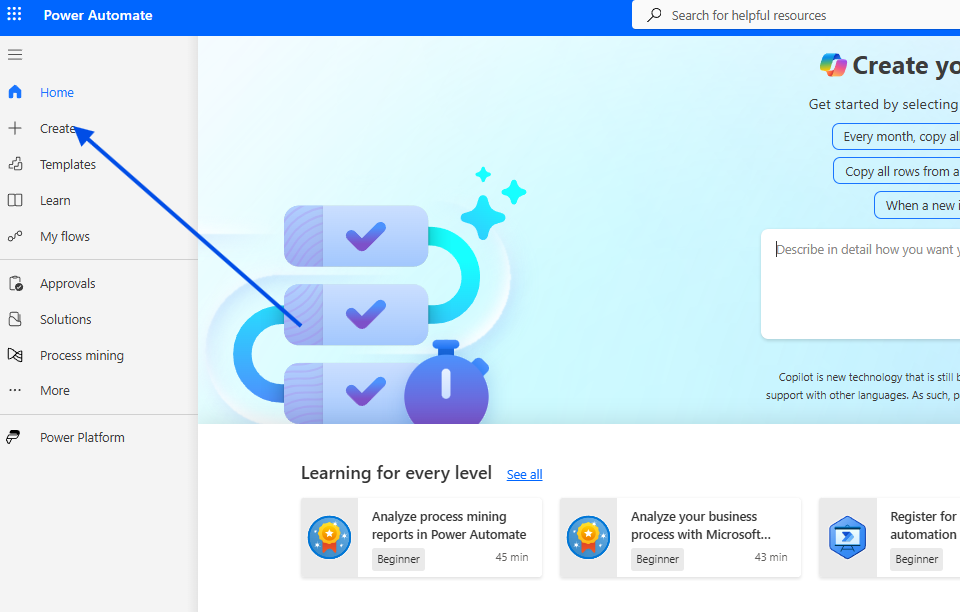
Then we choose Automated cloud flow.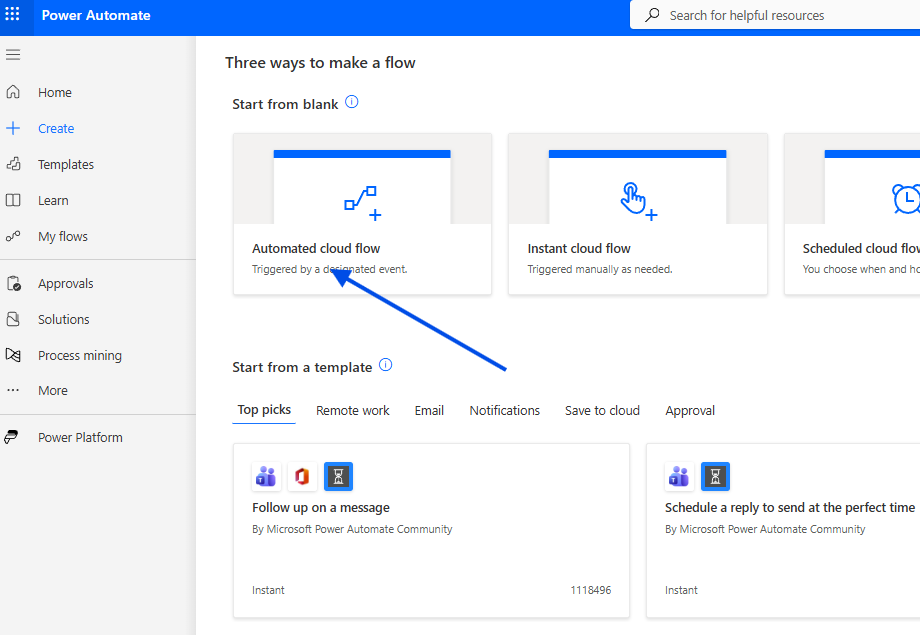
We give the flow a name and select When an item is created.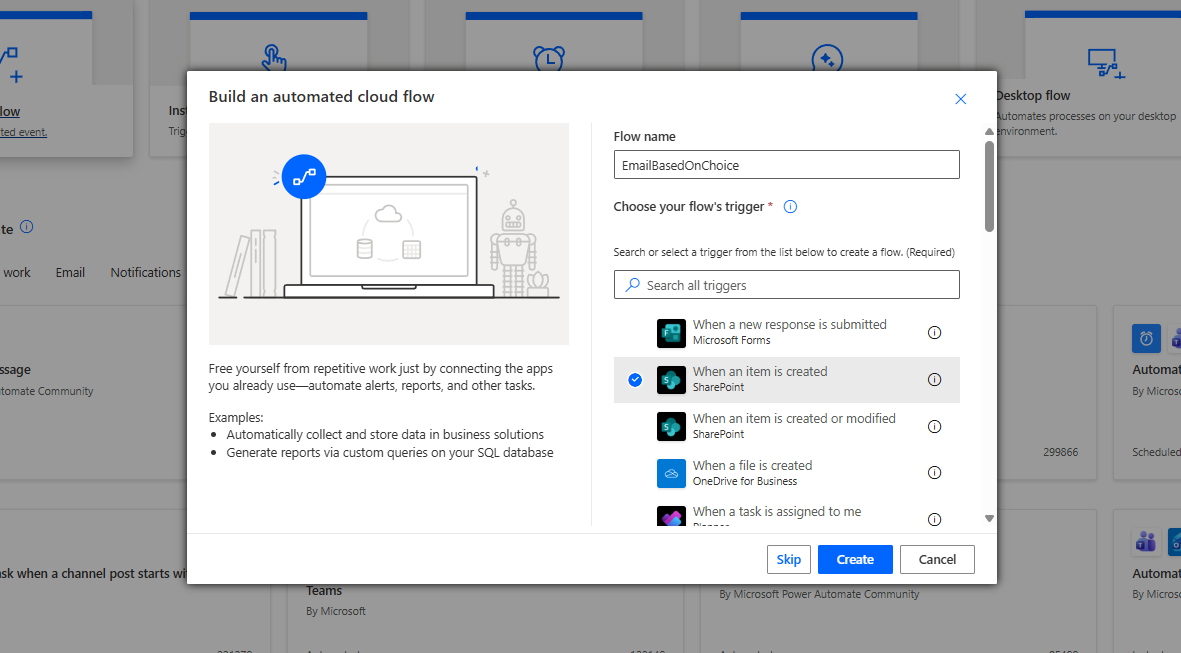
In the next step, we specify the site and the list name.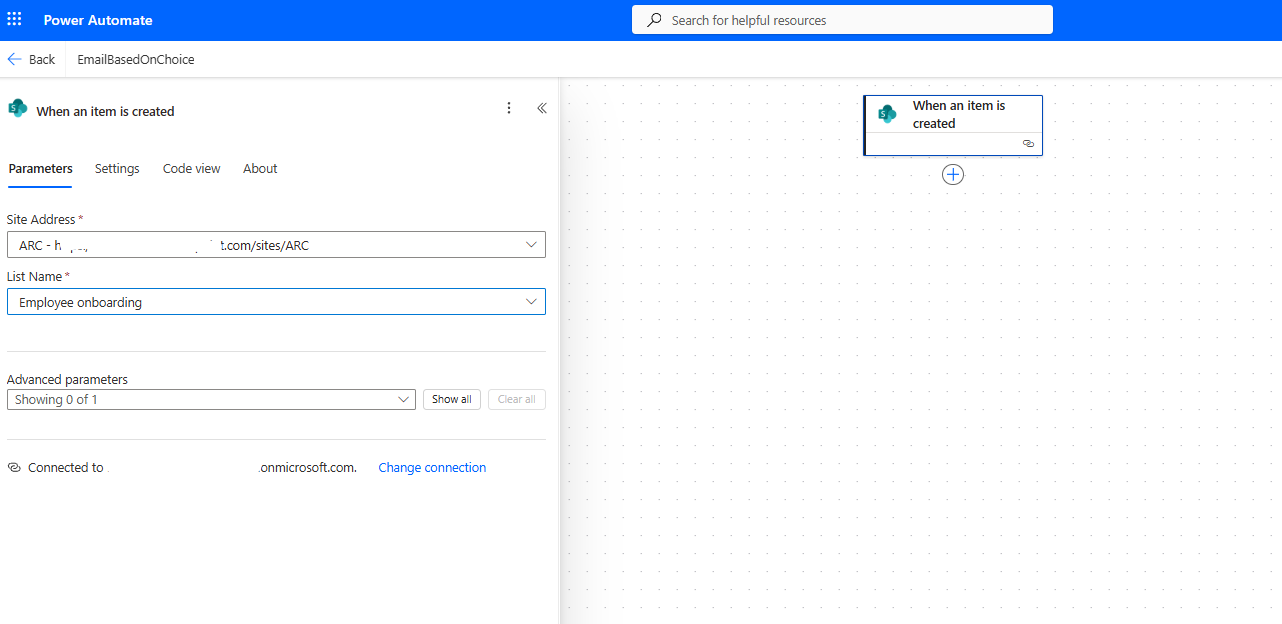
Then we add a Condition that dynamically reads the Complete by value; if it equals First Day, it will send an email to Recipient 01.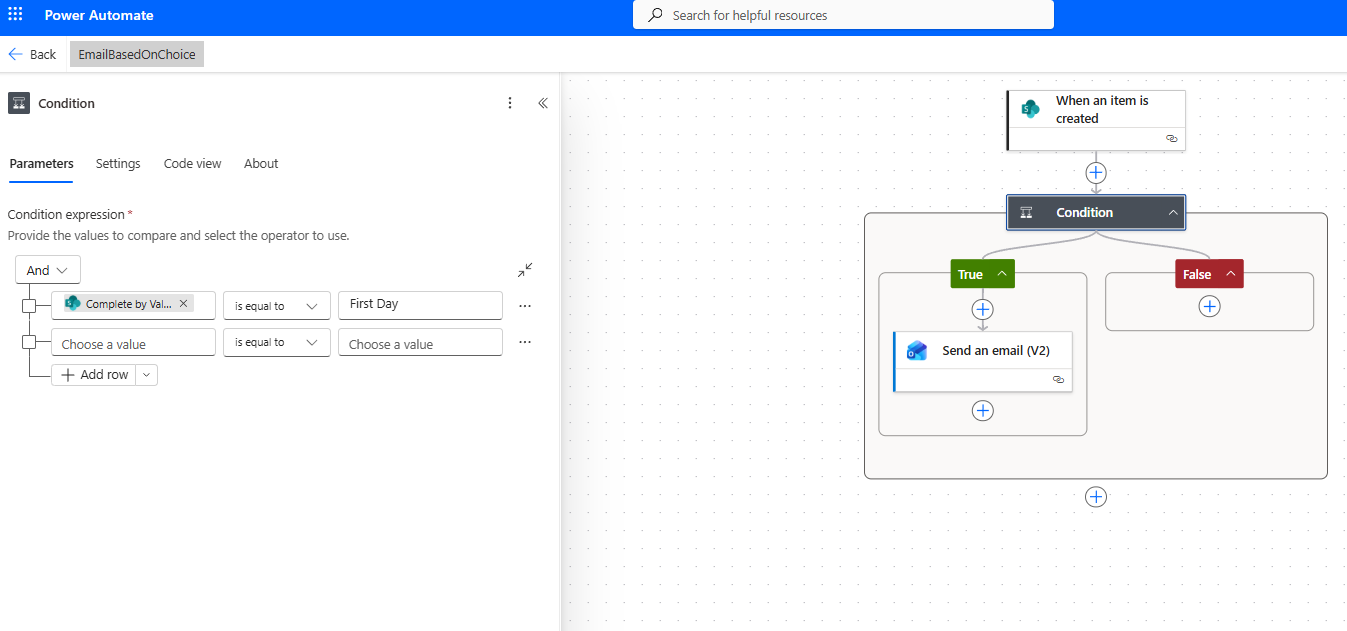
If the Complete by value equals Week 1, it will send an email to Recipient 02.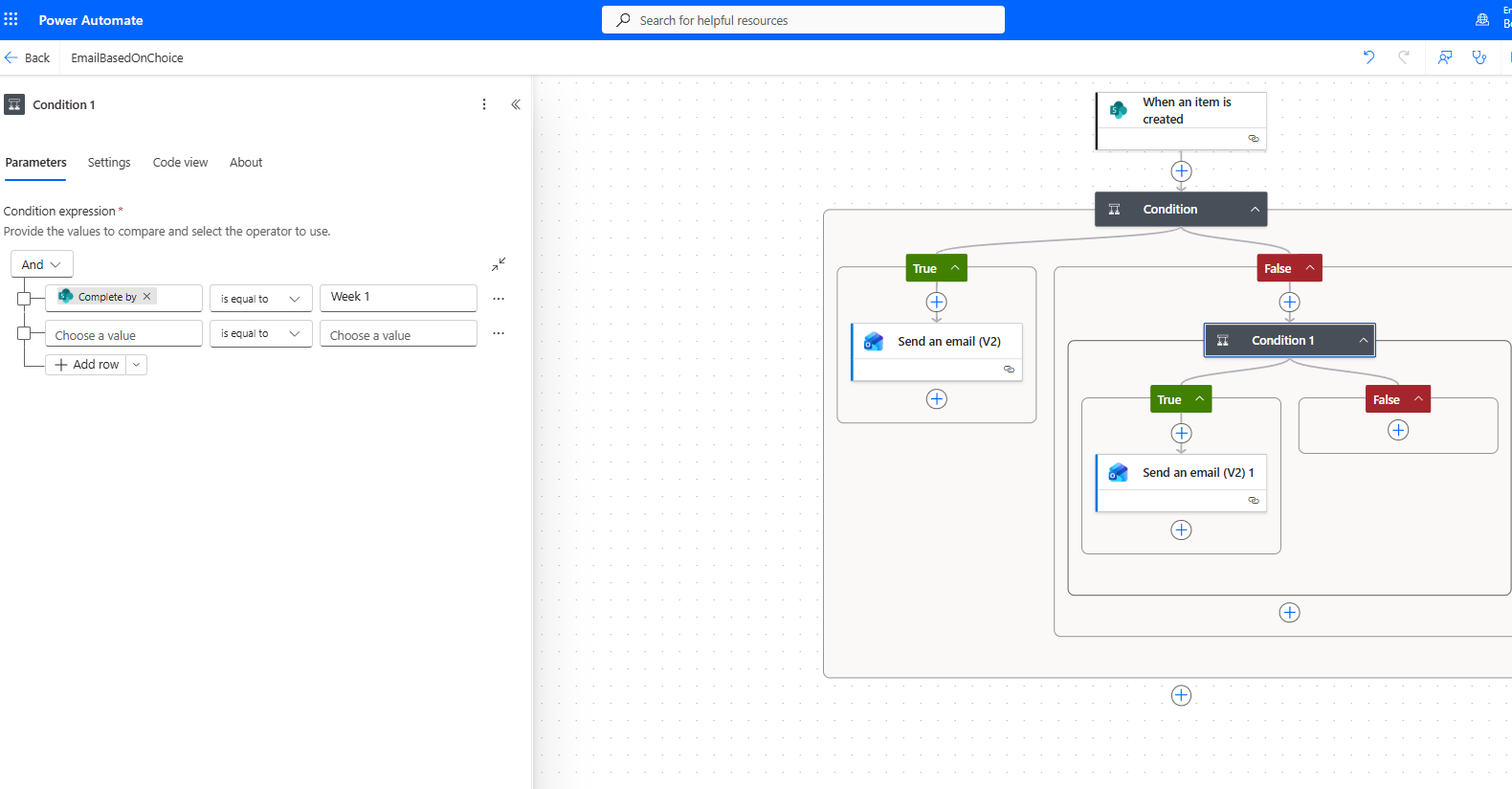
If the Complete by value equals After 30 Days, it will send an email to Recipient 03.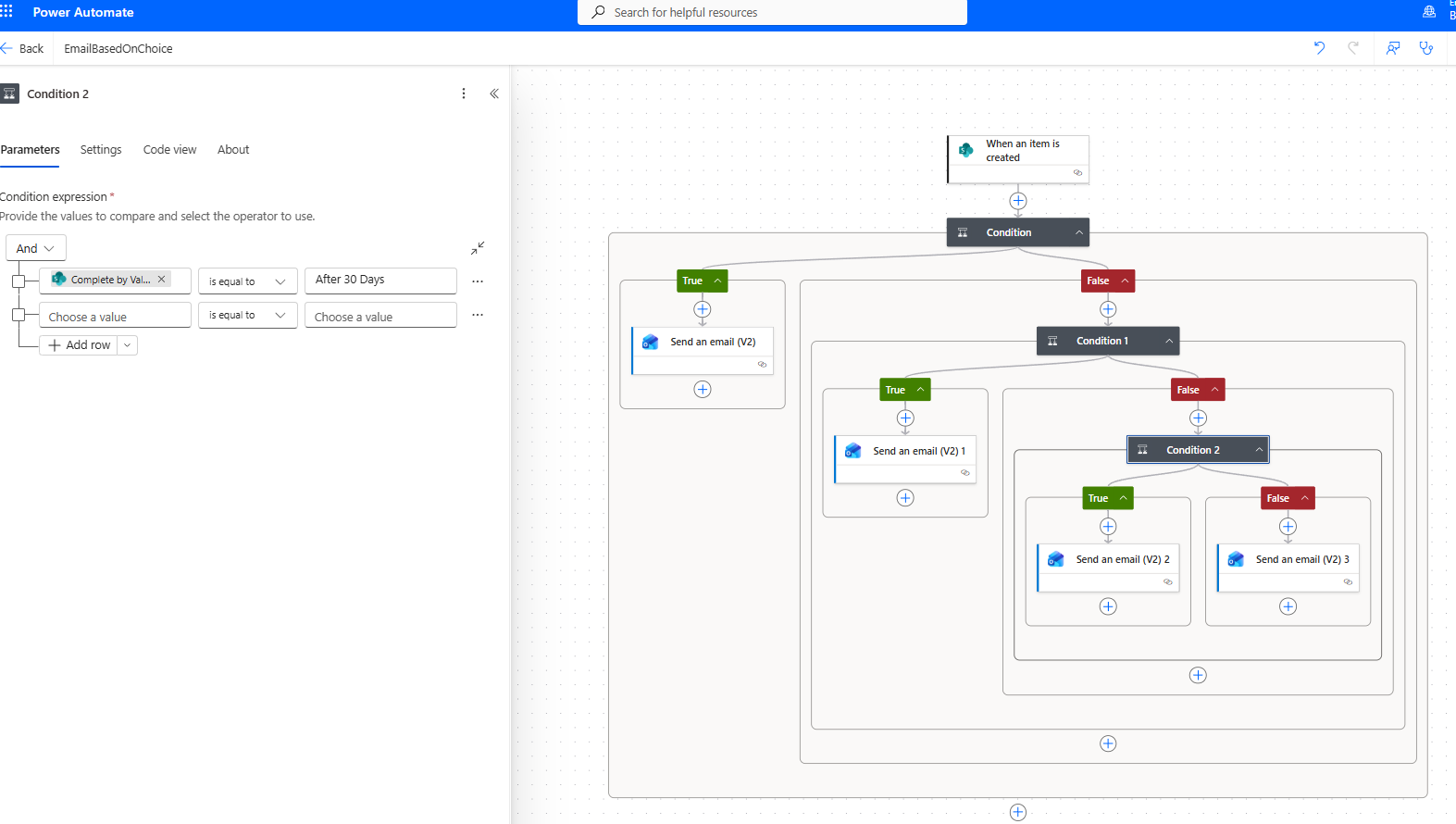
If the Complete by value equals After 60 Days, it will send an email to Recipient 03.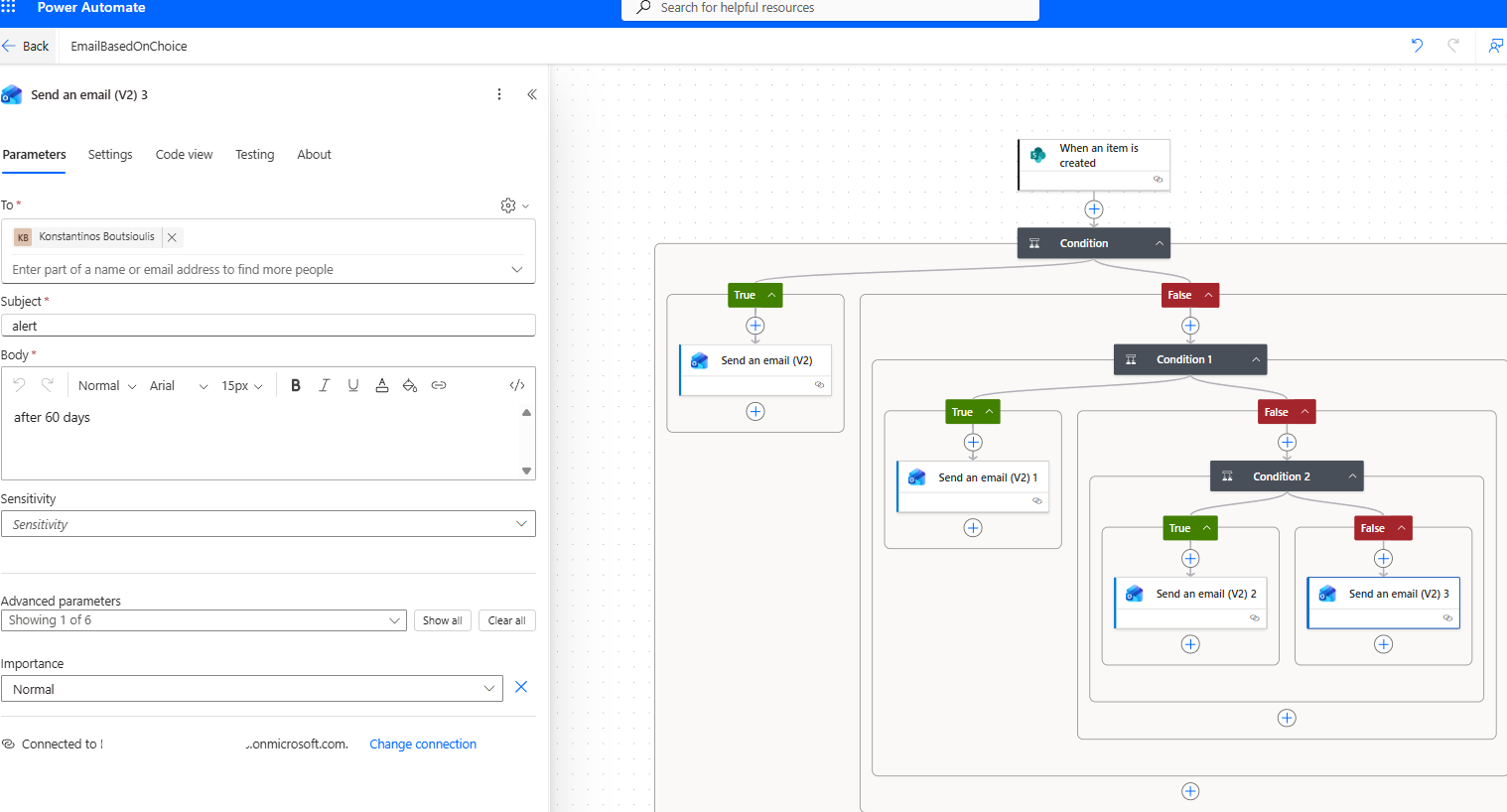
We save the flow.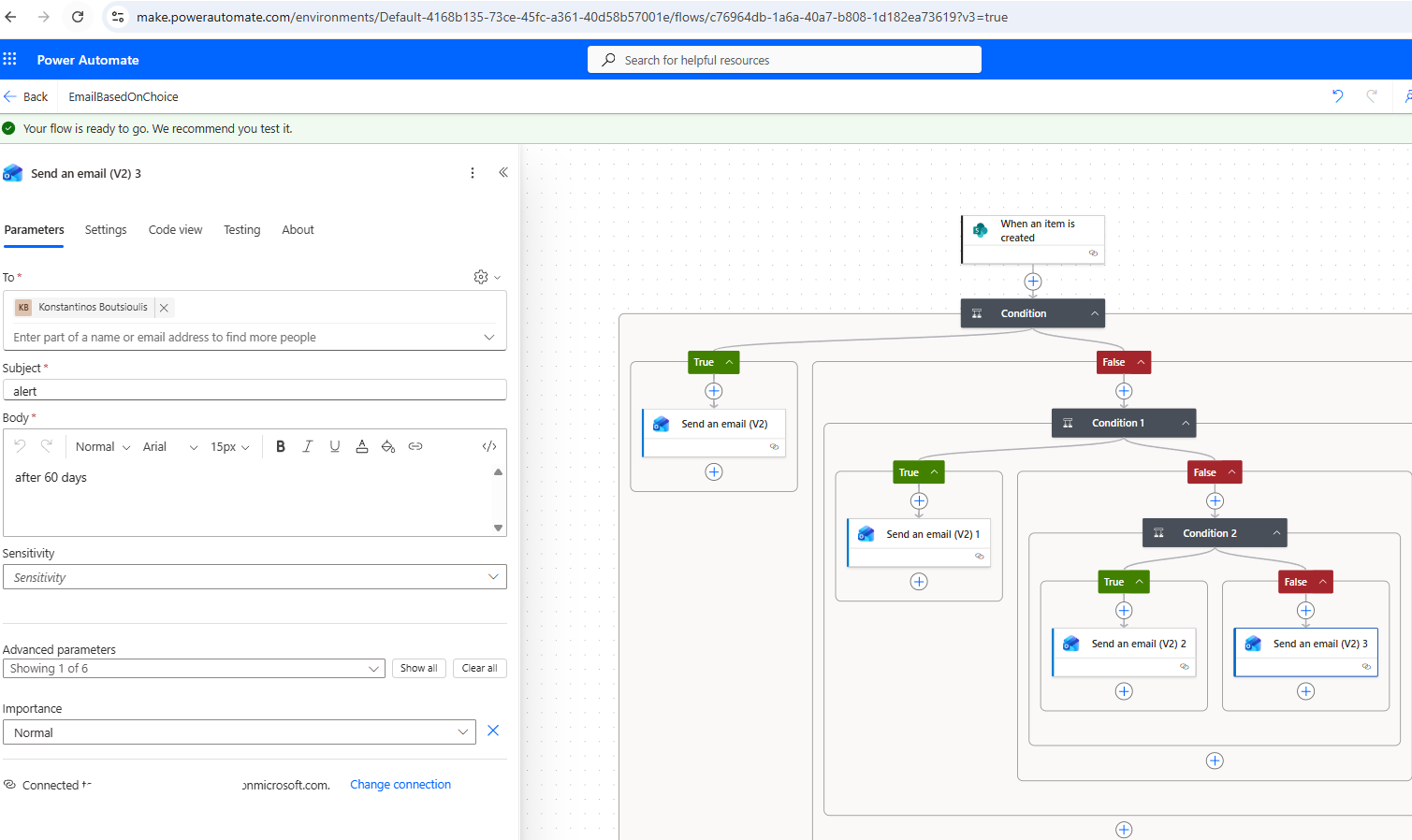
We run a manual test.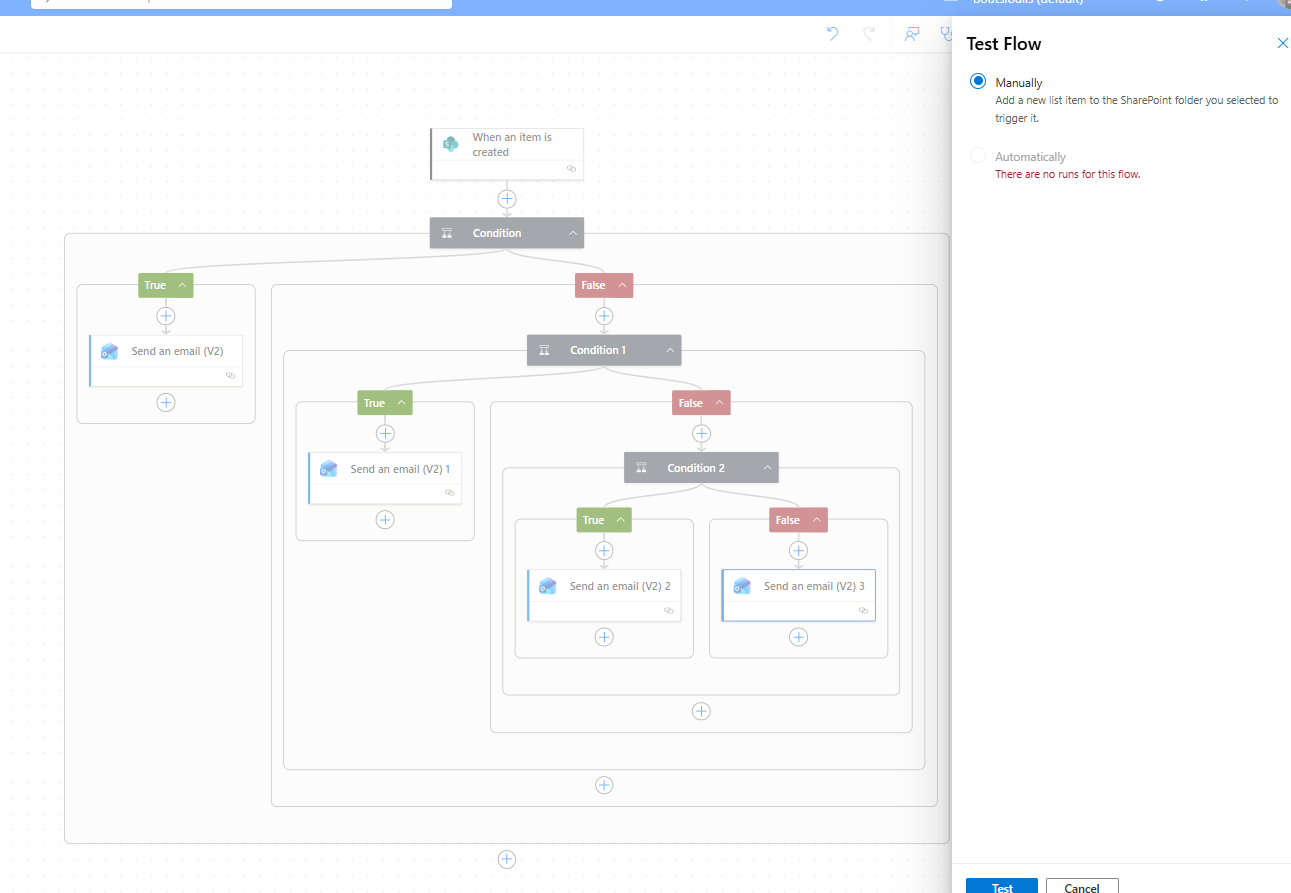
We create a new item in the list with the Week 1 option.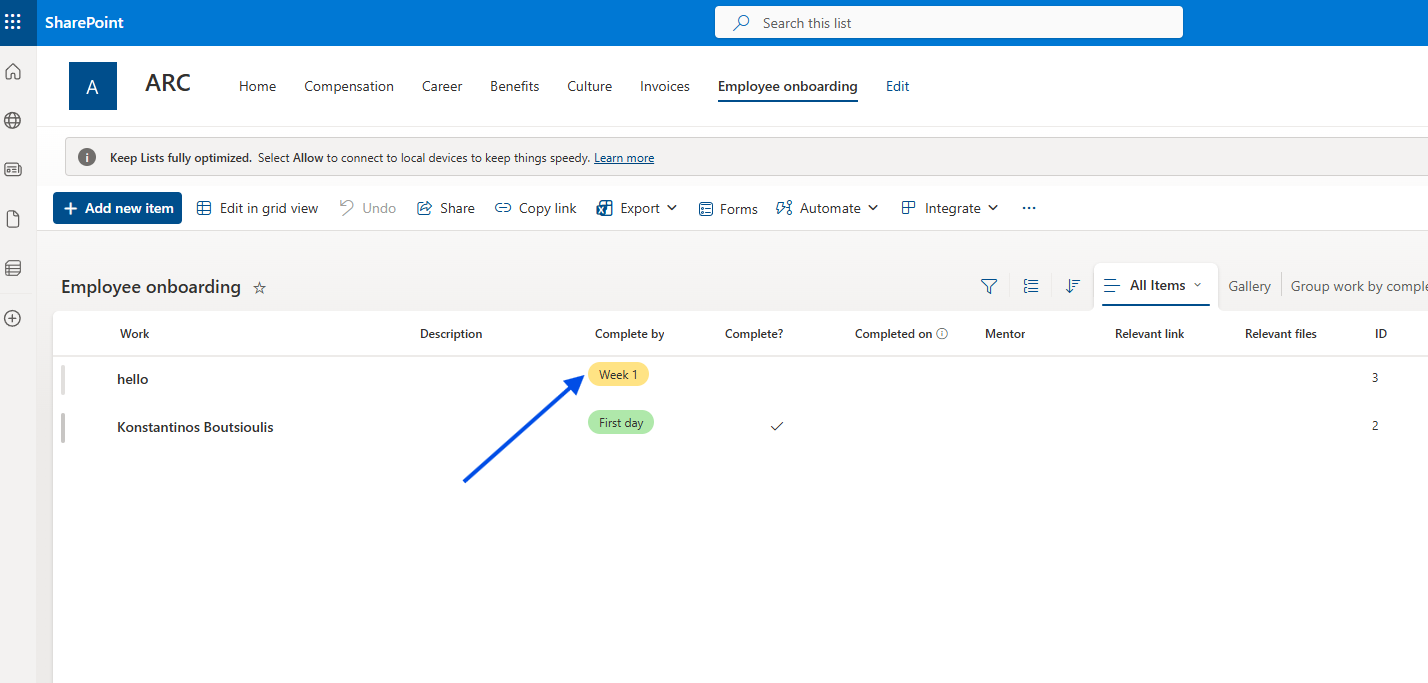
Indeed, the flow runs without any issues.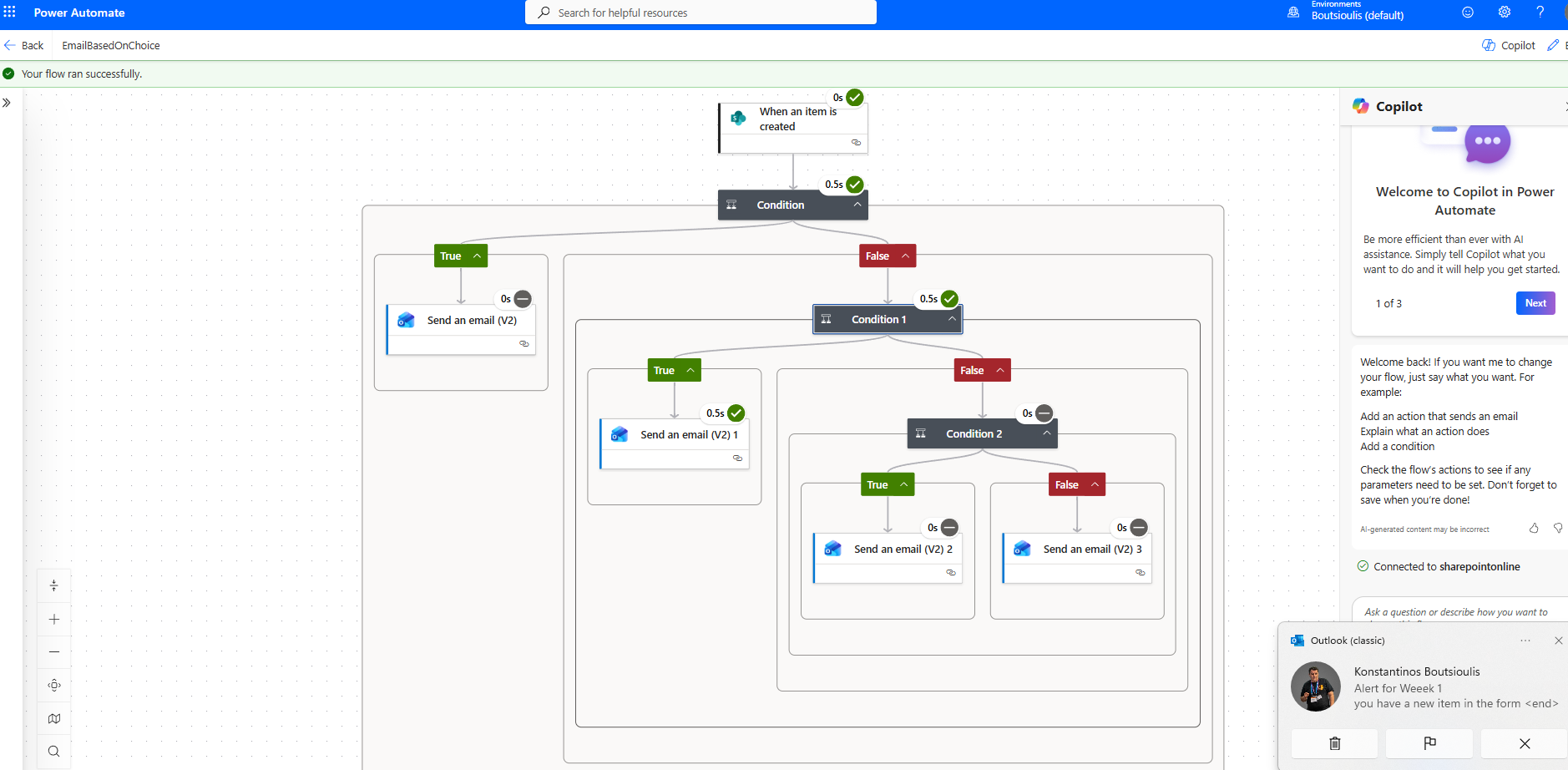
And it sends an email according to the user’s selection during item creation.